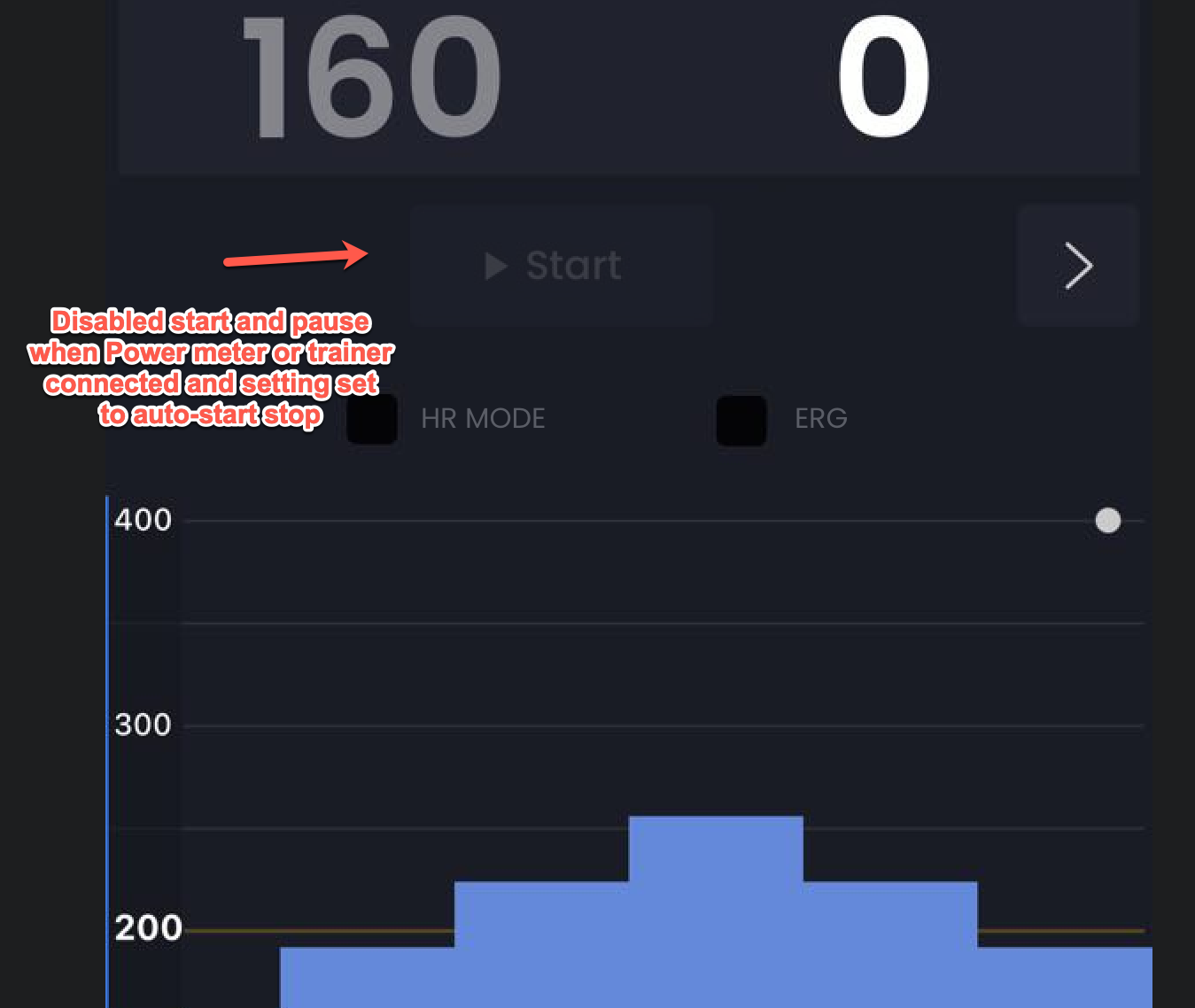
Originally we had this for HR workouts and stuff but now I believe we can improve it. I have had users press pause then start working out and not noticing workout did not start for example putting app in the background and loosing a workout. With our setting Disable auto-pause which should be called “Disable Auto-Start/Stop when Power Meter or Trainer is Connected”
When I load a workout and start pedaling before hitting Start, auto‑start works as expected and the workout begins. But if I manually pause from the hold menu, then start pedaling again, it stays paused and does not auto‑resume – I hope this can be fixed.
It would also be great if Pause/Play could be triggered with the space bar.
Actually pressing pause disables auto start. Just don’t press it and stop pedaling instead of pressing pause. It should work fine.
We used to do it like you are suggesting but people had too many problems so it was better to disable auto start/pause when someone uses the buttons. Yes the desktop is new for us still and getting more and more popular so I love stuff like keyboard shortcuts so I will for sure do space bar, this is good idea.
Thanks. Right - so people and so many different ways to train. Maybe there should be one more checkbox in the settings. It’s actually a common situation when you’re training at home and suddenly get a call or need to stop temporarily. Being able to press the spacebar to pause and then resume the training just by continuing to spin would be helpful.
So what are the current keyboard shortcuts for the Windows version? I tried spacebar, but that didn’t do anything for play/pause. Is there a list of them somewhere?
I will add space for pause/start, really using a mobile app is best for controlling the desktop but I will also create a list I think it is only F and G for full screen options.
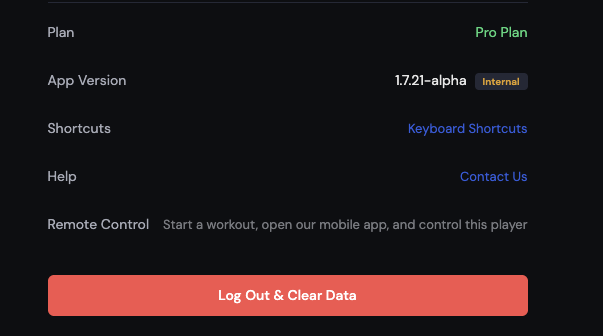
Before you start building out a system of shortcuts, might want to connect with the guys at BikeControl. To be compatible, I would imagine you would simply need to map your function/button names to theirs, and then we could all customize our keyboards/controllers to our heart’s content (at least for the main commands).
Ok this is done (space bar and a few more). I reviewed bike control as well in this process. BikeControl app seems to have assignable keys but still had some defaults.
Workout controls (Player page)
Action
Mac
Windows / Linux (future)
Start / Pause / Resume workout
Space
Space
Skip to next segment (while playing)
→
→
Cycle training mode (ERG → SLOPE/RESIST → HR+)
M
M
Cycle chart zoom (Full → 5 min → 20 min)
Z
Z
Notes:
HR+ is skipped in the mode cycle for free accounts and during ramp tests.
SLOPE vs RESIST depends on what your trainer supports.
Space also clears/disables auto-start/pause.
Fullscreen
Action
Mac
Windows / Linux (future)
Toggle app fullscreen
G
G
Toggle video fullscreen (when a video is playing)
F
F
Native window fullscreen
Ctrl+Cmd+F
F11
Switch tabs (anywhere in the app)
Tab
Mac
Windows / Linux(future)
Today
Cmd+1
Ctrl+1
Progress
Cmd+2
Ctrl+2
Workouts
Cmd+3
Ctrl+3
Player
Cmd+4
Ctrl+4
Activities
Cmd+5
Ctrl+5
Settings
Cmd+6
Ctrl+6
Zoom (whole app UI)
Action
Mac
Windows / Linux(future)
Zoom in
Cmd+
Ctrl+
Zoom out
Cmd-
Ctrl-
Reset zoom
Cmd0
Ctrl0
Tips
Shortcuts are ignored while you’re typing in a text field — except tab switching (Cmd/Ctrl+1..6), which always works.
If keys stop responding after clicking inside a YouTube video, click anywhere outside the video once — the embedded player captures keystrokes while focused.