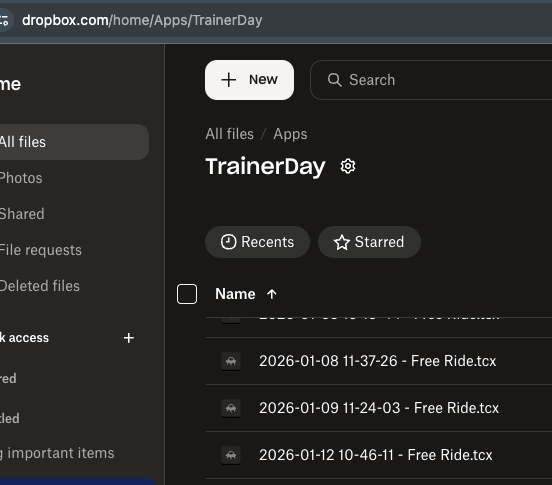
I signed up today for the Pro version and set up my connections to Strava and Dropbox. While the “Apps” and “TrainerDay” folders were successfully created in my Dropbox, I am encountering the following issues after completing my first workout:
Issue #1: Dropbox Uploads
Nothing is uploading to Dropbox. In my connections settings, the “Connect” button still appears rather than “Disconnect.” When I click it, a message states “You are connected to Dropbox,” but no files are posted.
Issue #2: Garmin Connect Naming
I manually uploaded the TCX file from the web activity (Day 1 - Sweet Spot A #1) to Garmin Connect. However, it displays the activity name as “Cycling” instead of the original workout name used on Strava.
Issue #3: Duplicate Strava Activities
When I manually upload to Garmin Connect, it automatically syncs a second activity to Strava named “Cycling,” requiring me to manually delete the duplicate.
Could you please assist me in resolving these issues?