Hello,
I’ve created some workouts in TD and exported them to Garmin as garmin power outdoor workouts.
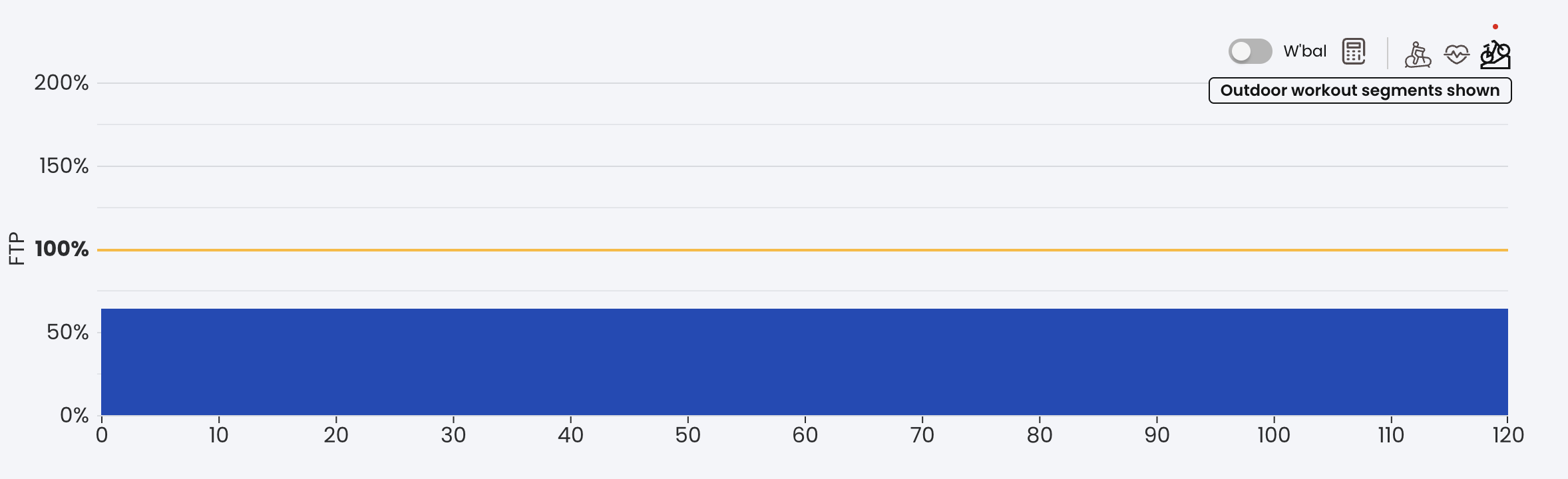
e.g. Trainer Day - Workout: Z2 @ 64%
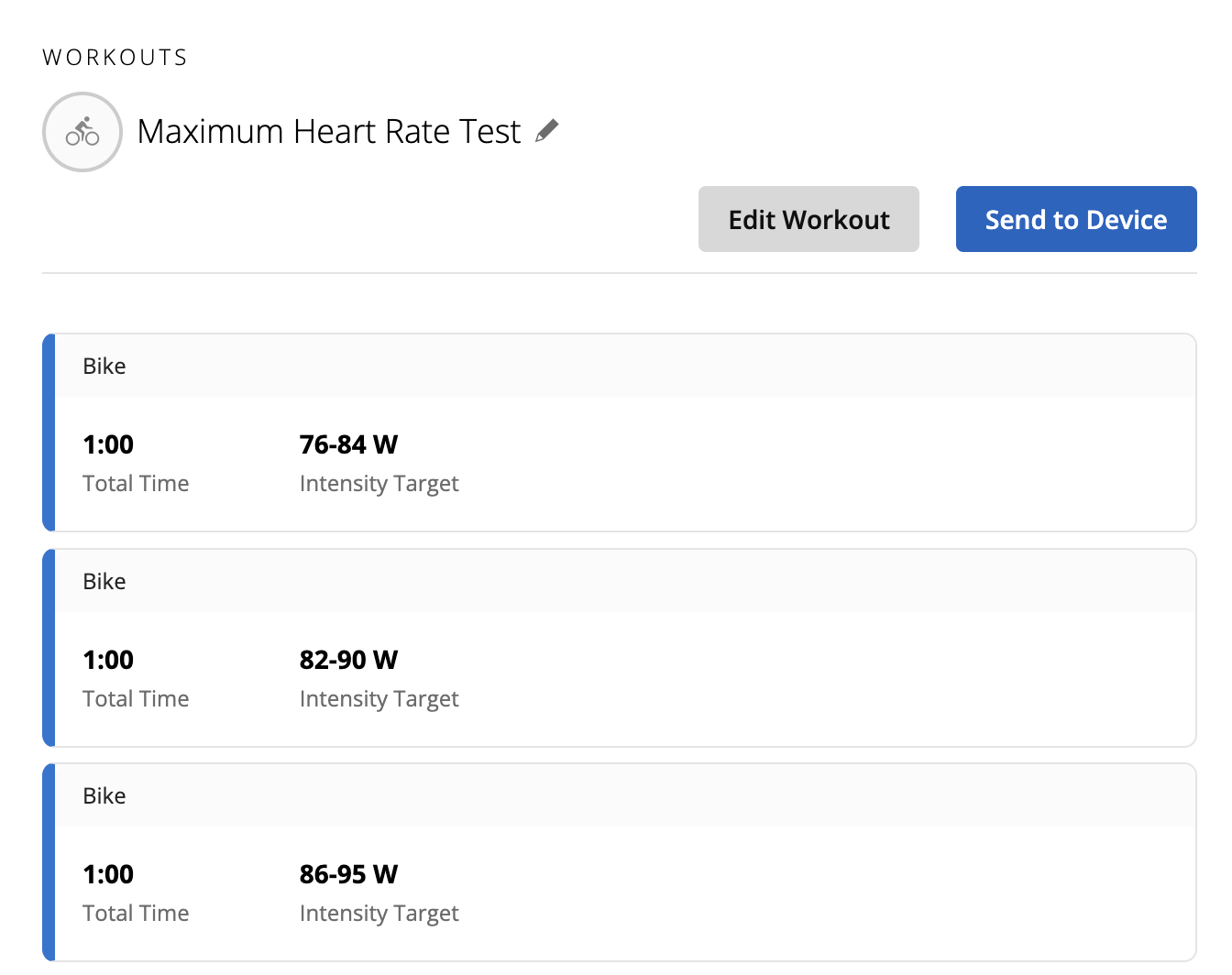
The problem is that in TD I can see the intervals 65% 63% 65% 63%, but on my garmin device I see only one long interval lasting 2 hours.
I like to see shorter intervals on my bike to have fresher “lap averages”.
I’ve checked the exported files and it seems that it’s not caused by TD.
Do you have experience with this? I think that Garmin “flat” intervals if the power difference is too small (just guessing)
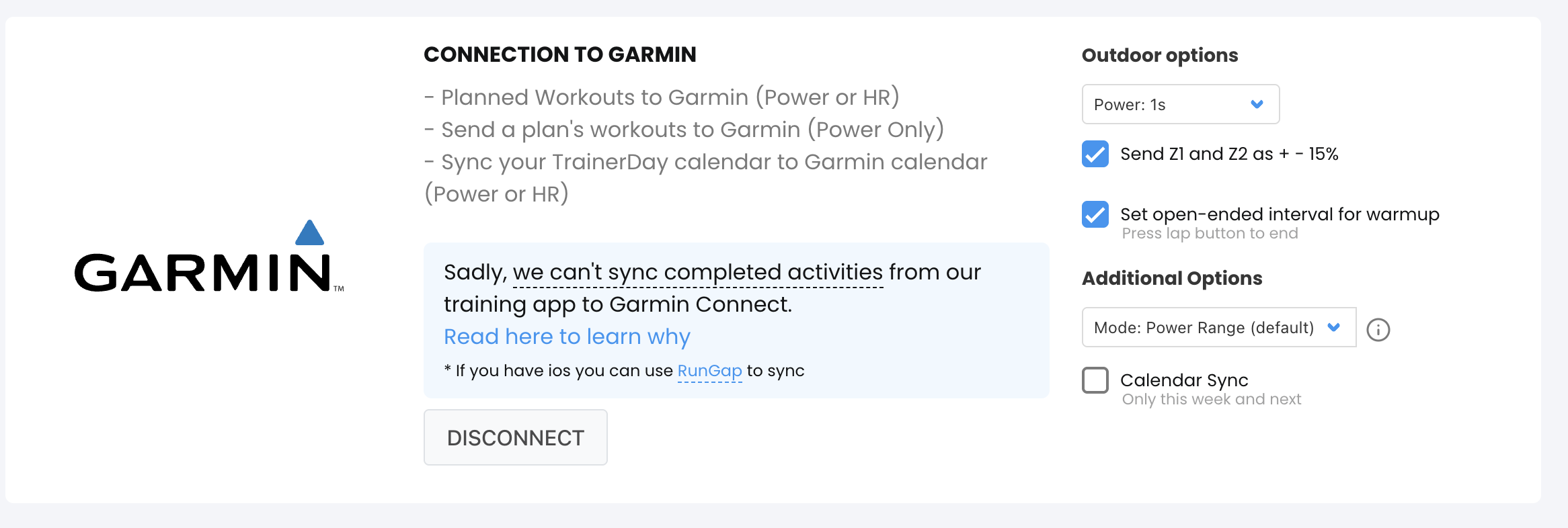
You can click on outdoor on this screen and see what outdoor looks like
See below. Outdoor is just simplified indoor. Riding an indoor workout outdoor is fine
I made an assumption that was probably completely wrong.
I was assuming that INDOOR workouts had fixed power targets, while OUTDOOR workouts had a range of +/- some W/% because outdoor it’s impossible to stay at a fixed power.
Could you please explain than what is the difference between outdoor/indoor?
What is the reason to “flat” intervals in outdoor workouts?
And, if I send the workouts as indoor, will I still see the power ranges on my Garmin Edge?
I think you will see ranges with indoors but can’t remember now. 63% and 65% outdoors are exactly the same workout I would argue they are probably the same indoors in most cases but strict ERG obviously their could be a small difference… especially between 120% and 122%.
Just click on that button on different workouts and you will see the difference, we basically try to generically simplify so you don’t have some crazy outdoor intervals with small difference. I do see some small issues at times in our conversions but most of the time it looks good.
What I mean is that if I create a workout with one interval = 70% FTP you will send it to Garmin Outdoor as a range (eg 68%-72%).
On my Garmin Tacx indoor HT I send the intervals as indoor in ERG mode and there is no range (of course).
What I’m trying to accomplish with the many 10 minutes at 63% followed by 10 minutes at 65% is to avoid to ride a 2hours interval at 64% and have the avg power shown on the Garmin that is not accurate anymore (because the average is too slow and if you start going too fast at the end of the workout the avg will not change)
I like to split the 2 hours in 12 intervals of 10 minutes. They can also be all 65% (I tried to change 65% 63% to “debug” the flattened output)
Is it more clear now the “problem” that I’m encountering?
can you explain one more time the difference between indoor and outdoor? is it only the “flattening” of the powers?
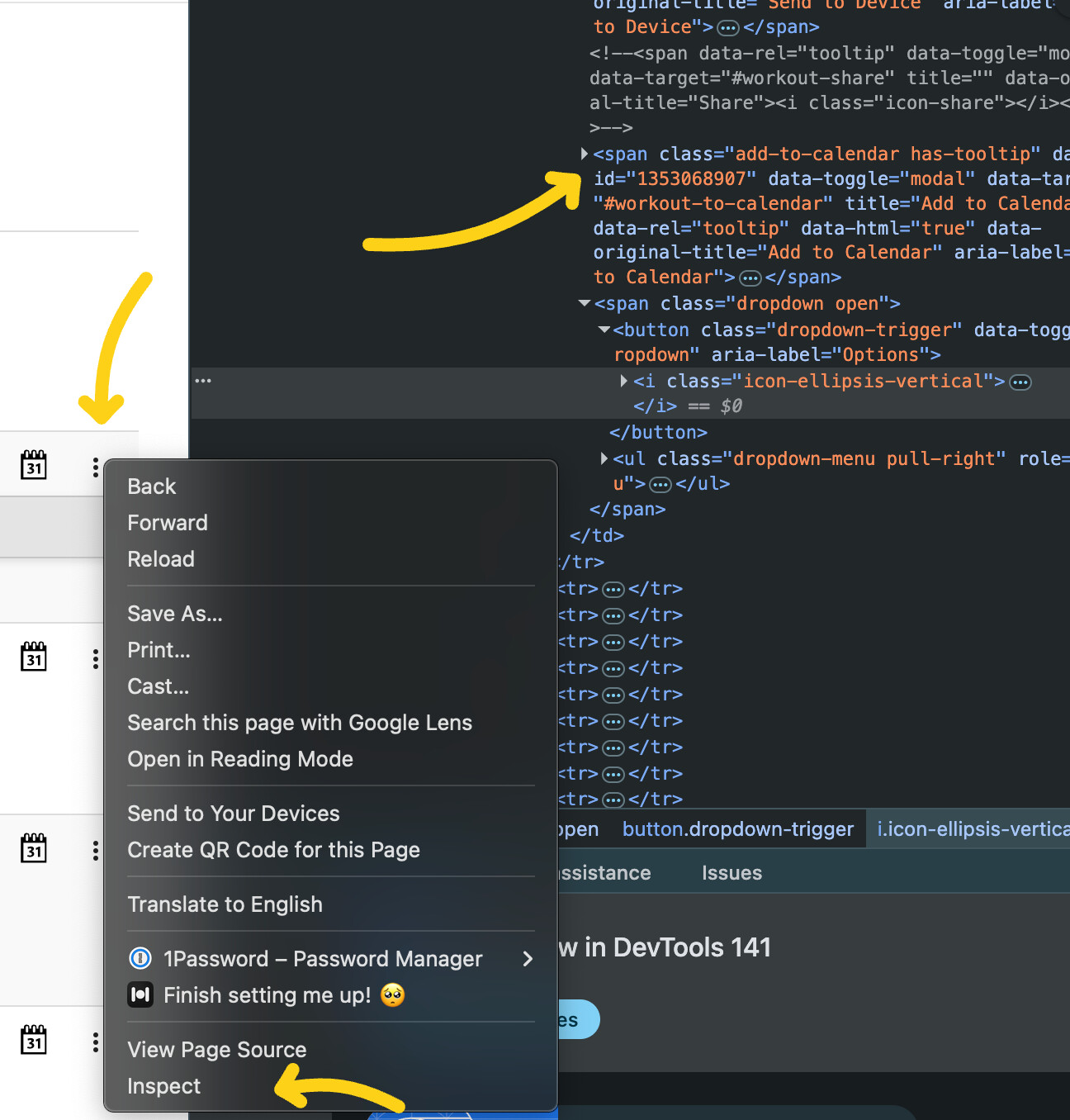
Unfortunately I can’t see what you send to garmin when I select indoor or outdoor and can’t verify myself.
tnx @Alex
I’ll debug what you send to garmin later, interesting hint
So, basically, if I want to have control on what you send to Garmin I should always send my workouts as indoor and disable the +15% for Z1/Z2 to have control.
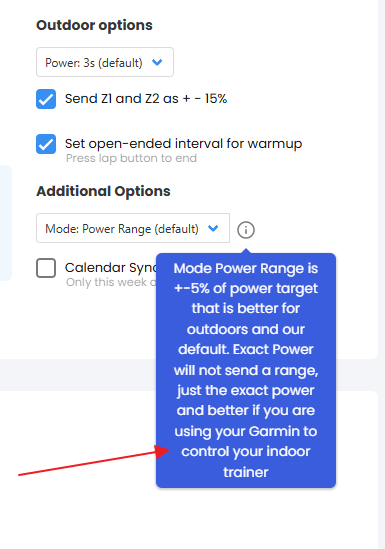
Are you sure that the “Additional Options” are also used for Indoor? I see them below “Outdoor options” and I would be sure that those additional options are not related only to outdoor.
From the tooltip I’m not 100% sure; I’ve never seen ranges on my HT, only exact power, but my current default is “Power Range”, like in the screenshot.
Oh there is the answer It’s been years since I looked at this. Yes additional options are for indoor too. Not tested it but outdoor is a newer feature and indoor always had this additional options.

 wow
wow