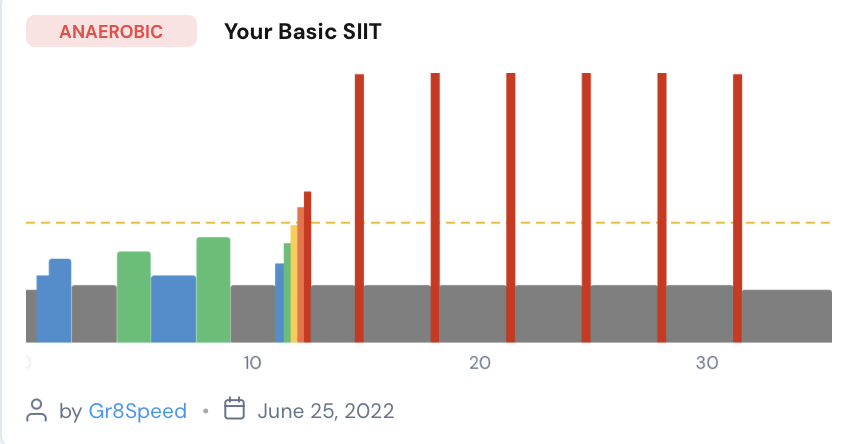
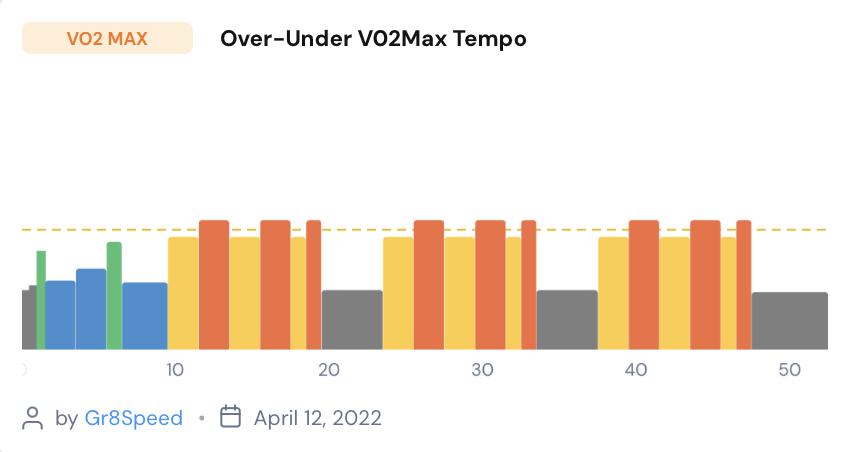
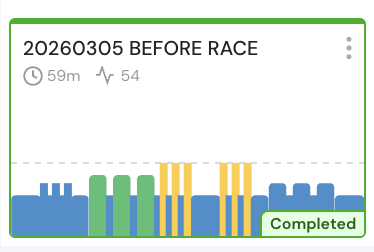
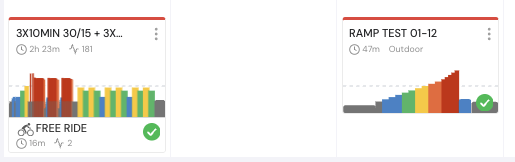
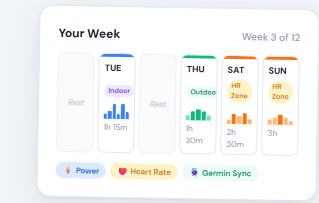
So for now, I did kind of a “simple” color rules that I’m sure is going to confuse people.
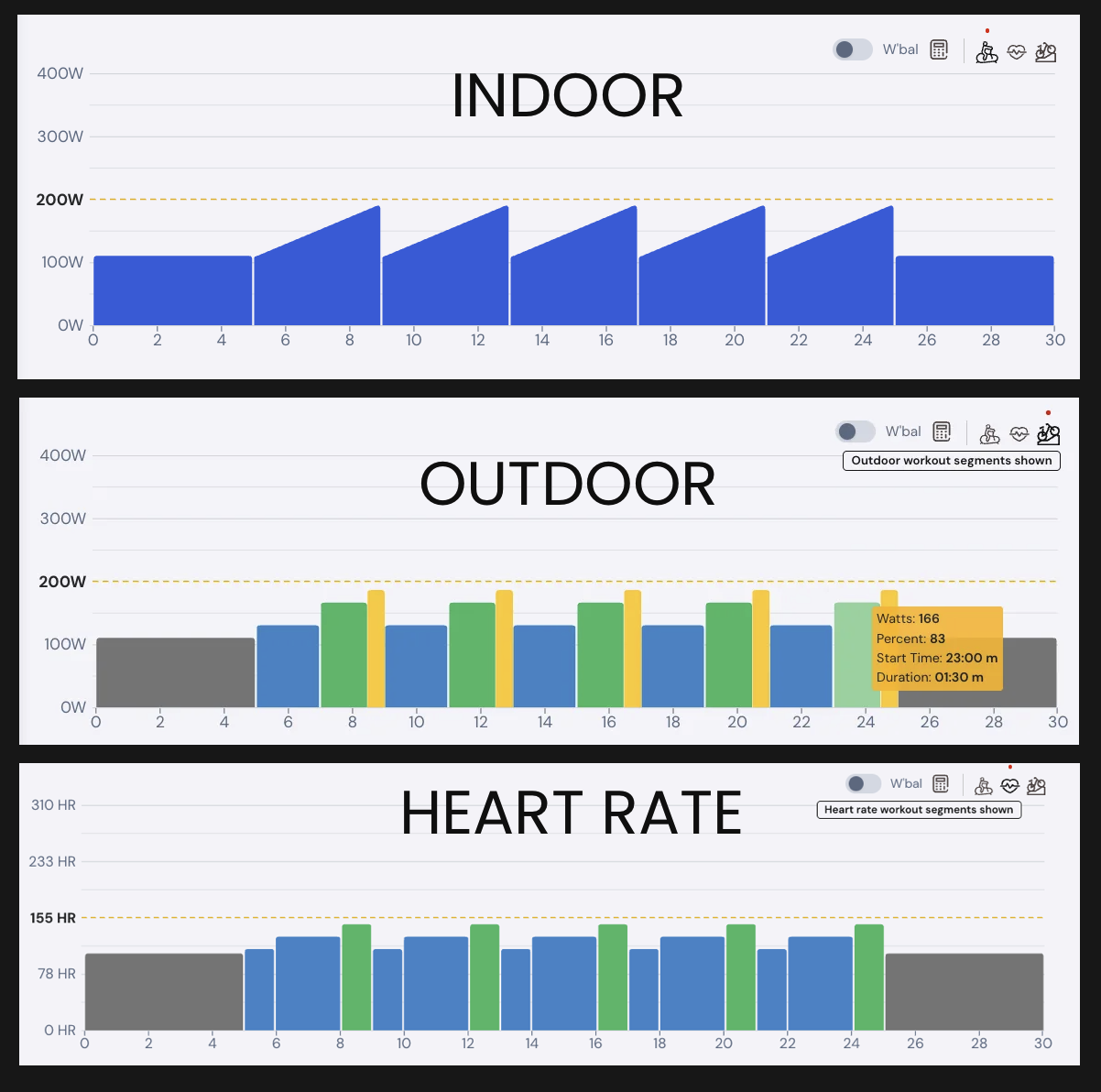
I defaulted all workouts to show outdoor mode and outdoor mode now shows the zone colors in specific places, calendar, search results, plans. But details still shows based on current mode. Indoor/outdoor/hr. I chose outdoor because it is simple looking and shows the important ideas.
We also did a lot of improvements to the algorithm for outdoor and HR to do a better conversion from indoor to outdoor and HR. When you click to view the details of a workout, though, it will show the mode that you had selected last time. So it will show indoor mode or what you chose.
See below. And remember, anybody can go into their profile and change the conversion from outdoor to HR and what they want those ratios to be.
I did not put a user preference for now, but if people want to see blue all the time I will likely add it as an option. The app has not changed and I will keep thinking on that but I don’t see us changing the main view in the app when you’re training unless it’s an option and people request it.
Nice feature. Colors help me in an unusual way. I try to not mix targets and goals in a single workout. Too many colors (outside of warmup) tells me to give the workout another look.
My all time favourite Basic SIIT workout (six all out SIITslope sprints) looks better than ever.
Hi, it looks nice, but now I can’t change the type of training between indoor, outdoor or by heart rate in the calendar. I used to be able to do this change. Am I doing something wrong?
It looks like all the workouts are indoors, even though the description says they are outdoor workouts - they look the same as in the app
I guess I expressed myself wrong. What I mean is that the segments between indoor and outdoor training will not change. Previously, outdoor training was segmentally simplified, now it looks the same as indoor training.
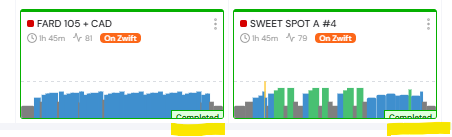
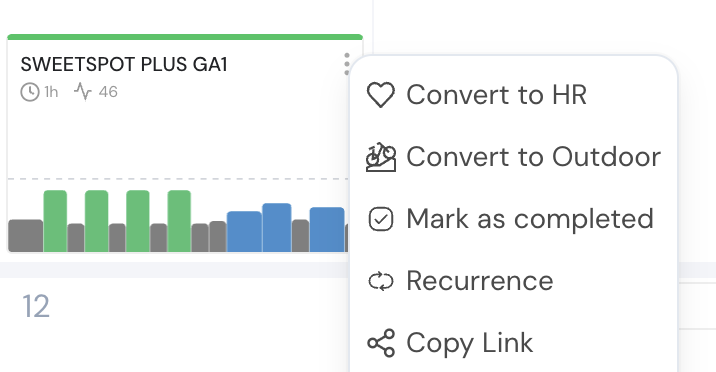
Okay, this is fixed. On the calendar, we’re showing the outdoor colors all the time now but I do put text for outdoor and heart rate, which you can see below.
When you click on it and see the pop-up, you can see the actual segments of outdoor, heart rate, or indoor. We’ll still need to test this more on Monday, but it seems like it’s working fine now.
Hi Alex,
Is there a way to switch back to the old mode for indoor cycling? I liked the colors, and the likes for a particular ride was nice to see also.