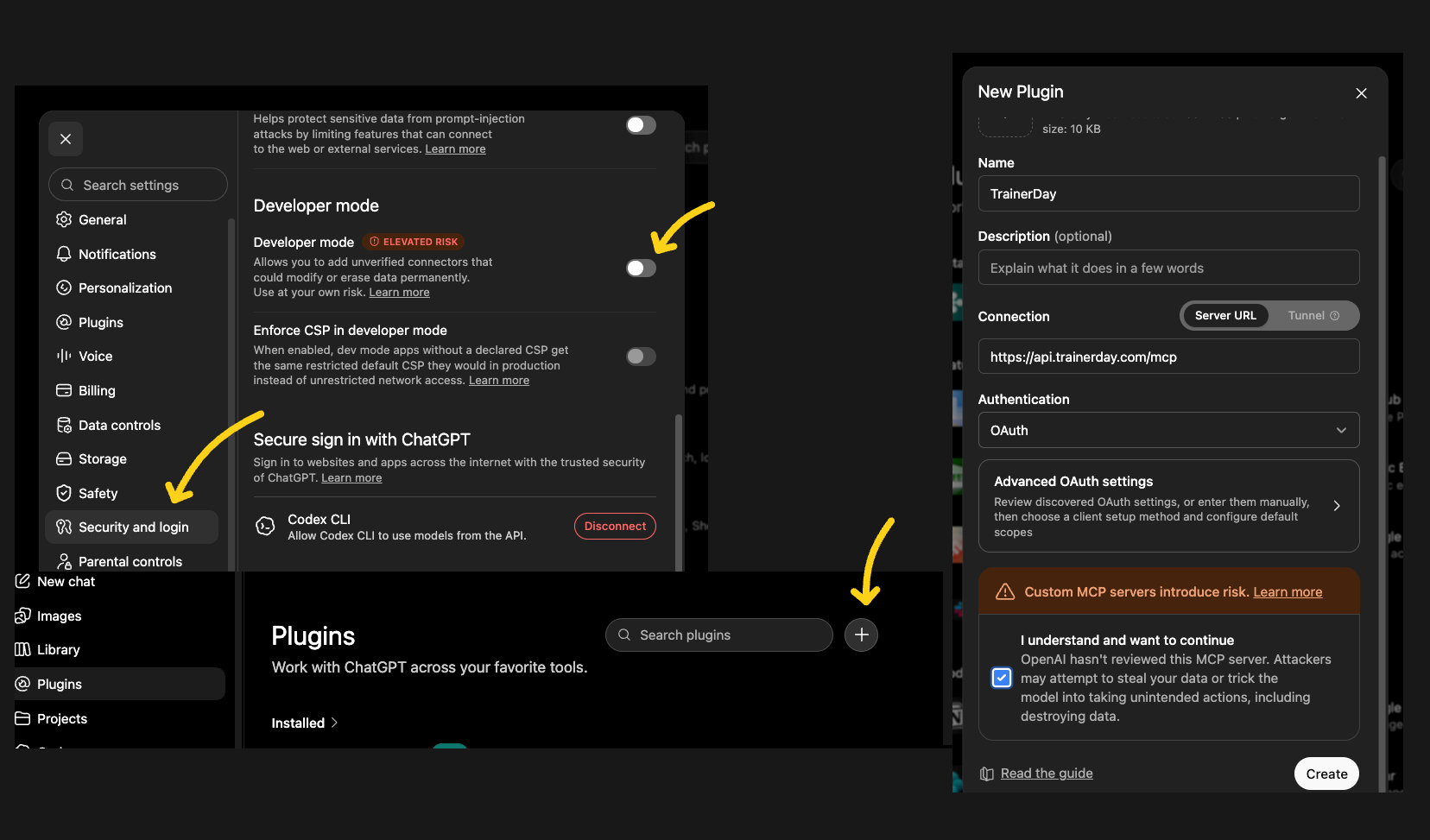
However, I don’t have an MCP or Connected Tools section in my ChatGPT settings.
I do have Settings → Plugins → Developer Mode, and I enabled Developer Mode. I can also access the ChatGPT Plugin directory and Plugin Management, but I still don’t see any option to manually add an MCP server or enter the TrainerDay MCP URL.
We also searched the ChatGPT Plugin directory for TrainerDay but couldn’t find a TrainerDay plugin there.
The confusing part is that the TrainerDay instructions indicate this should work with ChatGPT Plus, while the current ChatGPT interface on my Plus account doesn’t seem to provide the option needed to add the TrainerDay MCP server.
Is there a different procedure I should be using with the current version of ChatGPT Plus? Or is the TrainerDay MCP connection currently limited to certain ChatGPT plans/accounts?
I’d really like to get this working because being able to give ChatGPT direct access to my TrainerDay workouts and activity data would be extremely useful.
Hi! I’m trying to connect the TrainerDay MCP server to Claude using the documented server URL:
https://api.trainerday.com/mcp
The OAuth flow fails in Claude with:
Issuer mismatch in authorization response (RFC 9207): expected "https://api.trainerday.com", received "https://api.trainerday.com/"
It looks like the OAuth discovery metadata advertises the issuer without a trailing slash, while the iss parameter in the authorization response includes the trailing slash.
Could you check the MCP OAuth authorization flow and make the issuer values identical? Either:
https://api.trainerday.com
everywhere, or:
https://api.trainerday.com/
everywhere.
This appears to be on the TrainerDay OAuth/MCP side rather than a Claude configuration issue.
A follow up question. I have set up a separate TrainerDay account for my and I am helping her with planning. Is there a way that I can connect both of our accounts to my Chatgpt account so I have all of my TrainerDay information in one place?
Hmm, interesting request, right now it’s not so easy, you might be able to do it on two computers. Let me see if there is a way we could make this possible/easy.
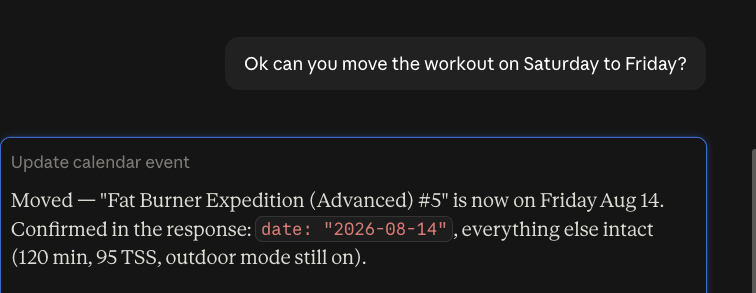
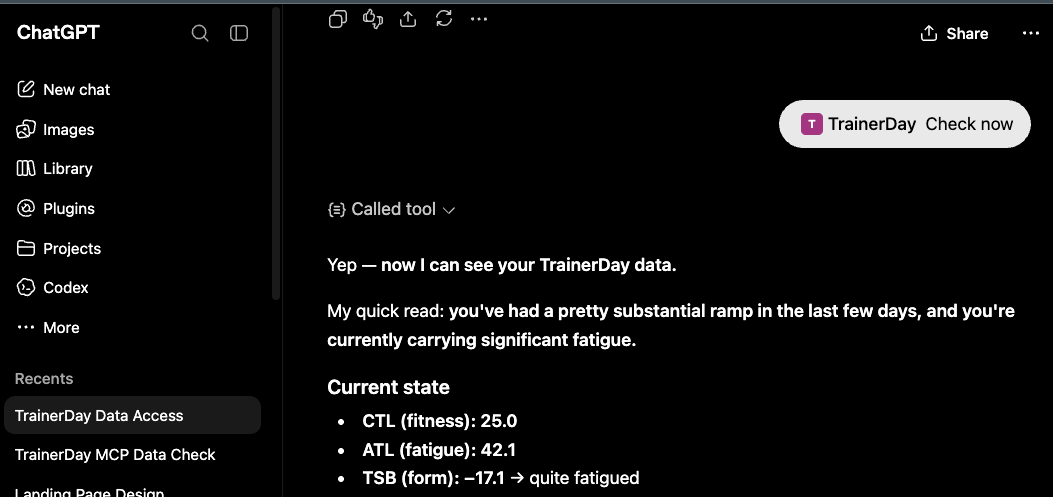
both the api and mcp are really nice. Together with intervals.api and TD API I built myself an overall coaching tool. Intervals pulls activities and health data from all sources (strava, garmin watch, bike computer, zwift etc). And the combination of wellness data + trainerday calendar can give me advice on when to change a training or not. And then I can also make it auto push back to trainerday and intervals.icu…
That’s cool. Nice job. I really believe that people building their own coaching tools is the right approach. So incredibly important is believing in what the coach tells you, and combine that with your own ability to fix things when they go wrong and ownership to do so. You see traditional AI go so wrong when it comes to daily workout suggestions. Oh just did 600km gravel race yesterday, today you should do 2*20min at 105%
I realized I want to add a few more api methods to making support for managing the calendar even easier. I have not finalized my thinking yet. If you get ideas or see something missing (anyone here) let me know.
incidentally i did also make a small part replacing my intervals calendar for a certain period with the td workout calendar. Clear/push easier to manage.