When I look at the App (iphone and ipad), it shows one workout, but when I look on the website, it shows a different one.
The app shows workouts numbered… #1, #2, etc… but not on the calendar??
Very confused. Why doesn’t the app show the scheduled workouts like the website?
And then, when I’ve done the workout (recorded externally and into strava) that was not on the website, how do I tell the website the workout I did for that day?
Same account for sure… logged out and back in on both the app and the website.
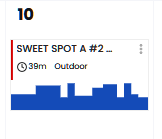
Today, right now, the website shows " Sweet Spot A #2 + CAD" to be done - looking at the calendar view.
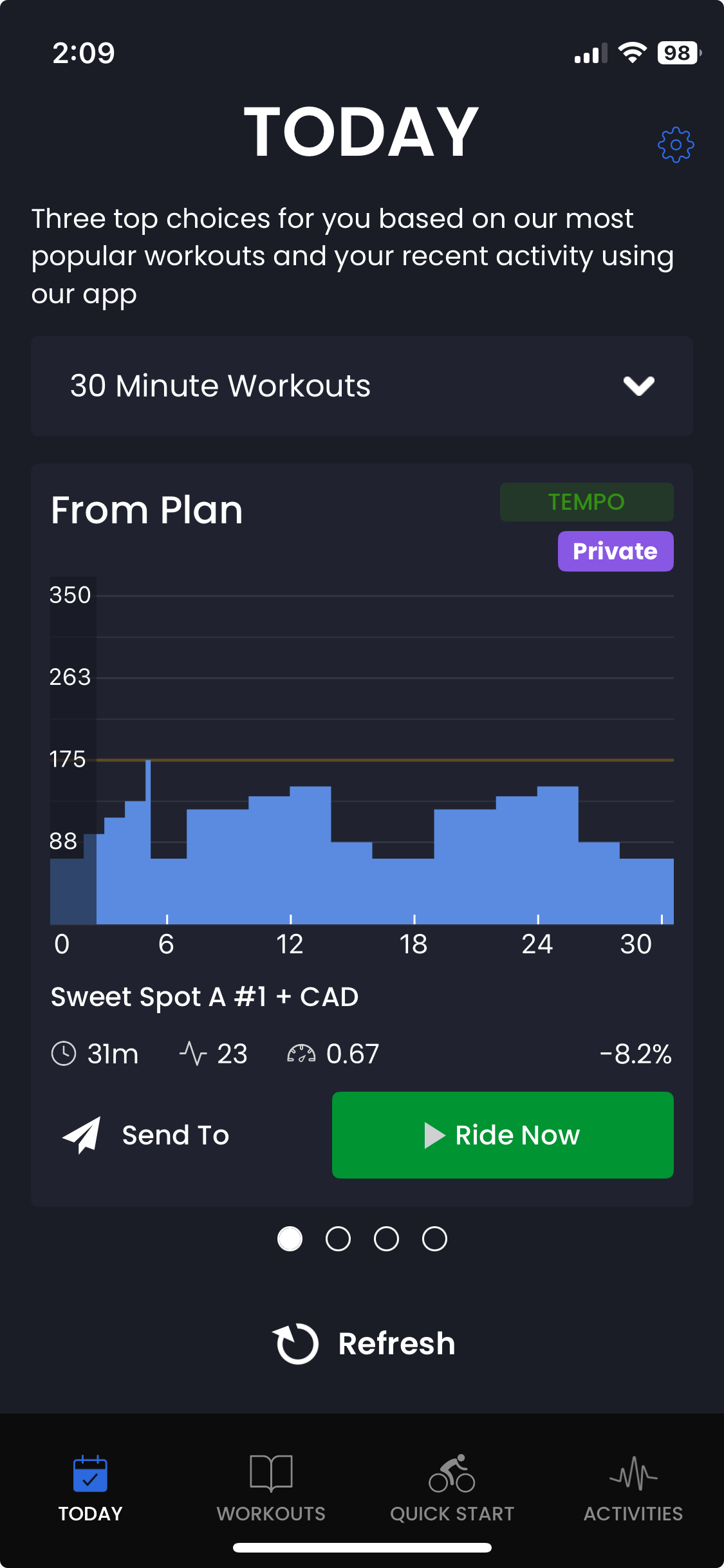
In the iphone app, looking at the “Today” tab, it shows “Sweet Spot A #1 + CAD” and it says it is “From Plan”. This is the same workout that showed two days ago on Tuesday.
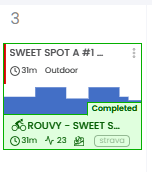
And… that name “Sweet Spot A #1 + CAD” is the same name as the second workout in my plan (from July 3rd) - but that workout on July 3rd is different looking than the one showing on “Today” on the iphone app.
I don’t trust the iphone app. Seems like a bug of some kind. I logged out and back on, and it still shows this.
Is there a way to see the calendar in the iphone app ?
Oh I see what you mean now. Sorry I should have read more clearly what you wrote, I misunderstood.
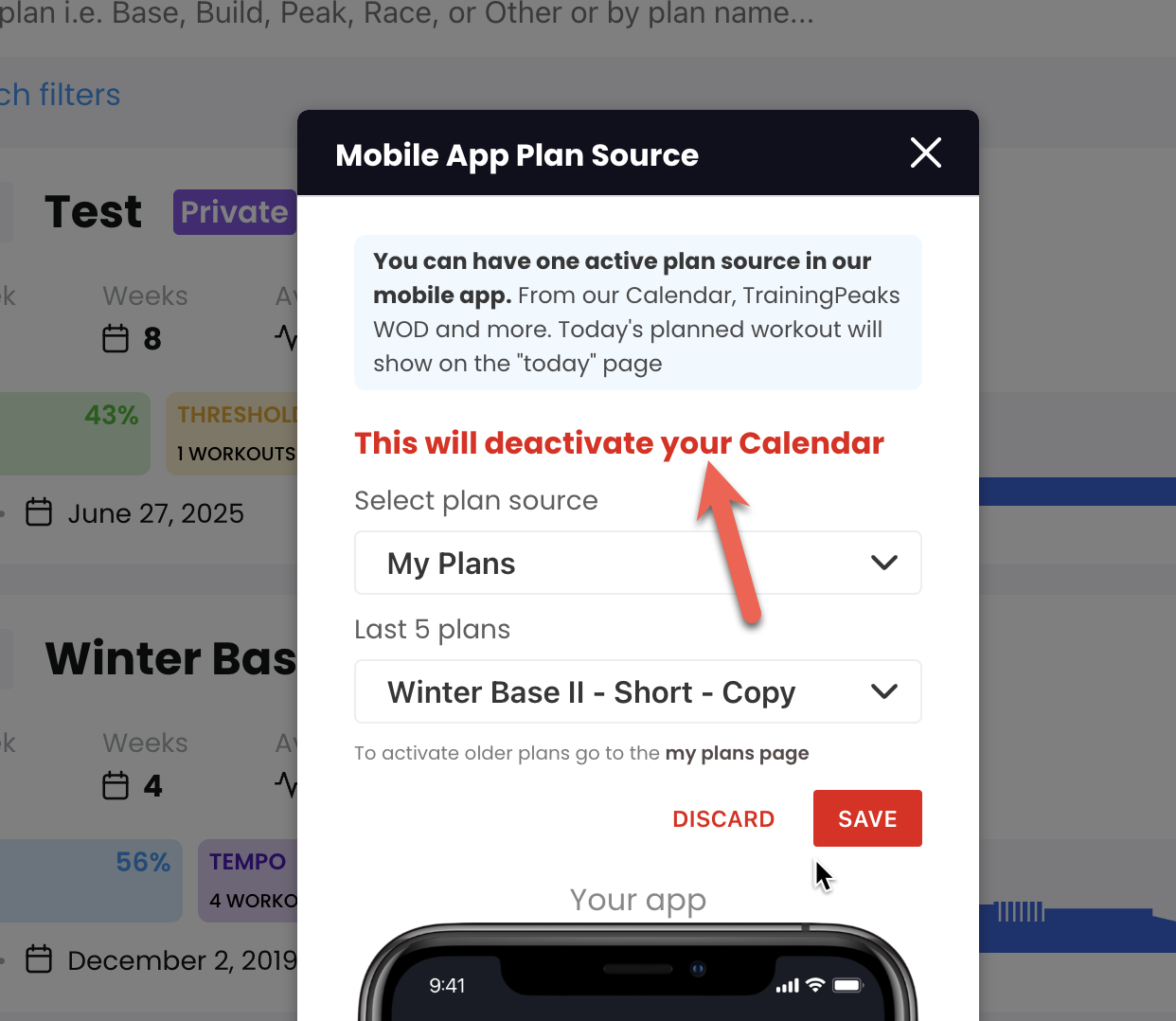
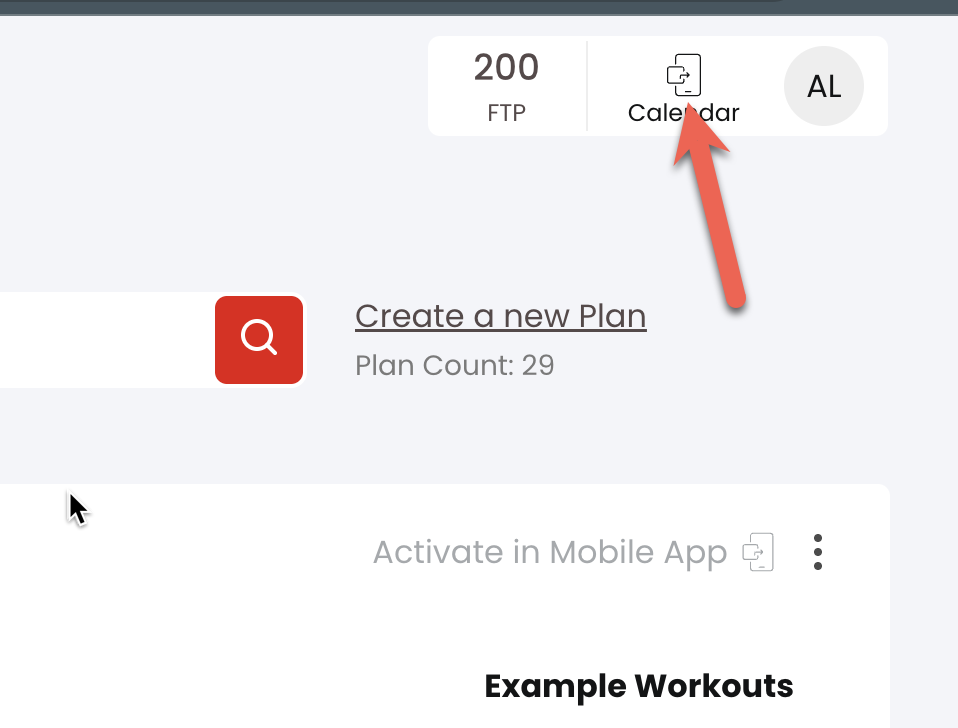
When you activated the plan in my plans, it gave you a message that it was deactivating your calendar. Not sure where you did it but see below, you should have seen this.
The way you have it configured, this is a special feature that let’s you follow a plan directly without requiring training on specific days. Just one workout after the next. You are not the first to get confused by this. We are trying to make it more and more obvious not to let this happen.
We are also in the process of adding the calendar right now, just like the web but for now once you activate your calendar you can see the plan on the workouts/plan tab.