I am not sure where I am messing this up. I had issues with old plans not being removed from my calendar until I deleted the deleted plan from the calendar. Fine, fixed. Last week my calendar is missing an activity that I did, the activity is shown under activities, but not on the calendar. Today, I opened the app to see todays workout and it says “Goombah 45 + cad” but when I look at my calendar, that is nowhere in the list and says today should be “HIIT 2” in HR mode. This may seem minor, but it is frustrating and feels like I am not doing an actual structured workout plan but just getting random workouts.
It sounds as though you don’t have your calendar active, you have the plan active directly. Go to our homepage in the website or go to the calendar and activate the calendar.
Is this not the calendar? And the feb 1 was the missing activity that appeared after I posted my issue.
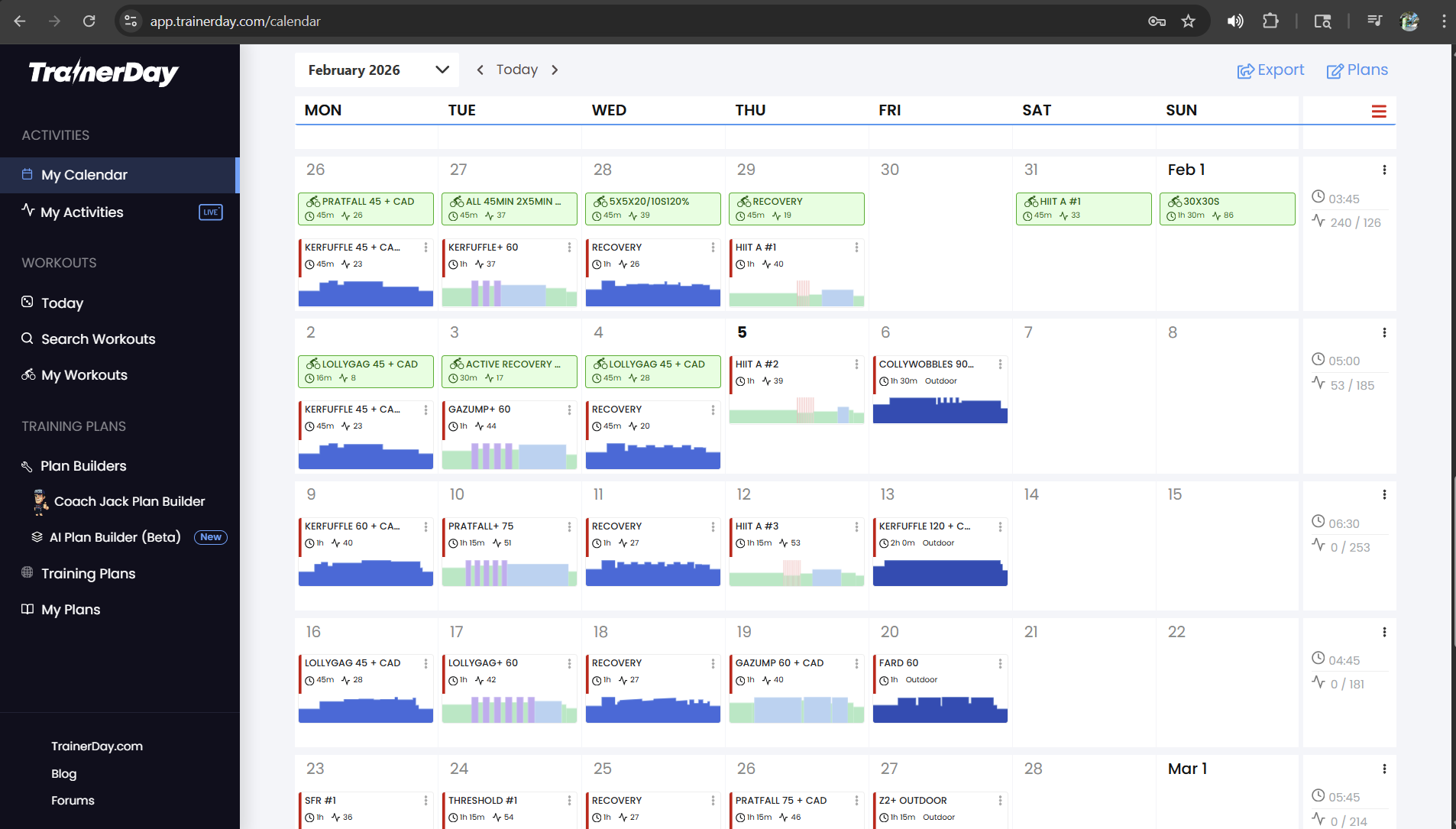
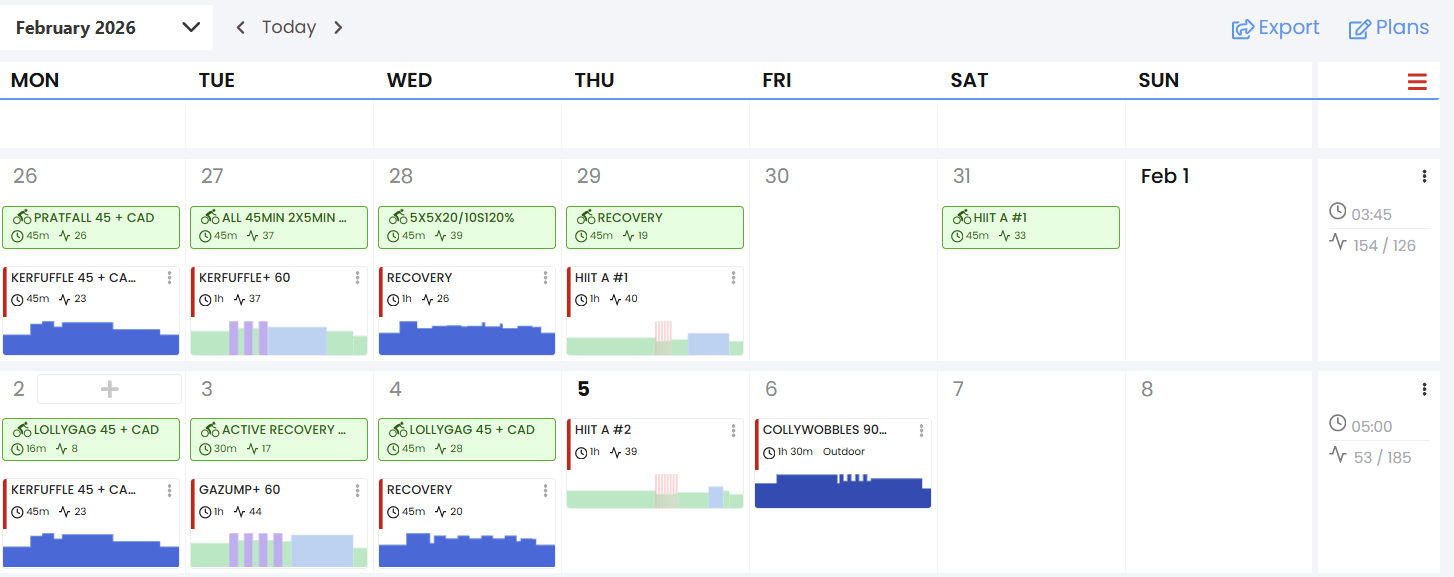
That’s the calendar, but you can have different plan sources active. It doesn’t mean it’s active just because you have workouts on it. We allow people to use TrainingPeaks for their plan or Intervals ICU. There’s lots of sources for what your current plan is.
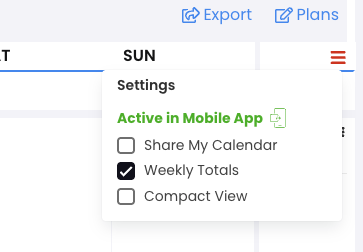
But yes, we should show it very clearly on this page that your calendar is not active in our app.
1 Like
Thanks. Another confusing bit, to me at least, is that I have this one single plan. I see it in the calendar. I go to the app and the first workout that pops up says “from plan” even though I guess the plan was not active, so I figured it was pulling from the plan I created. I appreciate all the help.
The problem is we have plans. You can follow a plan. That means you’re not following the calendar. I believe you had to specifically activate the plan because it activates the calendar by default. And when you activated the plan, it gave you a warning, but nobody reads. You can follow a plan directly and then it’s just one workout after the next. It’s not specific days. Some people love this, but it’s a new concept, or it’s not something widely supported by other platforms, so it confuses people.
We fixed the bug you found before about deleting plans from the My Plans page and them not getting deleted on the calendar. It’s possible there’s a bug here and you didn’t see this UI below. I haven’t seen any bugs or heard of any bugs regarding this, but definitely you’re not the first to have this confusion. We need to improve.
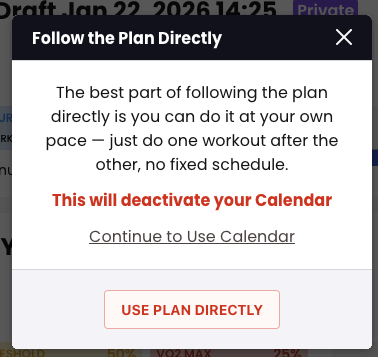
I should say we’ve been struggling with people confused about this for years. We keep making changes and more changes and more changes, and people still end up confused, although way less often than they were six months ago. But obviously it’s still possible. Once we add something to the top of this calendar page, I think that’ll make a huge difference.
1 Like