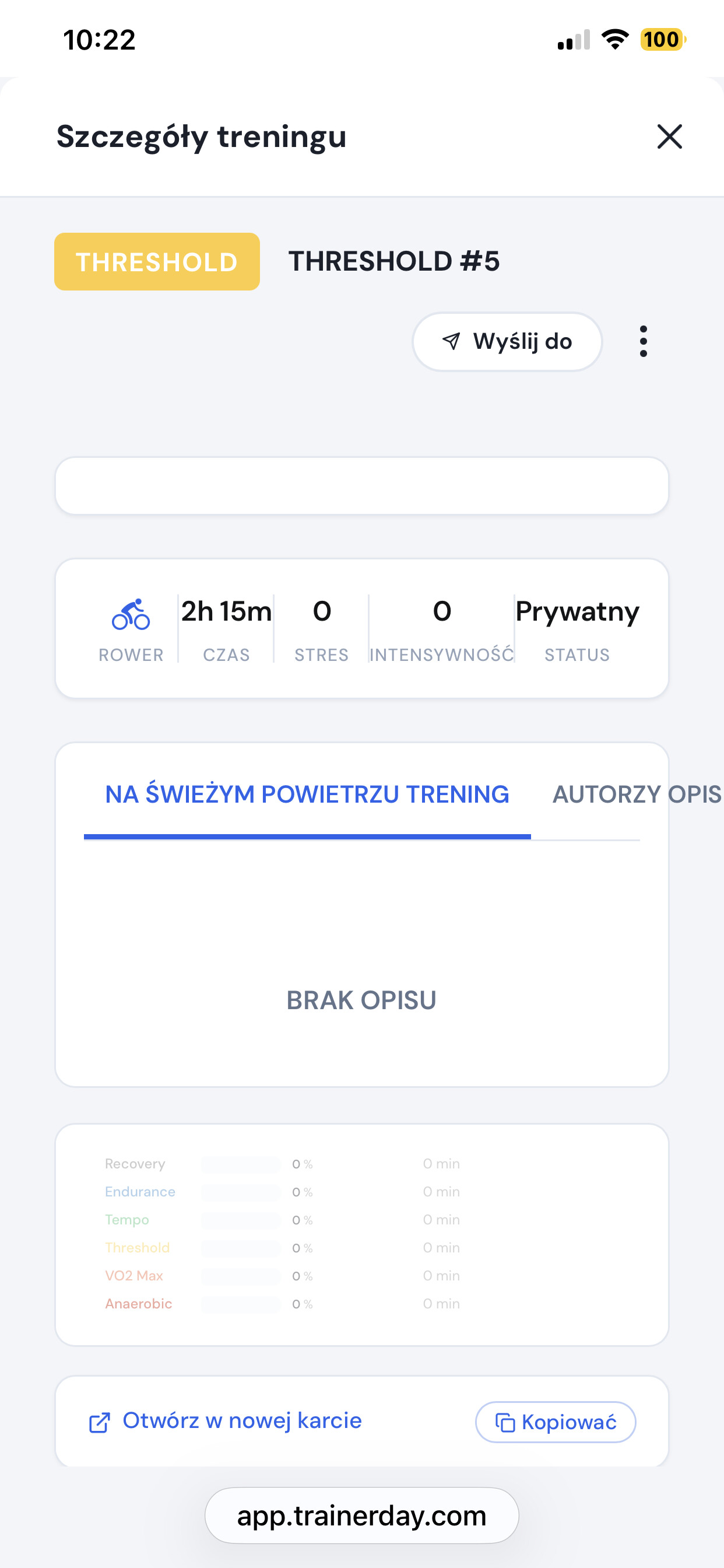
Hi, I have a problem. In my calendar (app.trainerday.com), after clicking on a specific training session, I don’t see anything except the training time. An empty window appears with only the training duration. Stress is 0, intensity is 0, graphic and text representation are missing.
I think you just have to refresh your browser cmd+shift+r on mac, and Ctrl + F5 PC. I just saw the issue at first and did this and it fixed it.
browser refresh doesn’t work - that’s what I tried first of course. problem persists - both in safari on iphone and pc
so problem solved. I had to re-upload the plan to the calendar and now everything is fine 
Oh cool and Polish… Beautiful day in Lodz today  . We need to check these longer descriptions and fix the layout for non-english.
1 Like