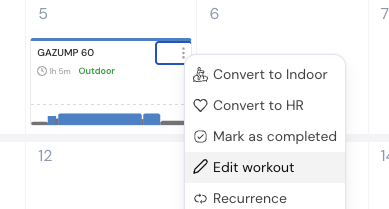
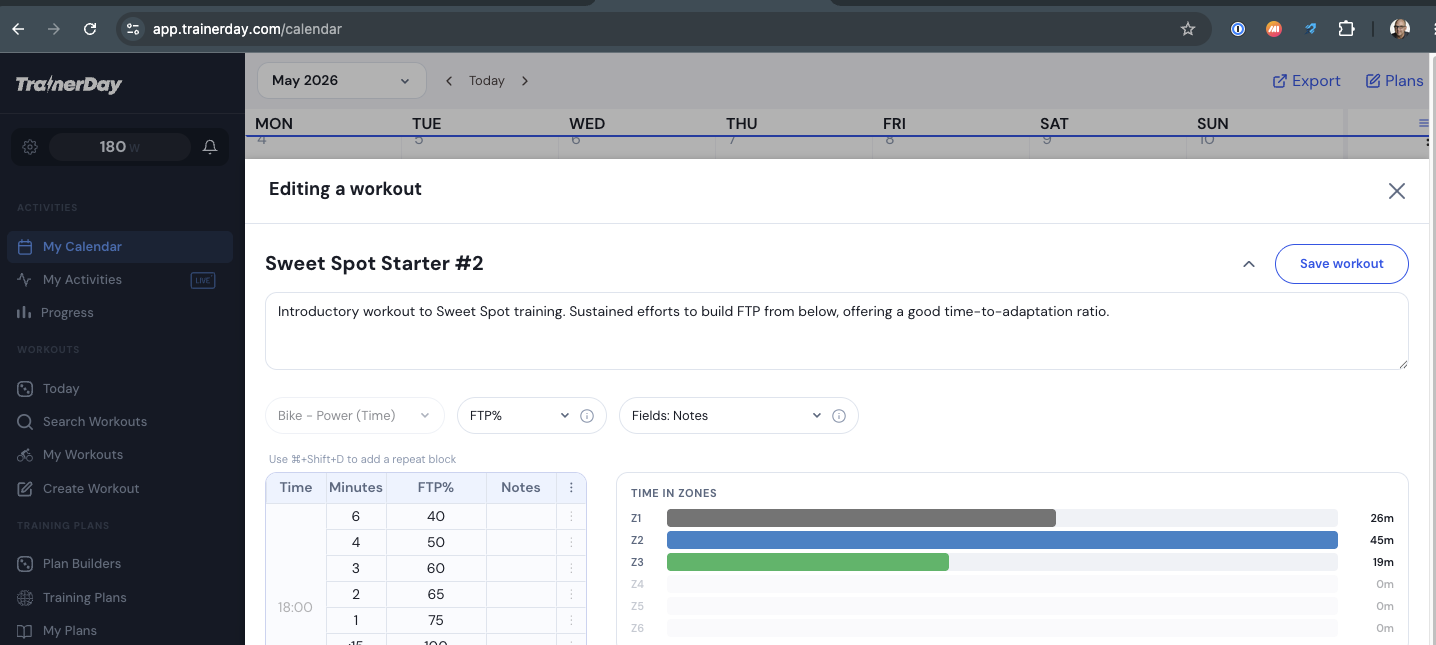
So following the original steps of create in ai builder, click edit from calendar. I see popup like below with no AI edit mode. I make changes to the workout, save and it works correctly. I also logged in as @icruces and tested this same process (without making a change to the workout but pressed save and it also worked the same. Maybe it’s a specific browser issue?
Instead of clicking Edit from the calendar, click on the workout itself to open the Workout Details popup. Then click the three dots and select Edit Workout. This should take you to an edit page with the AI EDIT tab available.
Ok yes I see, actually it seems like it is basically working other than you can not save this workout. If it is easy to fix we will and then you can AI-edit