I’m suddenly not able to see heartrate in the mobile app. I’ve just returned from vacation and I think my Garmin got an update as well as the phone and the Trainerday software so I’m not sure which of these caused the problem. I would like to remove the current Garmin connection to the app so I can add it again but I don’t see how to do this. Any ideas?
If you mean Garmin watch on Android, then yes this is something we are actively working on. Garmin watches pair directly to the the phone itself and this is surprisingly more difficult to connect to.
Yes, we have new permissions for foreground service for Android 14+ and I believe it is not asking existing users to accept it. What version of Android do you have and I will tell you how to enable it so you get sounds. We need to improve this upgrade process to ask you to accept this… I believe we have Garmin watch working again. New build coming soon
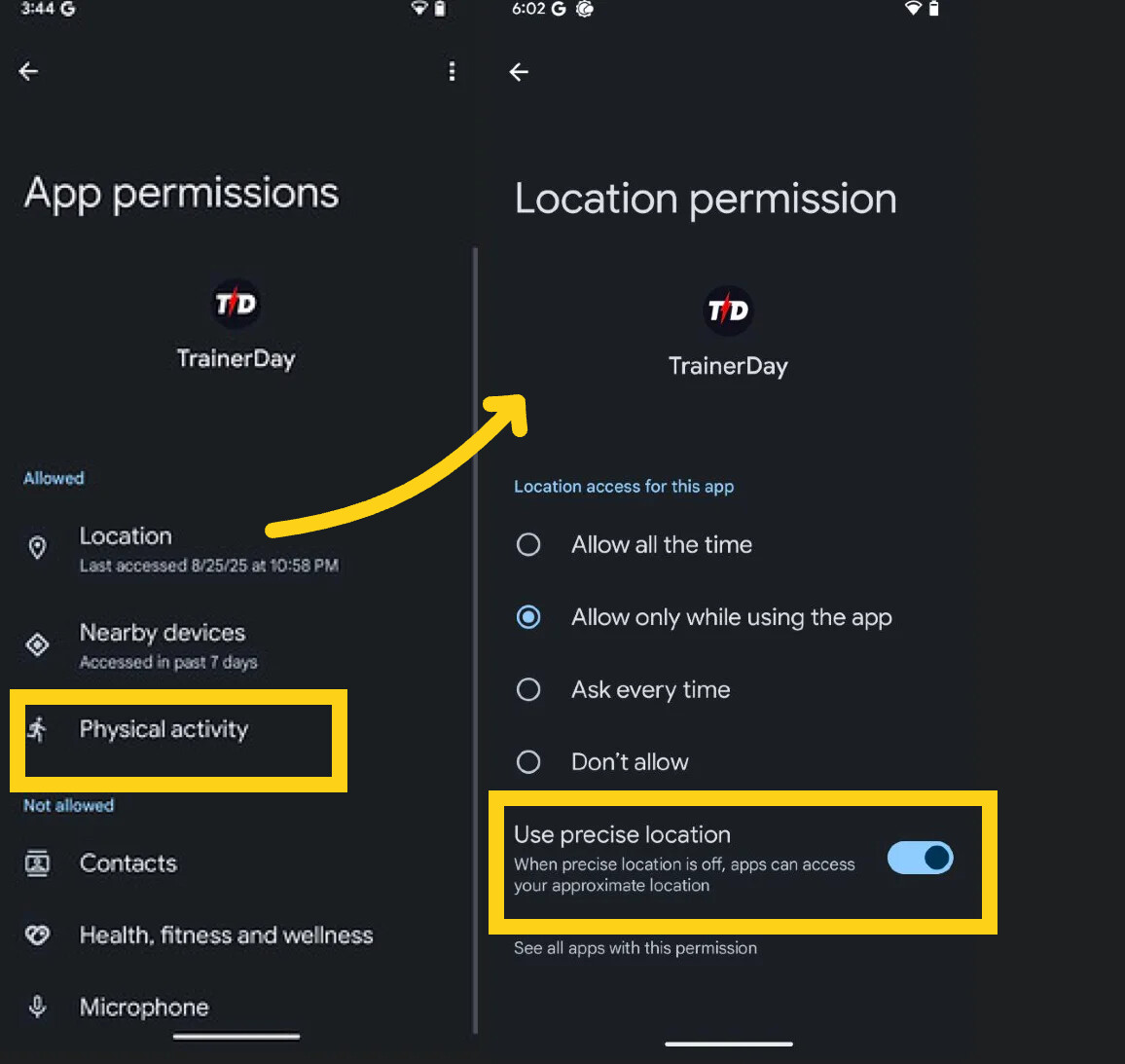
I believe beeps will work if you go into android settings and turn on this physical activity. I have the Garmin watched fixed too so that should be available tomorrow.
I don’t know exactly because it works for most people. I have 2 garmin watches and many android devices and it works perfectly. Now I did find one thing why it might work better on Android than Samsung and resolved that in the build coming as soon as google approves it (I assume tomorrow, they are very slow these days).
You can search android settings for Reset Blutooth and Wifi and that might fix it. It’s some kind of caching issue although it is more strange if you never connected that wahoo before.
I am still trying to get this improved version out but we are working hard to test all scenarios possible to make sure it’s as smooth as possible and fixes these strange cases where a few people can’t connect.
Hello Alex,
I seem to be suffering the same problem of the TD app not receiving the heart rate from my Garmin watch. I have followed all of the advice you have given in this thread, and have the latest version of the TD app and Garmin watch firmware. I have a Google Pixel 7a running Android 16. I have reset Wifi and Bluetooth on the phone, cleared the app storage and cache, etc.
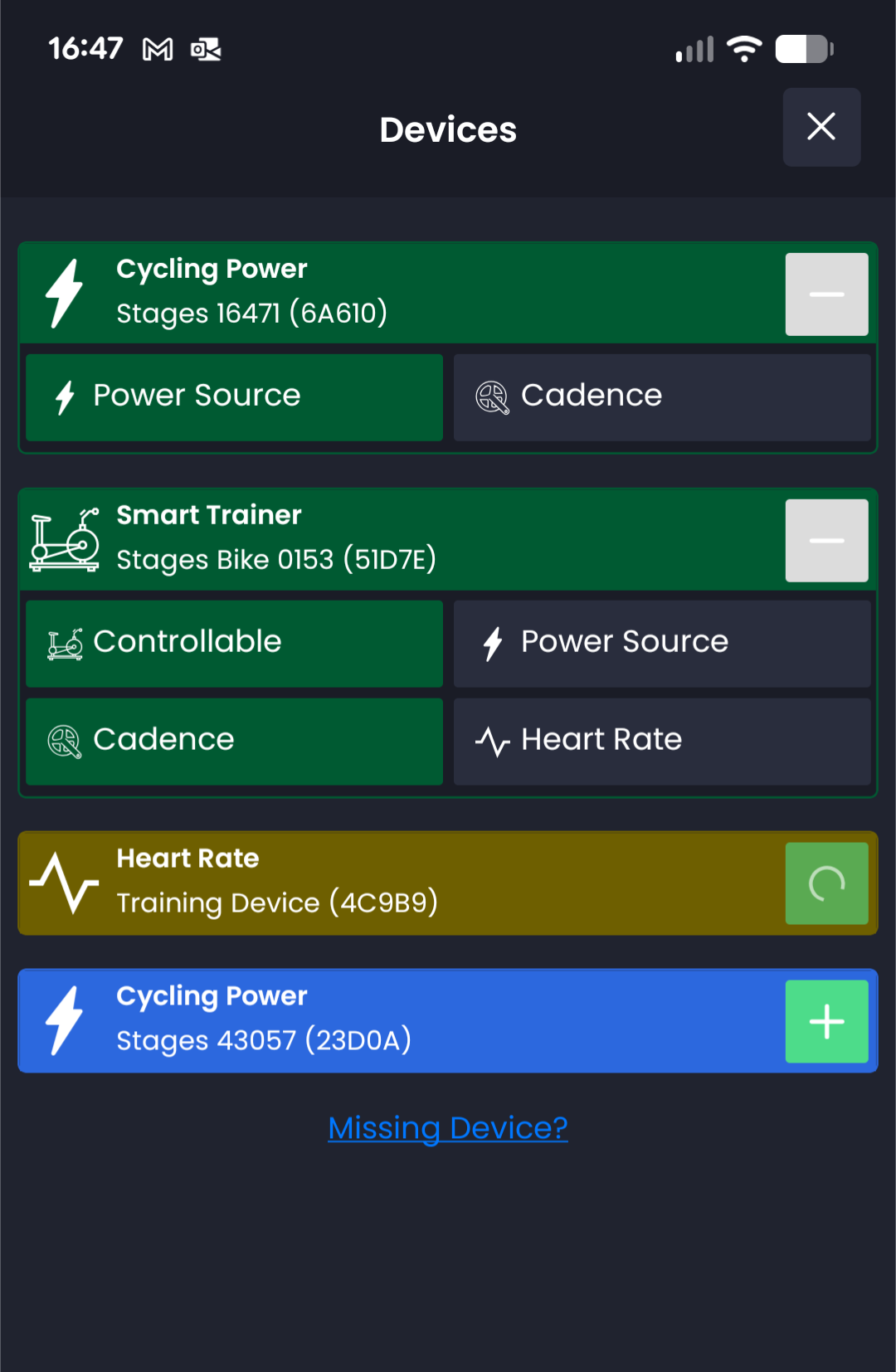
I can see the Garmin in the TD app, but not the broadcast hear rate. See the attached screenshot.
Any thoughts?
Thanks
Martyn
I cleared data and cache, connected a Stages chest strap, it connected but again didn’t display heart rate. This worked fine up until a few weeks ago. I am running out of heart rate devices to try. Another bug: if I do multiple workouts in succession, only the first one display power output on the graph.