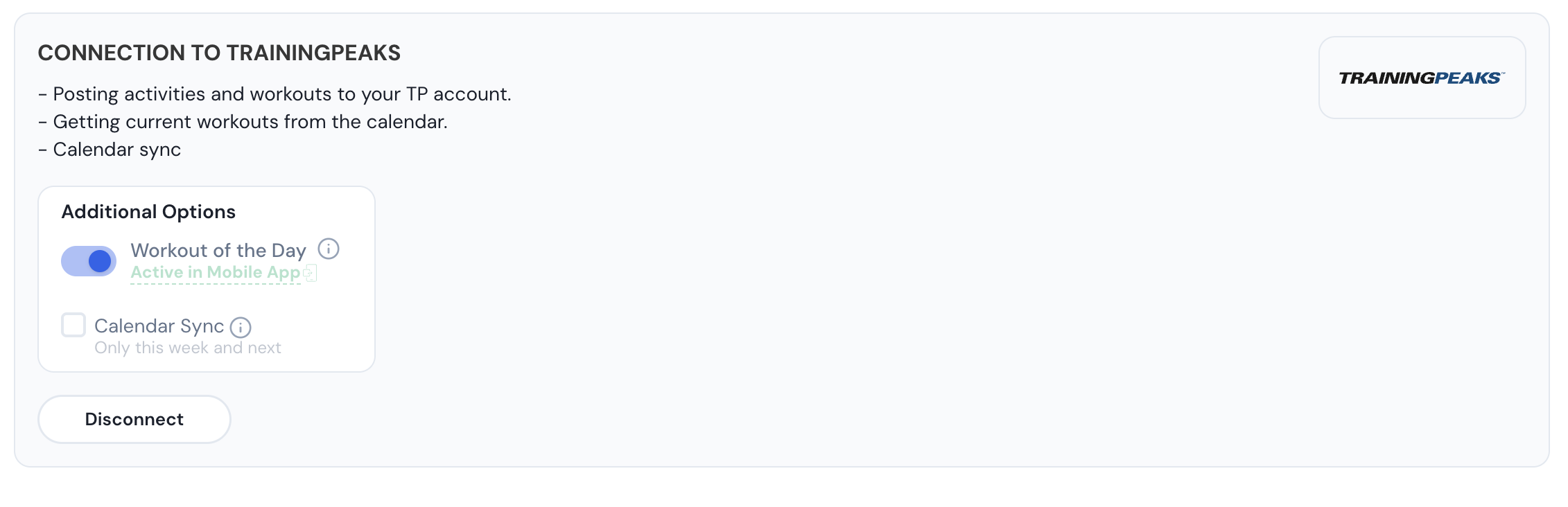
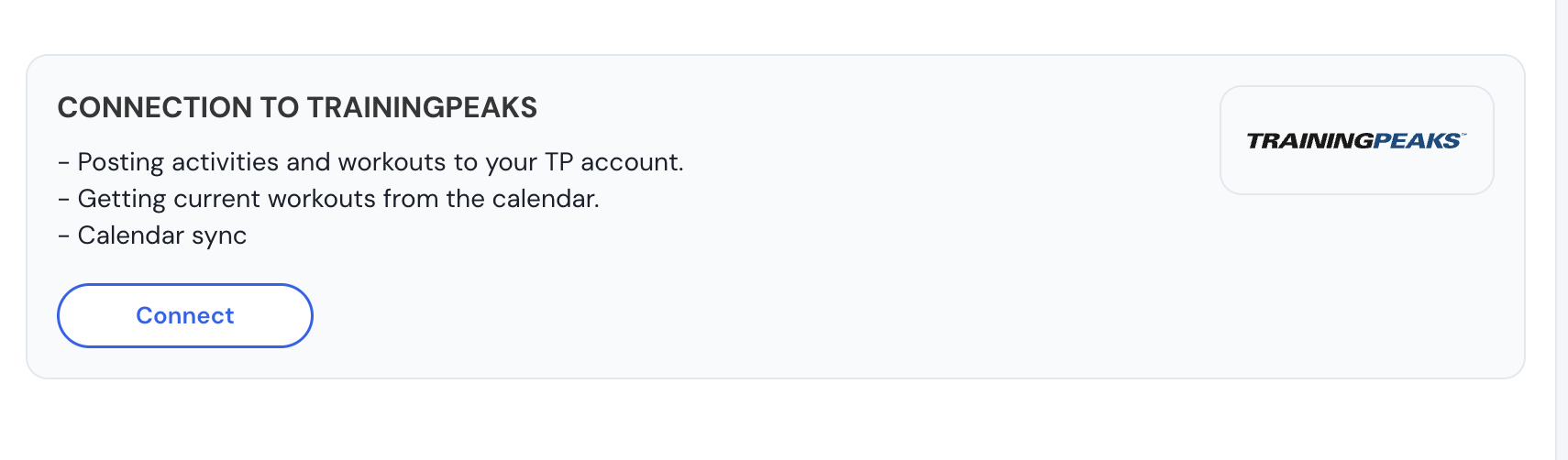
In the latest beta, the connection to TrainingPeaks doesn’t stay connected. When you authorize it, all appears fine, but once you leave that interface, and check it, it shows as unconnected. I can confirm that WOD doesn’t work due to this. If you need more info, let me know. Thanks.
Sorry for the slow response, but just getting back too this. What’s throwing me is this and here are the screenshots. I am making the Connection and it appears that it’s connected. After closing the Connections page, then going back to Connections, it does not indicate it’s connected. I haven’t gotten the WOD from TrianingPeaks. Maybe I’m doing something wrong?
We don’t show WOD on the calendar only in both of the app. If you enable our calendar WOD will not work. But I can’t reproduce this disconnect problem. Can you try turning on TP WOD in the web and then looking in our mobile app on the workouts/plans tab?
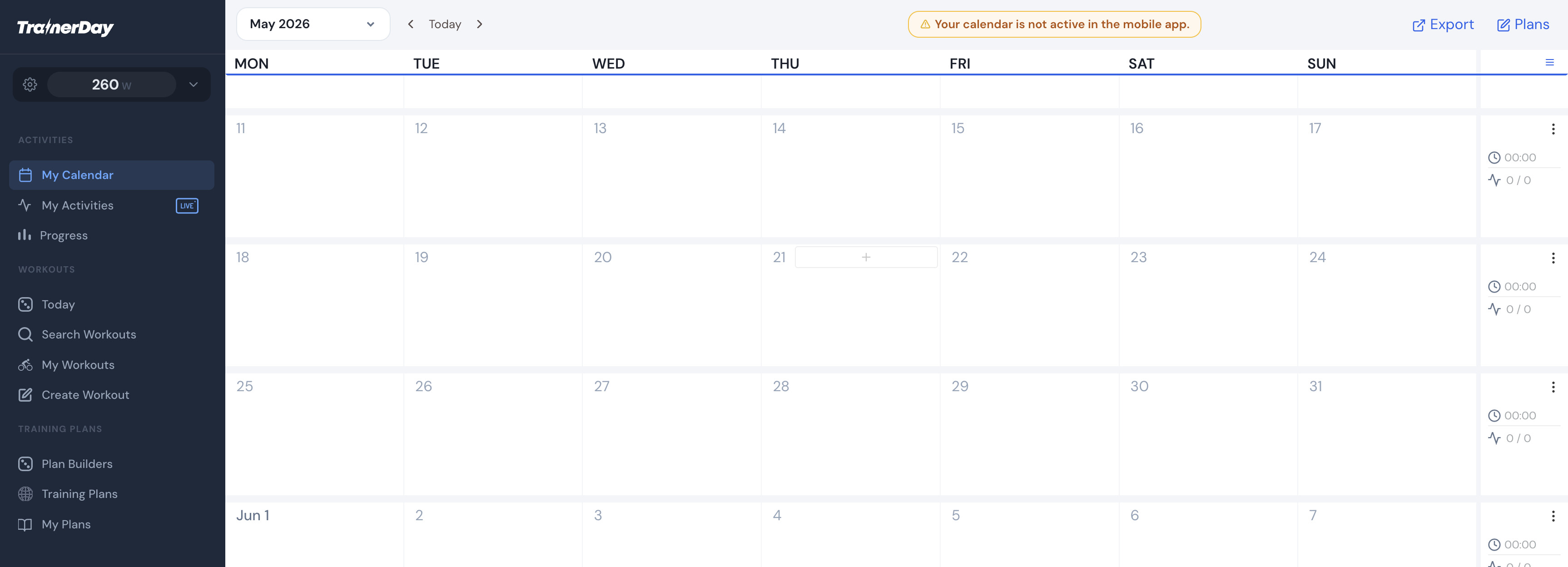
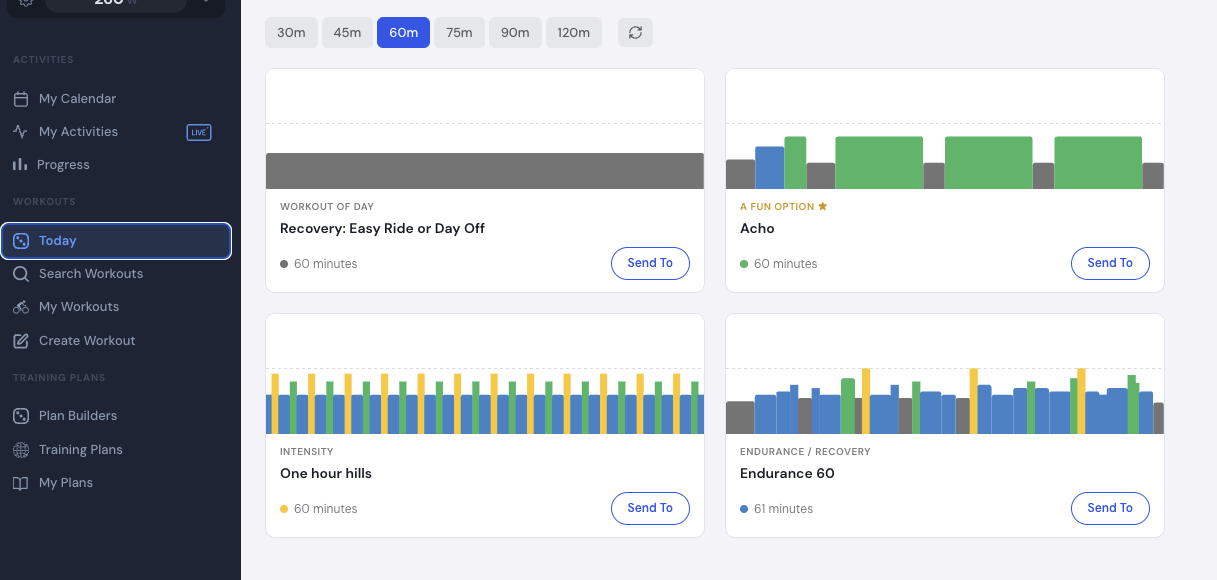
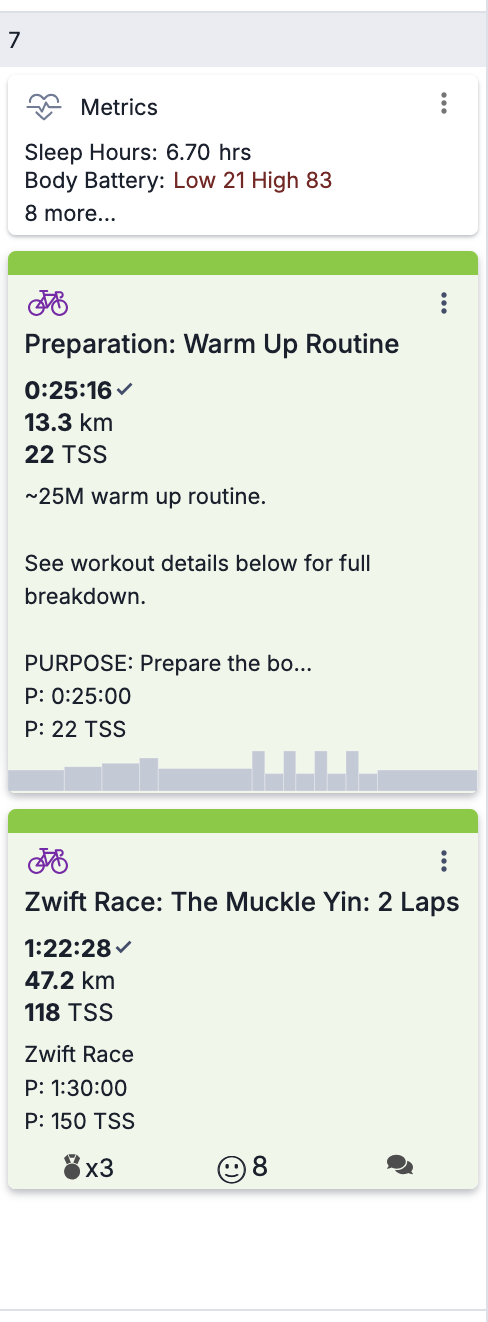
I’m very confused. I’ve got WOD enabled in every location, mobile app, web. I don’t see an option in the mobile app to enable the Calendar. I still have the warning on top of the Calendar in the web app. Today I had a scheduled, structiured workout, plus a Zwift Race on my schedule. Nothing showed up as a WOD in TrainerDay. I also have a couople of workouts scheduled on Sat and Sun. I can’t find those workouts, anywhere on the web app, but they do show up in the mobile app in the workouts tab, when I select the Trainingpeaks-Workout Of the Day in the drop down. The Sat and Sun display in the mobile app, but not today’s structured workout which was a warmup. Also, the Sat and Sun workouts do not display anywhere in the web app.
Confusing…sorry.
So, I’ve got the darn alert on top of the Calendar that I don’t see a solution for, and the present day workout didn’t populate. I’ve added a structured workout to TrainingPeaks for tomorrow.
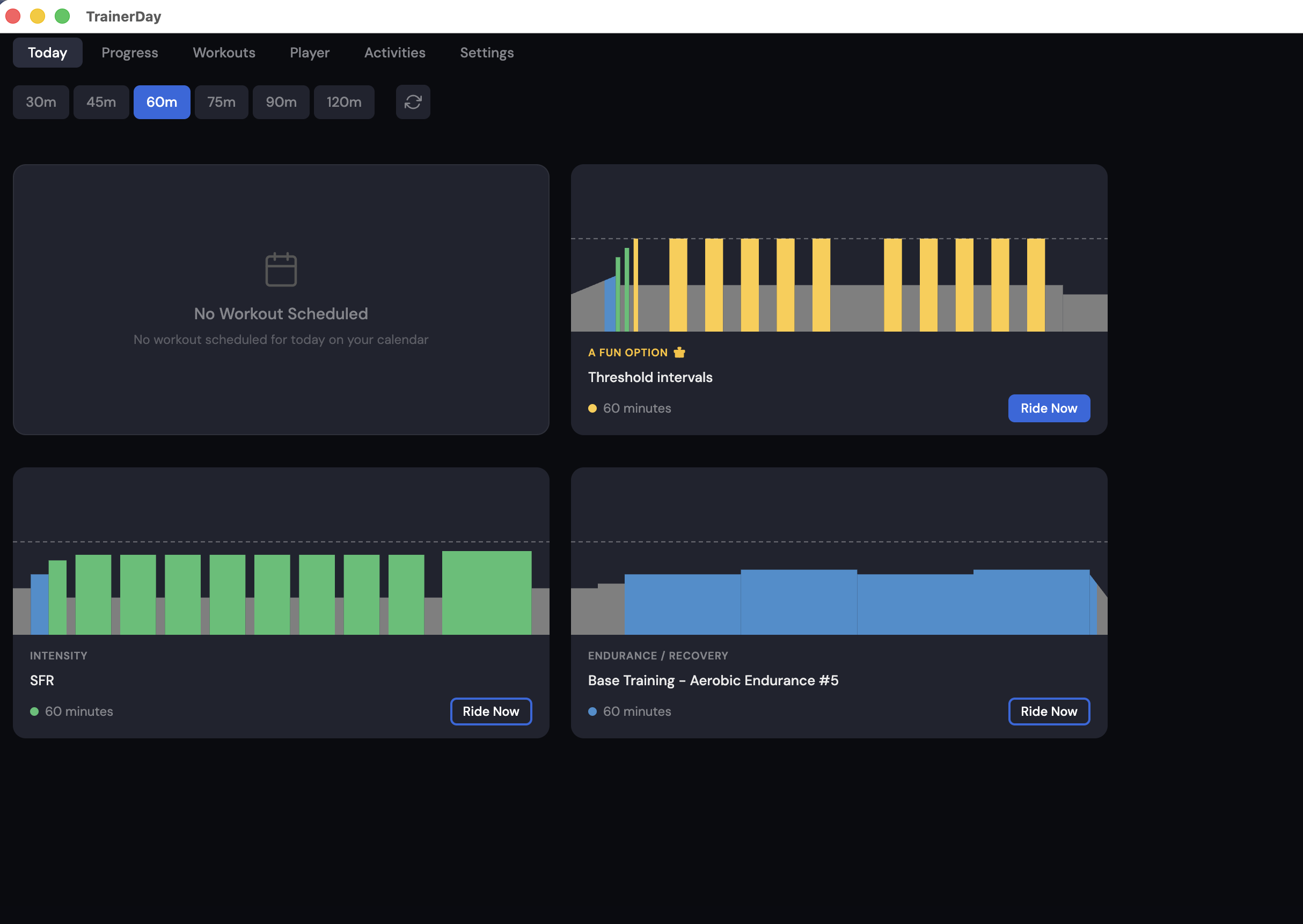
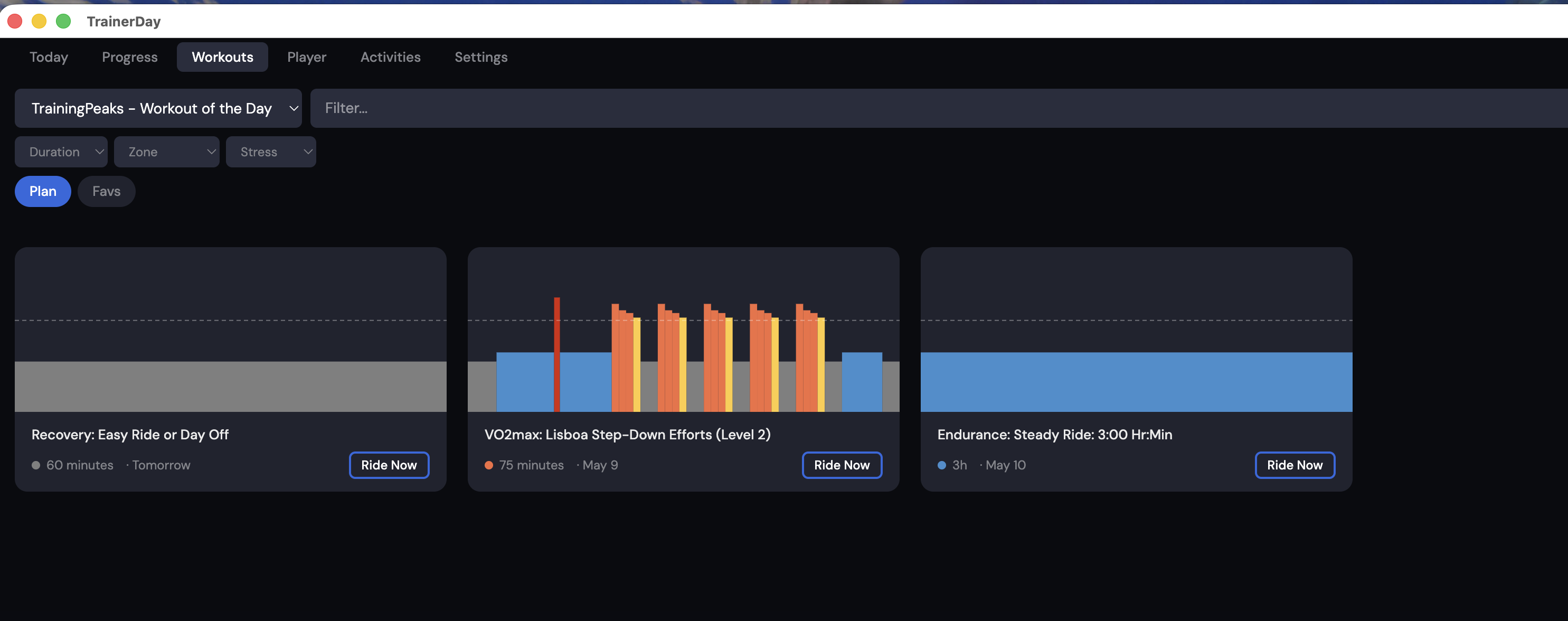
In addition, this is the Mac App screenshot. I now do see the 3 workouts sceduled for Fri, Sat, and Sun. so maybe progress?? There is still nothing under the Today tab, which shouldv’rt reflected today’s WOD.
The calendar is not WOD… this is the part you are confused. Calendar is our calendar WOD is workout of the day from TrainingPeaks, they don’t expose their calendar just a few workouts.
I can’t see your TP calendar but it looks like you have a recovery day scheduled for today from TP. Only the first workout comes from TP the rest are our workouts.
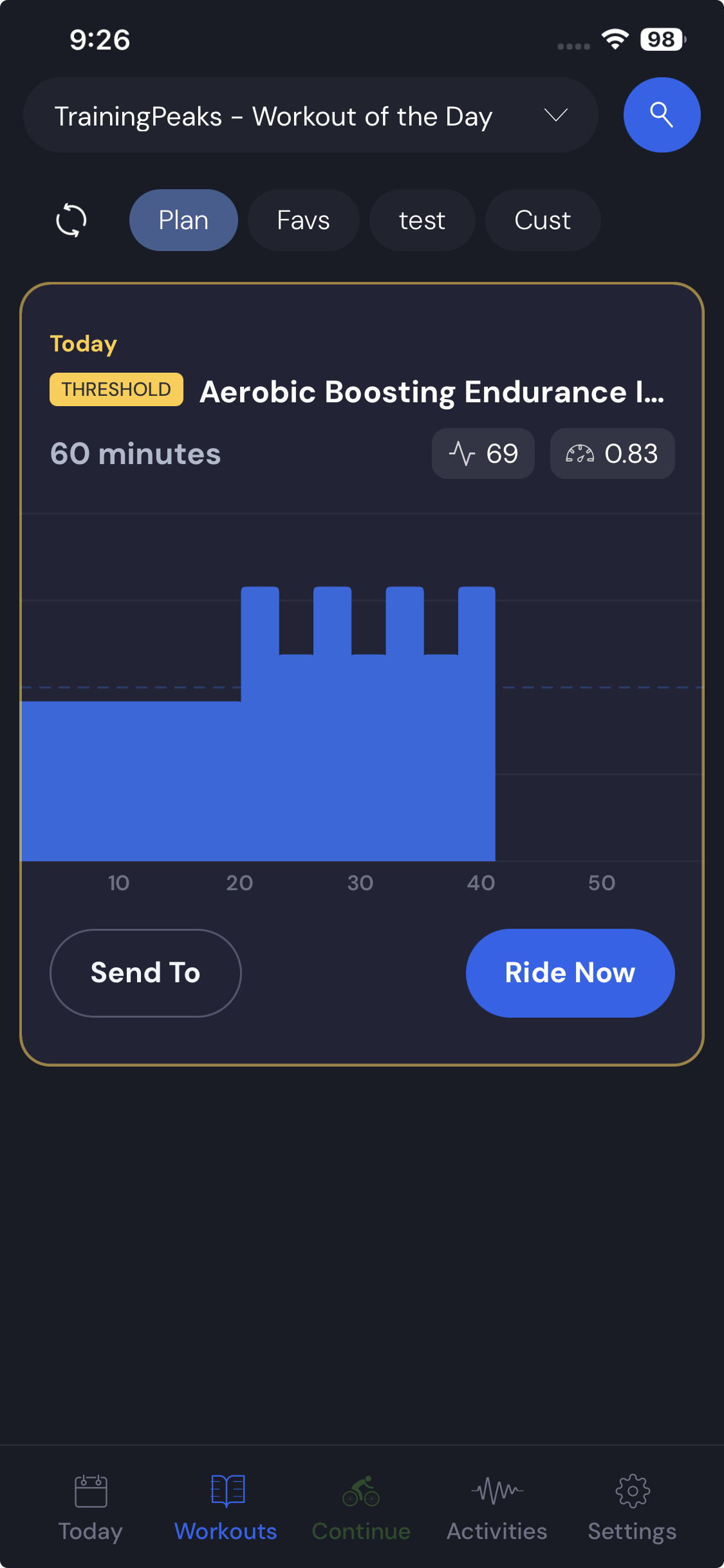
In the mobile app, you will see the same workout. But on the workouts/plan tab you see below a list of a few up coming workouts. I only have one. Seems like this workout has a bug…
I think I’ve got it. The calendar is a TrainerDay feature and has nothing to do with TrainingPeaks. is it fair to say, the alert is due to my using Trainingpeaks, therefor I just ignore it? And, I do see that I do have the proper WOD based on my TrainingPeaks schedule.
Follow up question; for yesterday I had these two items scheduled, the structured workout and a race, so 2 items. How does TrainerDay work this out for the WOD feature? Also, when does sync occur for WOD, for instance, if I put in a workout for today, right now, would that show up at some point?
My compliments to you for amazing responsiveness. It’s a great app!!
Yep, you’re getting it. If you go to the plan workout tab in our app, you’ll see both workouts, you see the last 2 days and the next 3 and all workouts. On the Today tab, you’ll just see the first one, I think.
If you put a workout in TrainingPeaks and press the little refresh button in our app, it’ll show up instantly.
If there’s anything missing from the details that’s important, you can let me know. I don’t know how quickly I could add it, but you can request whatever you need.