When I am looking at my plan in the Calendar, “Today” is not on the page, it’s down the bottom, past the cutoff of the page. For example, this is today on my calendar, after I click Today in the top left, this is what I see
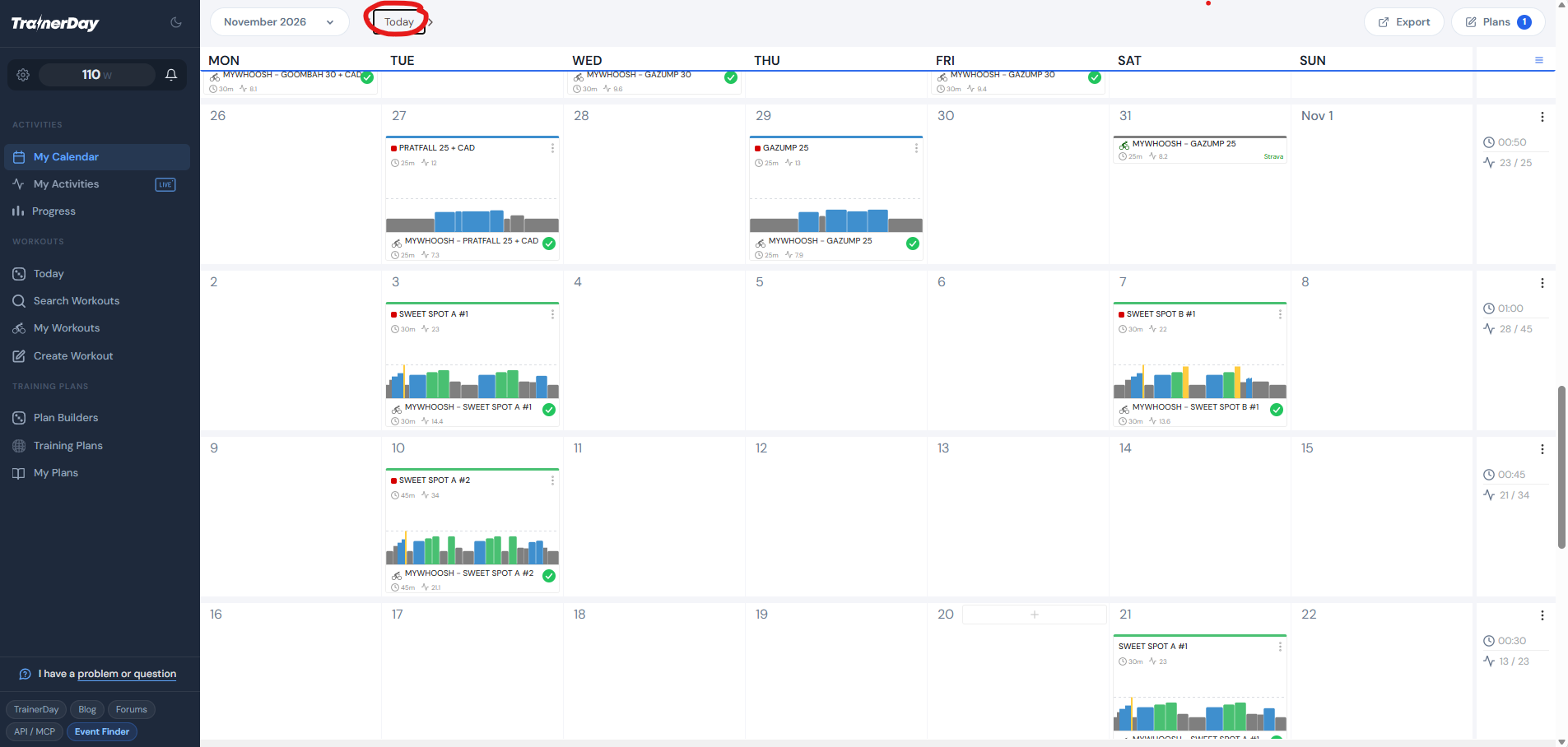
Today is the 26th, which is below the fold of the page. This is what I see when scroll down a bit.
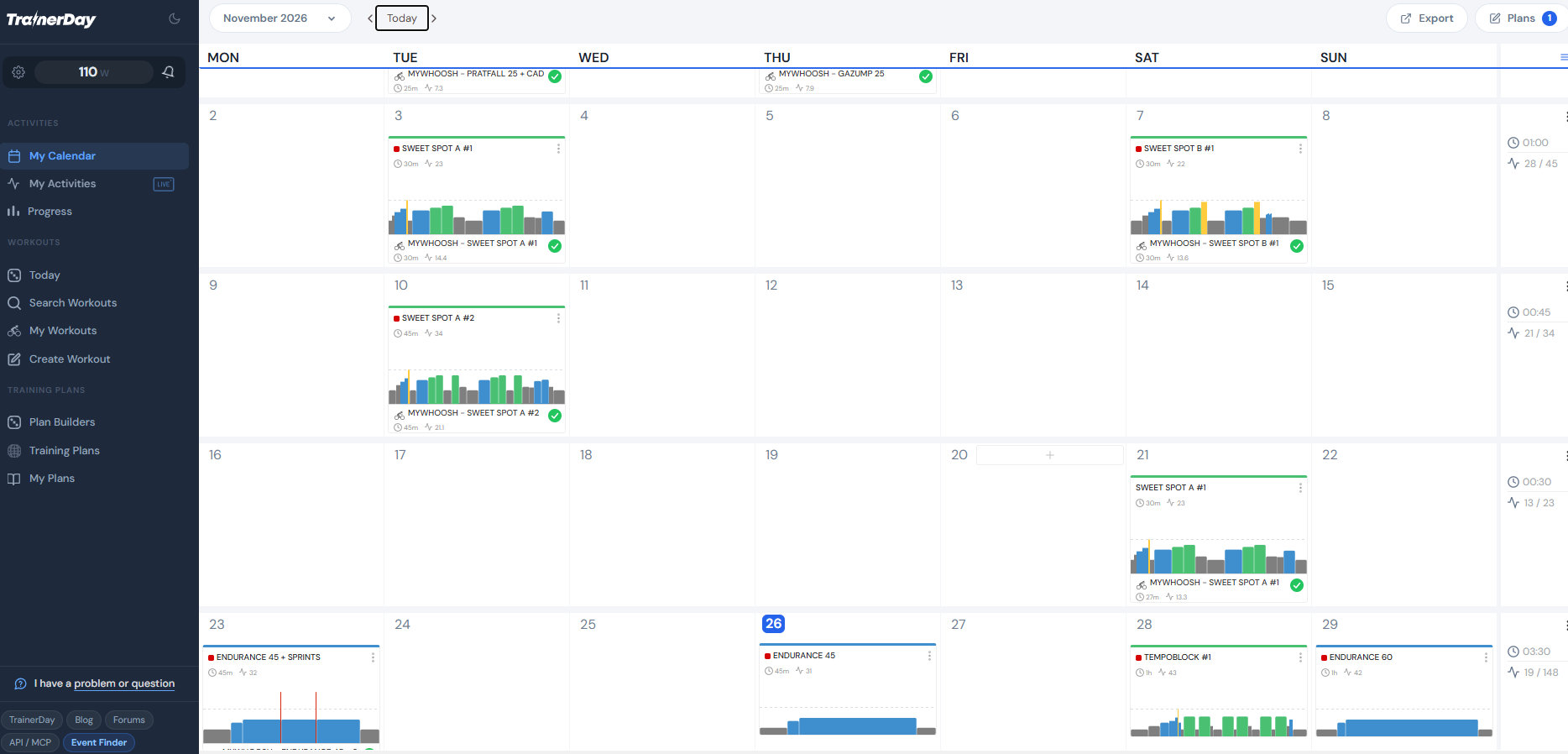
I would have thought clicking on Today, would have scrolled the week that “Today” is in to the top of the page. My guess on what is happening is that it is just showing the full month, and this month has 5 weeks and it’s only centring the month, not bringing Today to the top of the page?