In ‘My Calendar’ in the browser, I used to be able to click on a workout and preview it, but now it just says ‘No Description Provided’.
Many workouts don’t have a description. This is what I see for a workout with a description. We need to fix the tab controls on mobile but I don’t see an issue can you send a screenshot? Its’s a bit possible you have cached version of the site.
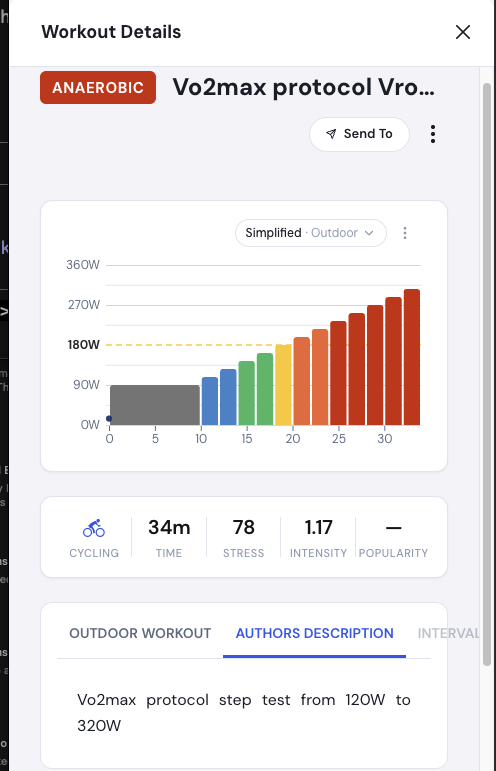
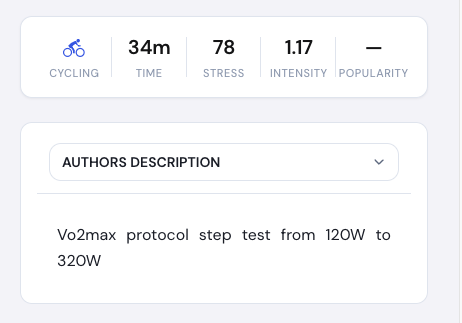
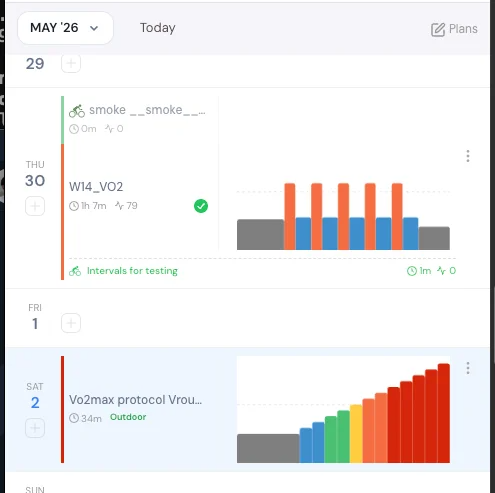
Hello
I have the same issue, which I haven’t had before. In the mobile app I can see the description, but not on the computer when I go to Trainer Day .
I’m using a MacBook Air (M1), Tahoe 26.4.1, and it doesn’t matter which web browser I use — the same “error” occurs. I’ve attached a screenshot showing how it looks.
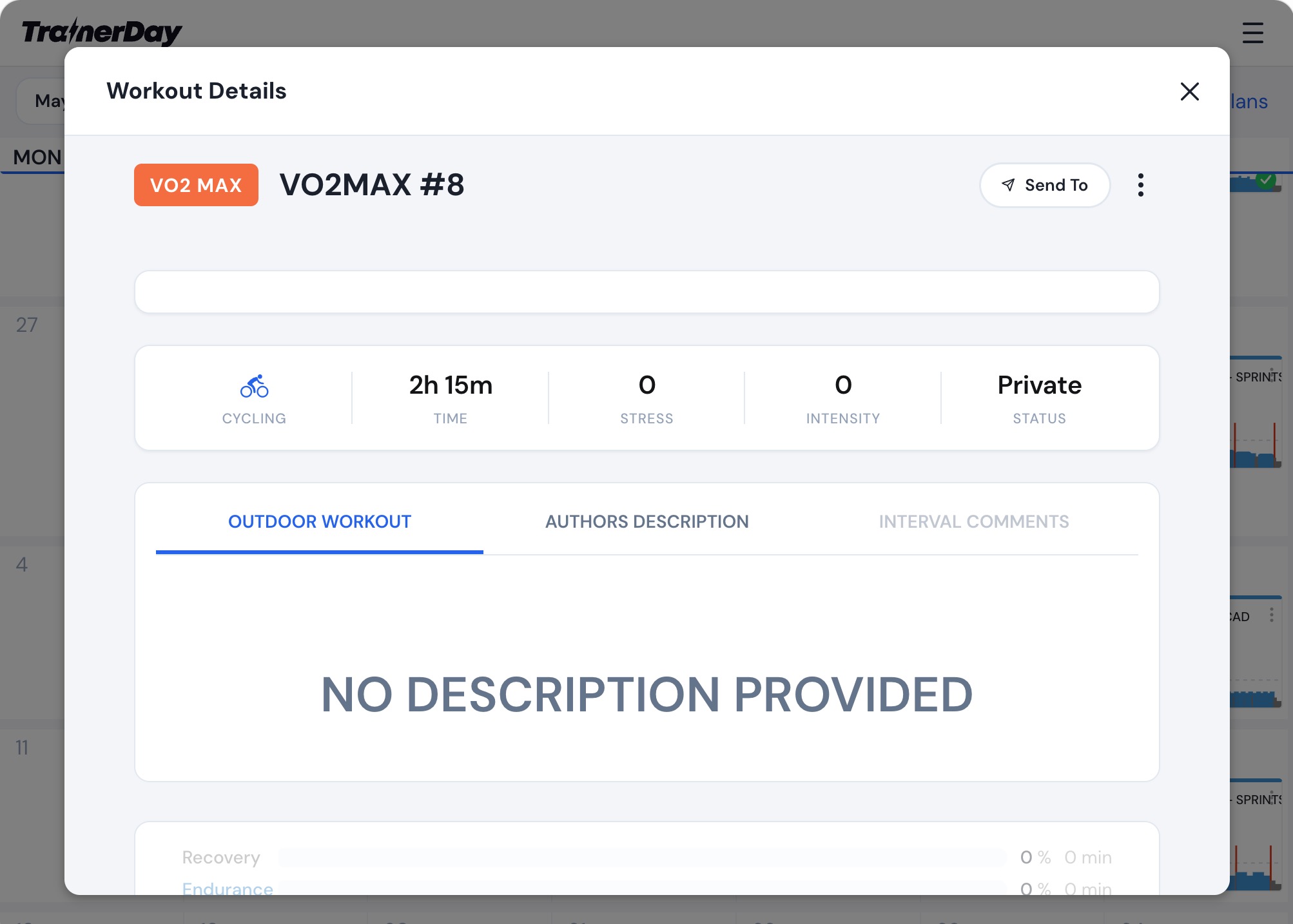
Per Sennerhall
Oh I think I know what this is. I think it’s if you click edit at the top and re-save it it will fix it. I will talk to my developer about this.
Can you guys check now this should be fixed. I can’t verify this as this has to do with a previous plan on the calendar. My developer assures me it is fixed and he is usually sure when he says this.
Yes, it’s fixed. Thanks!
Tracy
1 Like