Soon it will be nice enough to ride outdoors.This is my first season using TrainerDay (TD) all of which has been indoors on my trainer. Last Summer I started out with my road racer on the trainer with only my CatEye Solar to measure my cadence. When I rode outdoors, it was on my MTB that does not have any bike computer to show cadence or speed.
This Winter I put my MTB on the trainer and outfitted it with cadence and speed sensors to use with the TD app on my iPhone. I am now considering taking the TD app on the road. I have a toptube bag that holds my iPhone (which I am obliged to carry) since I don’t have pockets.
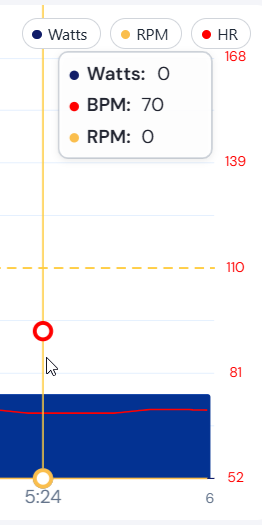
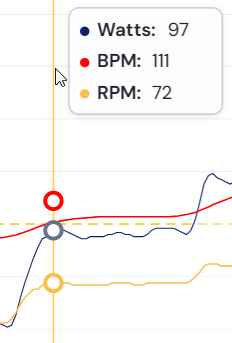
I don’t use most of the features of TD, only the “Quick Start” “Free Ride”. Unfortunately the speed and distance at the bottom of the display is too small to read without bifocals.
Might go viral if you get a good video of your PC on the bike. Yes our app is not good for outdoors anyway. It’s and indoor app. We used to have an outdoor mode but no one used it. I suggest HR approach to outdoors and it can be more like a top tube sticker that you know what the basic goal is for HR targets.
I’ve never had speed and distance on the MTB in the 30 years I rode it. I have measured the distance with Google Maps and just noted the time I left and returned on my security cam.
I have speed and distance on my road racer but I’ve not rode it in 30 years.
I am still waiting for my HR monitor to arrive and could not find documentation on what apps support it. Hopefully TD will and I look forward to adding another metric to measure my progress.
So far I have not done anything structured on trainer, keeping the same gear and resistance level, and only gradually increasing the cadence. Obviously that does not work out on the road were I change gears and vary my cadence due to hills and wind resistance.
When the snow melts, I plan to remove the MTB from the Saris to ride on the road on nice days. I will mount the Bianchi on the Saris to use on not-so-nice days and have to decide whether to transfer the Saris sensors from the MTB to the Bianchi.
My wife insists that I have my iPhone with me at all times which isn’t a problem since I use the toptube bag to hold tools and a spare tube. The MTB has the shifters on the handlebars so the bag does not get in the way unlike the Bianchi that has downtube mounted shifters so I would need to mount the iPhone on the handlebars.