Just a quick note about the design features of a work out. I enjoy designing my on work outs which generally I keep private as they are designed specifically for me. However I do find the grid where you program the numbers a little frustrating as there doesn’t appear to be a way that you can easily introduce an additional row or actually delete a row. Unless I’m missing something can anyone advise?
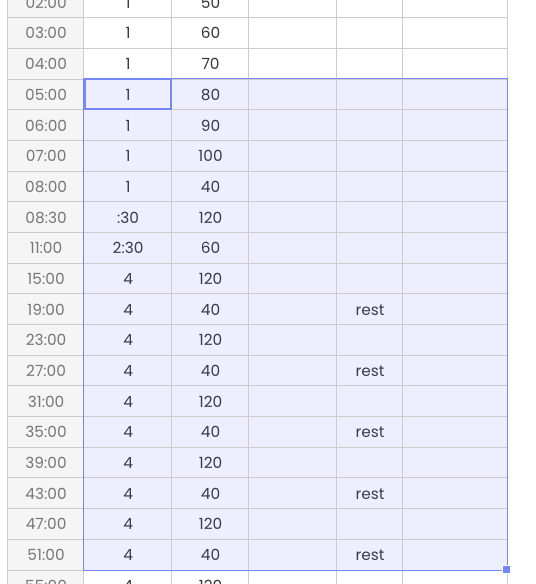
Use it like you would use Excel. Copy/Cut/Paste entire rows or sections.
If you need more rows at the end, click the add 10 rows. Empty rows are automatically removed when you save the workout.
It’s a bit surprising to use it like that in a browser window, but once you get the hang of it, it’s super easy and fast.
Yes, just a little practice and you will see it is very fast to add and delete rows. As stated just do it like excel (without the right click insert/delete row features :))
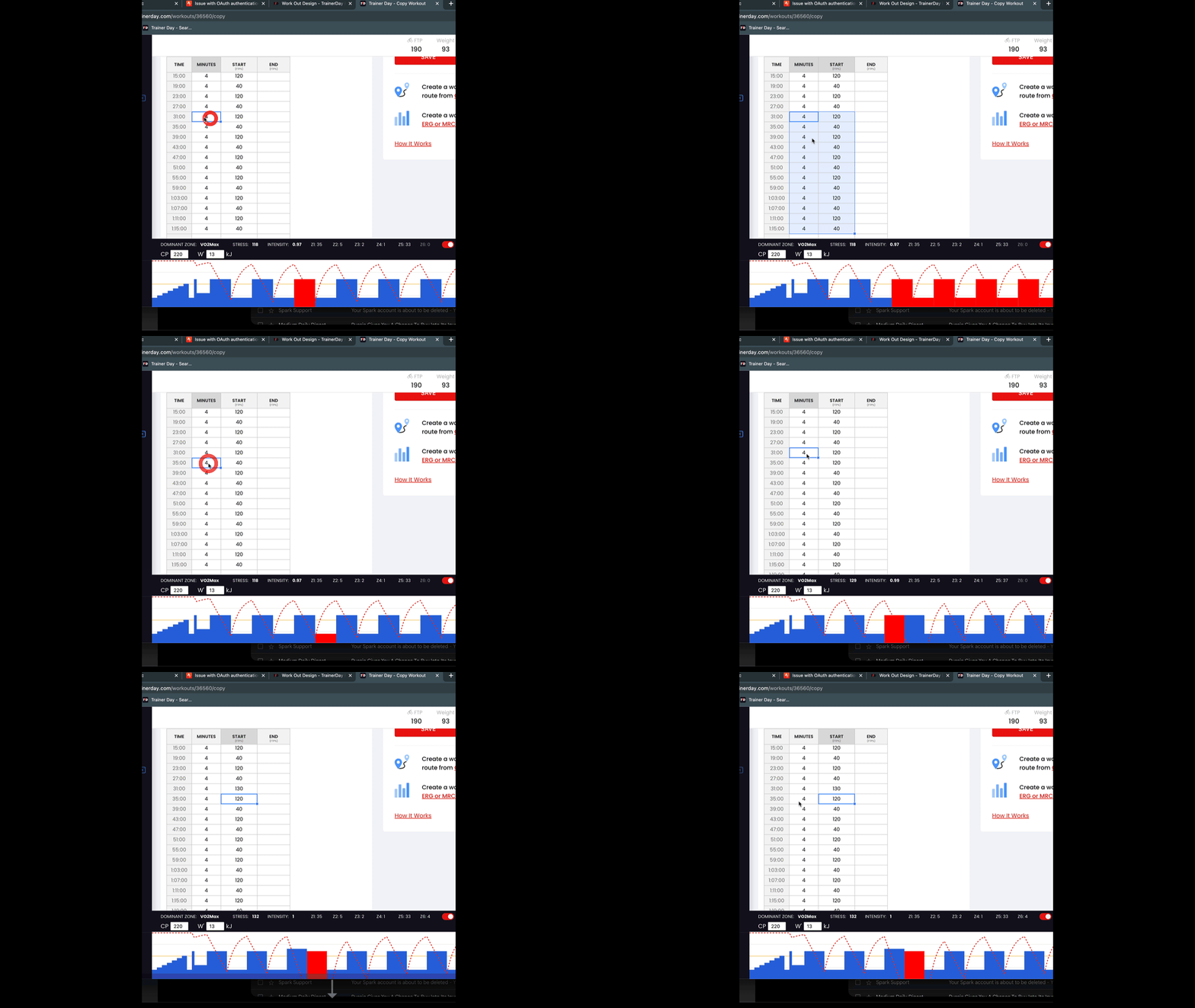
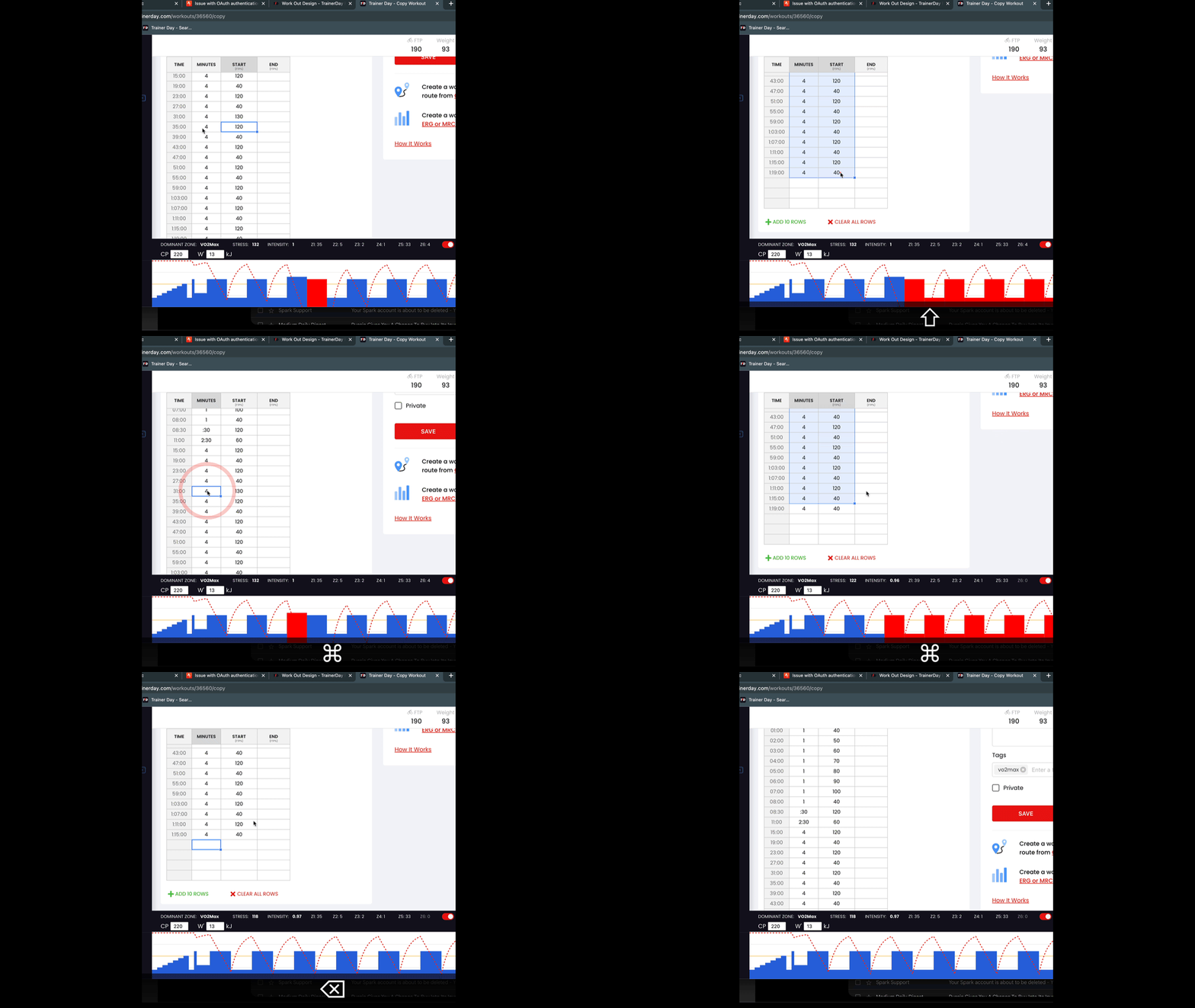
Here is small animation showing insert. Notice I am using copy/paste keyboard shortcuts.
Thank you for posting those videos. Unfortunately, I’ve been unsuccessful in replicating the outcome of your video. Could you please explain (in words) what action you took after highlighting the cells to be copied?
Thanks, Alex. I didn’t see your response on this thread and was able to find those exact instructions on my own. Yes, an “insert row” would be of appreciable benefit, if that can be accomplished.