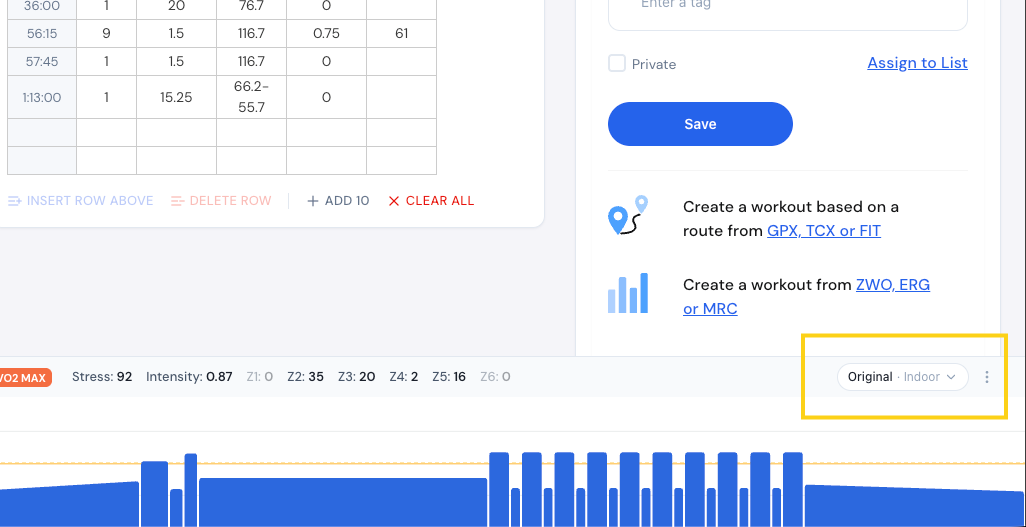
When un-selecting “Use classic workout charts (all blue)” in the profile settings, the colored intervals aren’t showing the increasing or decreasing slope from the beginning to the end of such intervals (I ain’t talking “slope mode” but ERG mode). Thus, the intervals are showing like they have an unique ERG set value
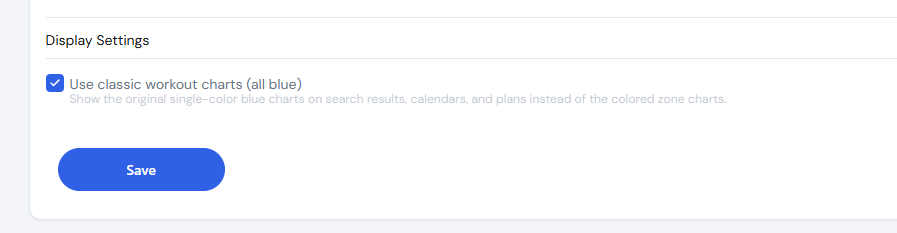
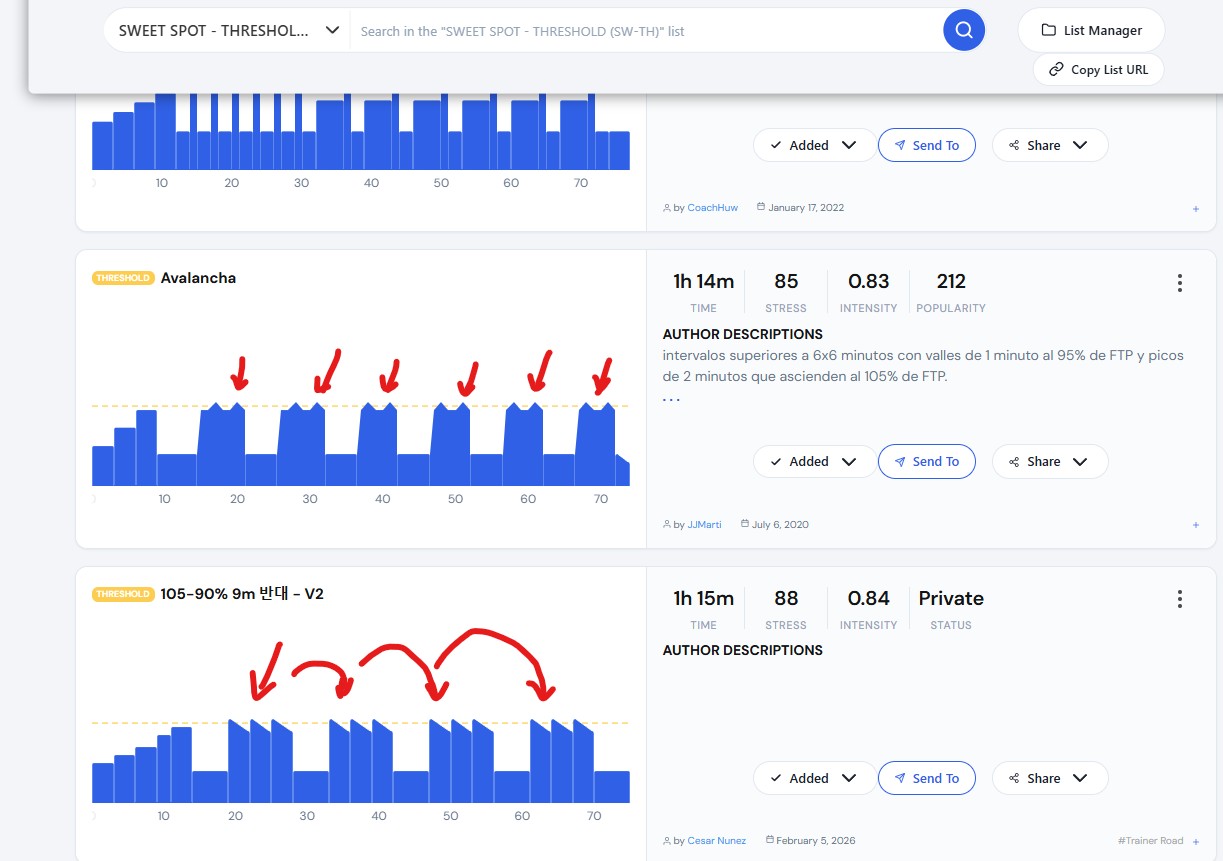
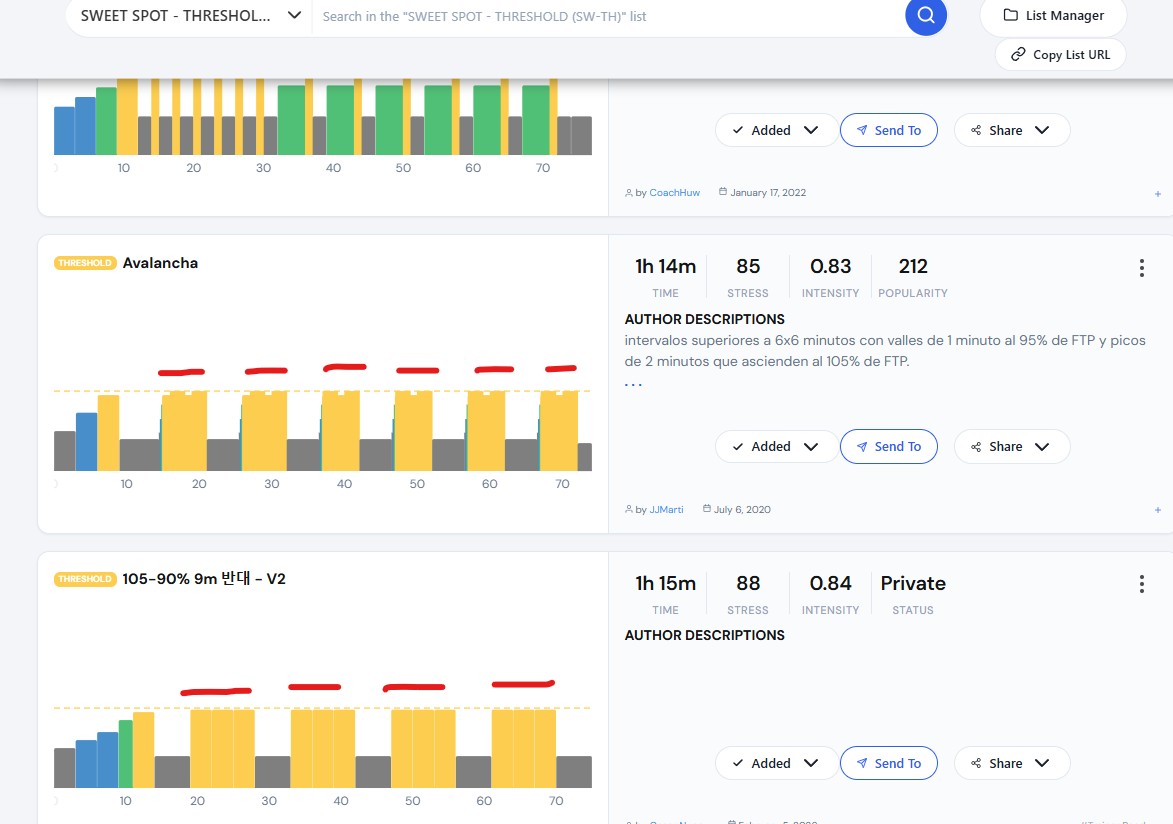
Correct. Unselecting means you are seeing outdoor mode which does not have slopes. Slopes can go across multiple zones and have more steps so harder to display. Most platforms don’t have crazy workouts like ours meaning hundreds of steps at times.
I should say I know new people would be confused by this. But yes, I should make that checkbox a little bit clearer that it means that you’re going into outdoor mode.
Ok, thanks for the info.
I’ll keep in Classic view, I really need that kind of detailed view to create the workouts
But when you’re creating the workout, you can have it in creation mode, be the classic view, but on the search and the grids and everywhere else, you can have it the colored view. And also if you click on the workout (workout detail), you can have it the classic view. So when you’re just browsing around, you can have the colored view. And then when you get a little more serious, like creation or viewing the details, then it goes into indoor full details.
So leave that little switch off so it’s not blue, but then go to the individual workouts and just set it to indoor and then it will always show it correctly or original. See below.