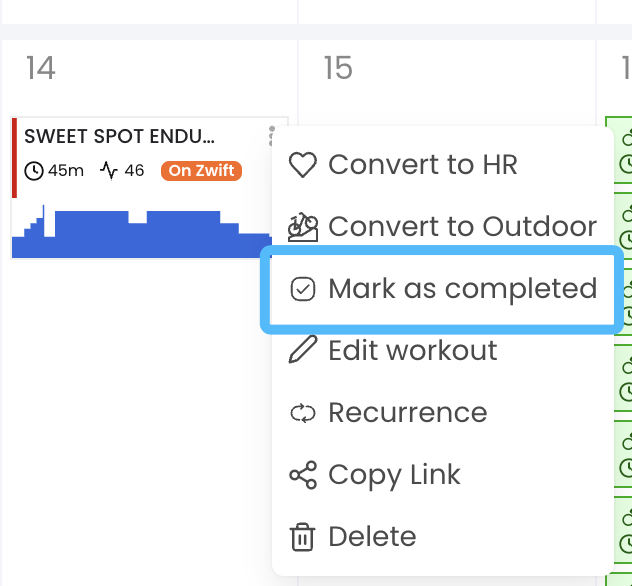
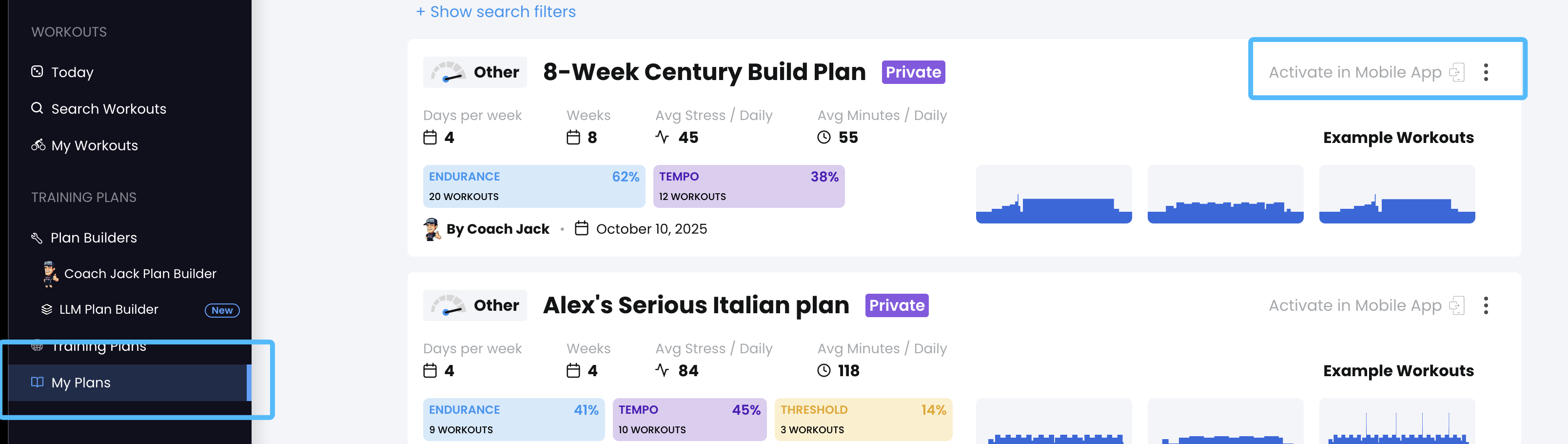
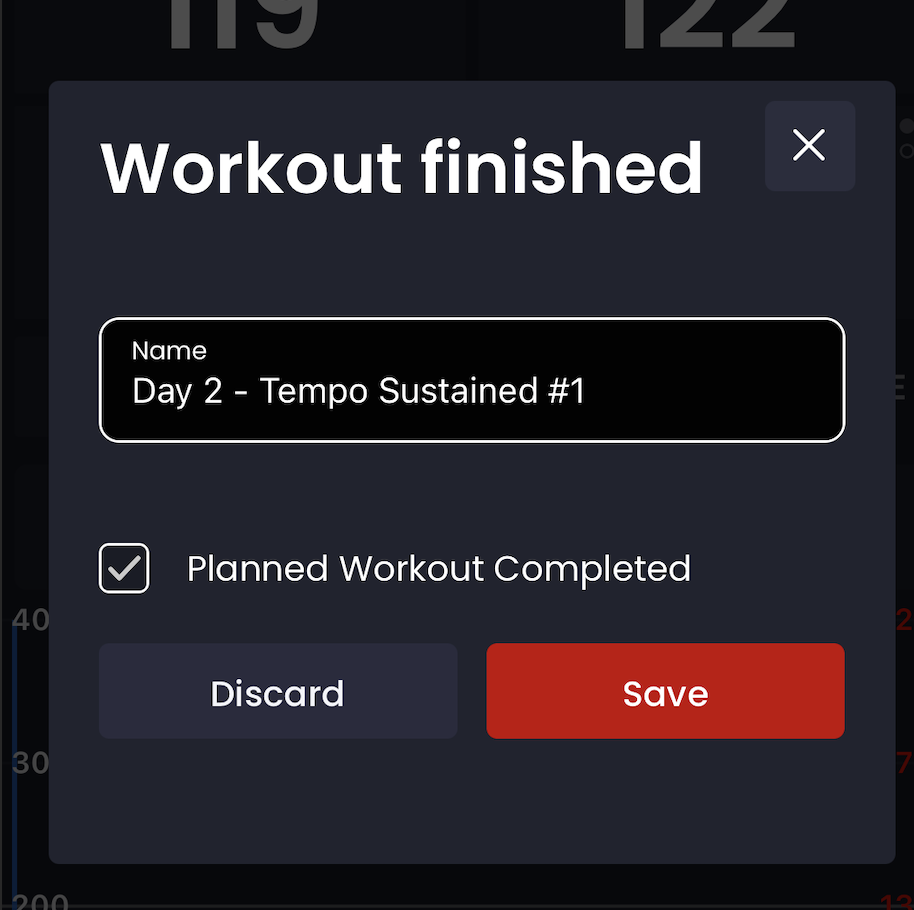
Trying to start a CJ plan and have read the forum to mark workout as complete in the calendar (and the app) but once I do this the next scheduled workout does not show up in the app?
What am I doing wrong? Do I have to wait a day for the app to display the next scheduled workout?
My sequence:
-Created CJ plan w/o event date
-Sent to mobile app
-No rides yet but due to timing I wanted to start at the second planned workout so was trying to mark the first one as complete
-Tried in app to make as complete, would go to workout, click on the box at the bottom of screen for mark as complete/skipped and then click the x at top right
-Back to app, same workout displayed
go back into workout, clinic mark as complete, click x to get out, same workout still showing
-Went to calendar, tried various combinations of deleting the workout and making as complete, same behavior, first planned workout still showing
rode two workouts selected from “workouts” and lonand behold two days later the plan is on track a d the next scheduled workout is showing up
Thanks for looking into this, appreciate the app so far.
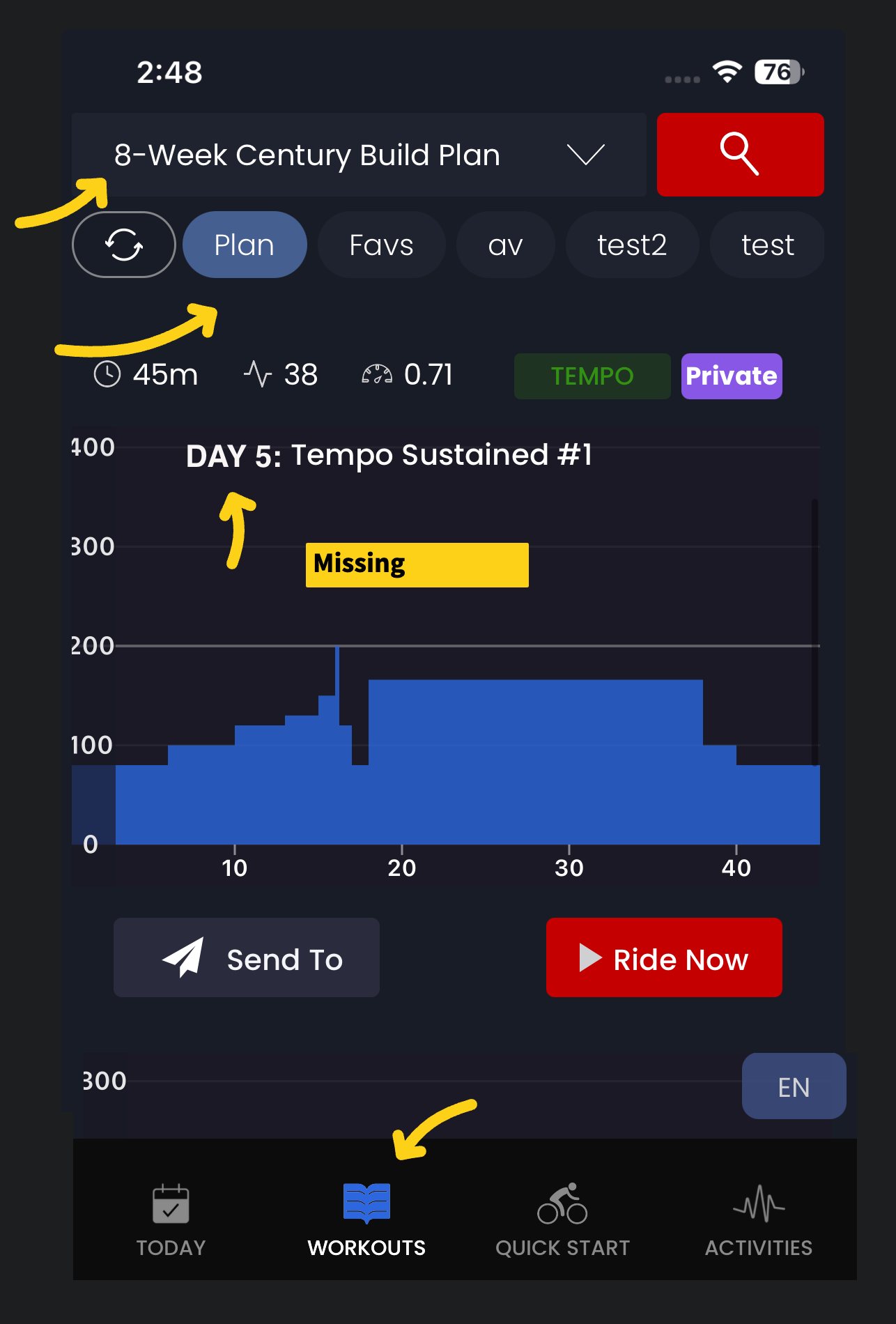
Oh, now I understand. So to clarify you are following a plan directly (sequence of workouts) not a calendar. If you want to skip a workout just go to workouts/plan in the app and select the next workout. I realized their is a bug that it does not show the “Day #” any more or the date (for calendar users). Once you select a workout in the future, you will basically move forward in time and skip over any previous workouts.
I will test this case you mentioned. I forgot that was even possible.
The issue was in the app I couldn’t go to the next workout, there’s no option to advance (again, unless I’m missing something). I had assumed that once I marked it complete or skipped it would automatically advance but it didn’t (or at east not for two days and after riding one workout).
It just kept showing “lollygag 90” and there was no way to advance on to “kerfuffle 45+” (I ended up just searching for the same workout manually and completing it).
I’ve read the forum on ‘following a planned sequence’ vs the calendar but tbh it still isn’t clear to me. I’m primary using the app and don’t think there’s a calendar function there.
Ideally I’d prefer to use the calendar but I think that means just using the web interface?
On the today tab in the app it also advances when you save the workout as completed. It should do so immediately after you complete the workout so you could do 2 in the same day for example, although it’s possible it does not refresh immediately. If you see any issues with this let me know. It’s just on workouts/plan it let’s you skip ahead if you want. We will test all this to make sure it is working as expected.
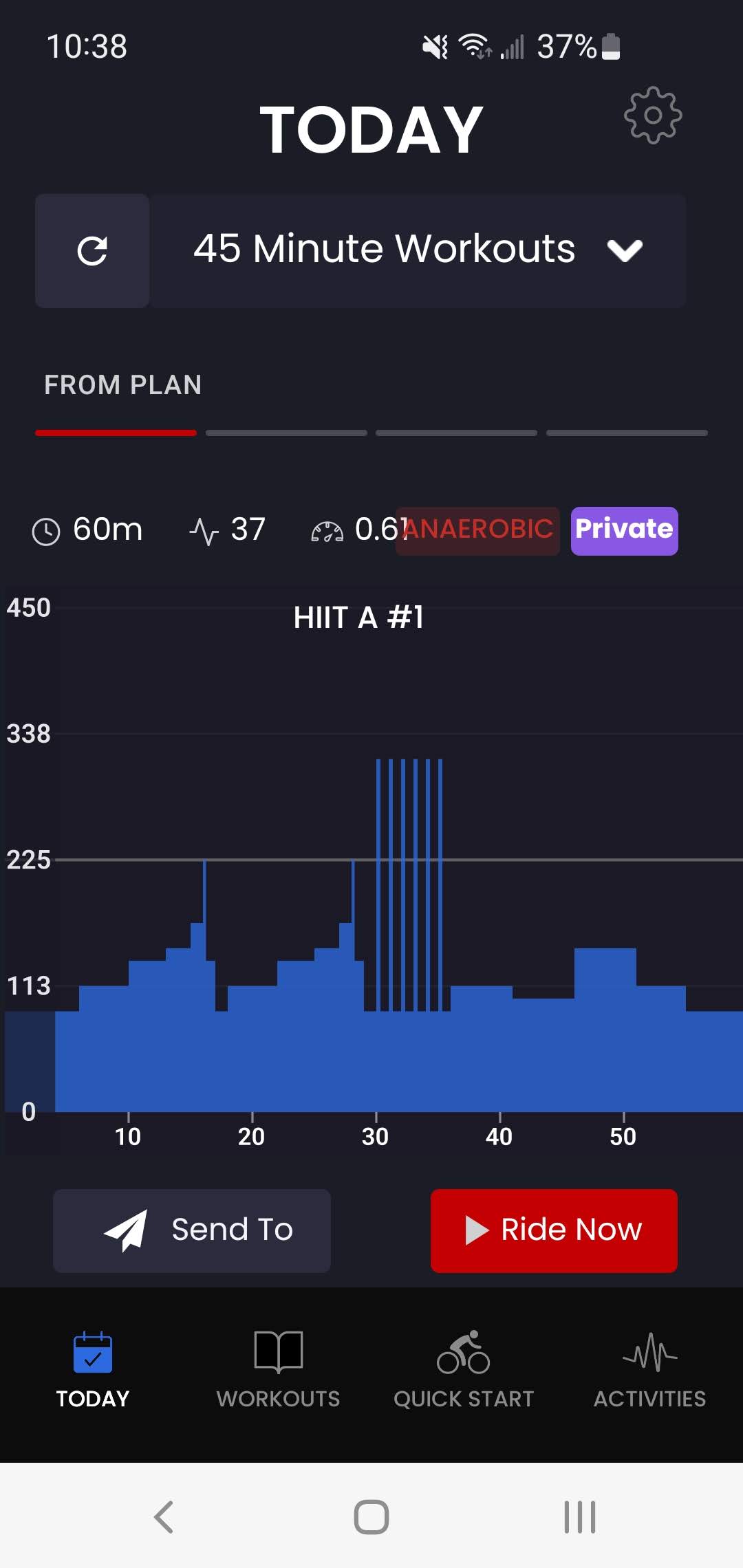
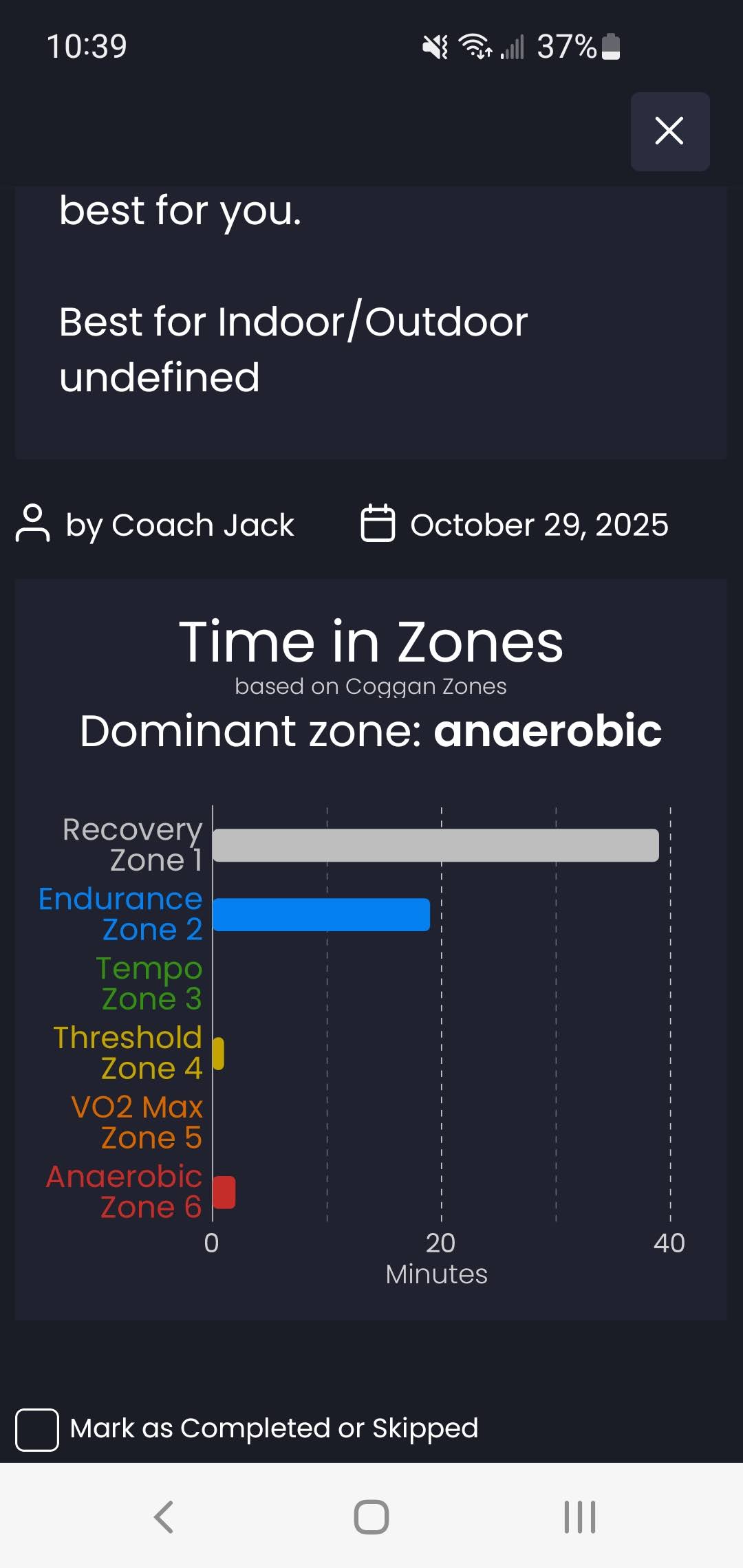
Here’s the screen shots after I marked a workout (HIT A#1) as completed yesterday: #1 = today tab #2 = today clicking workout after it was marked as completed
Note:
is NOT marked as completed
is still showing HIT A #1 workout
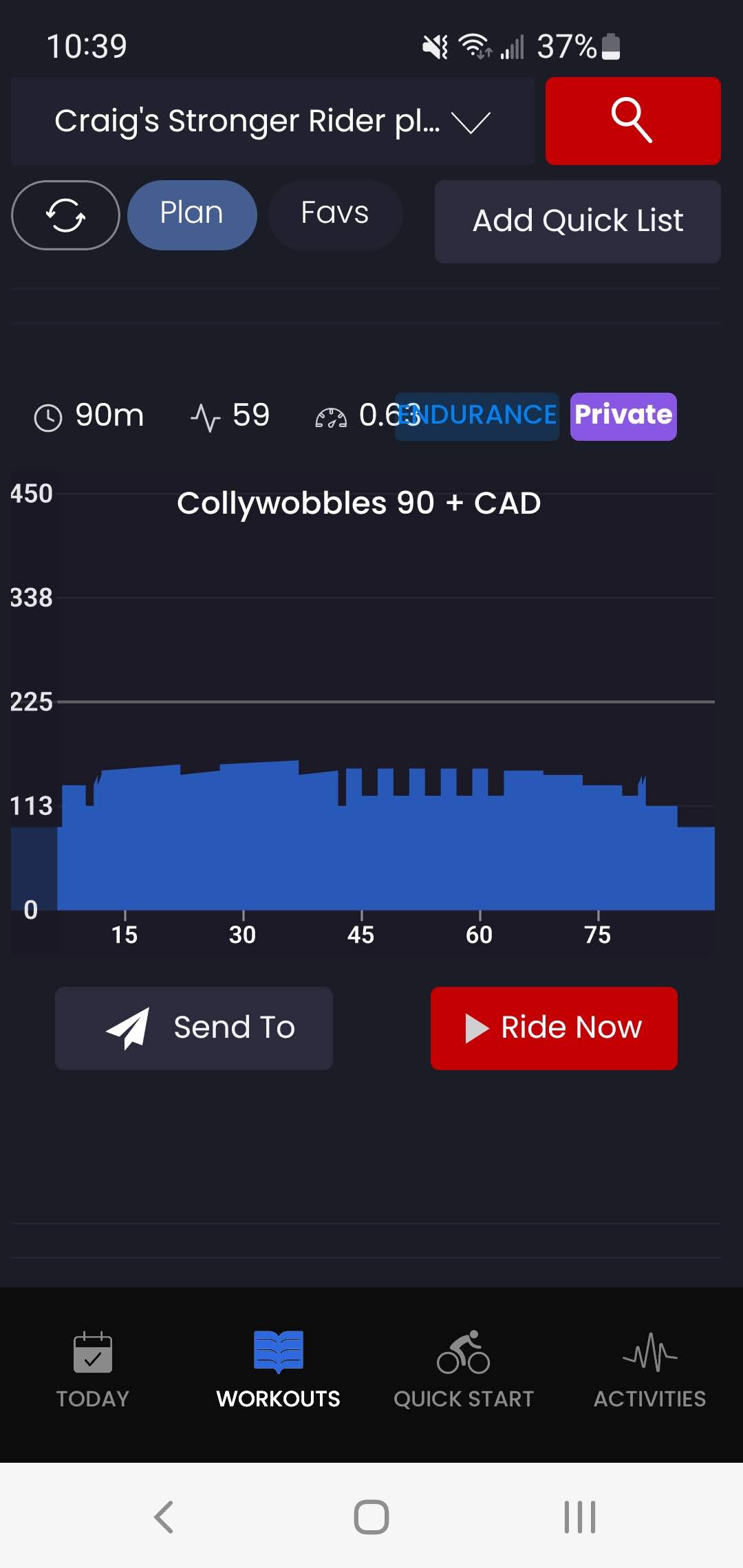
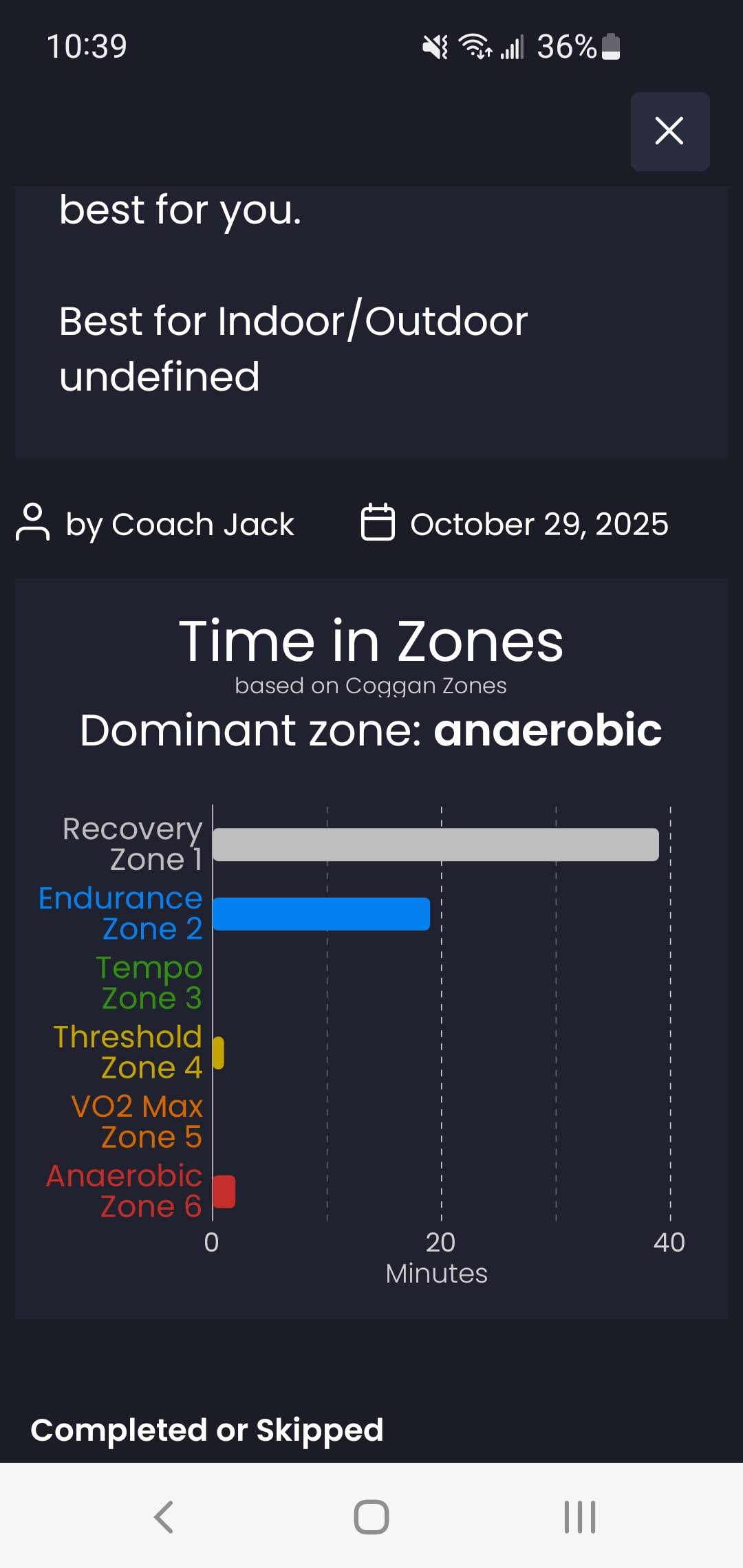
#3 = workout tab #4 = workout tab clicking on workout and IS marked as complete
Note:
IS marked as completed
is showing the next scheduled workout (collywobbles).
Sorry for the multiple e-mails, just wanted you to have as much info as possible.