I updated this morning but no change yet.
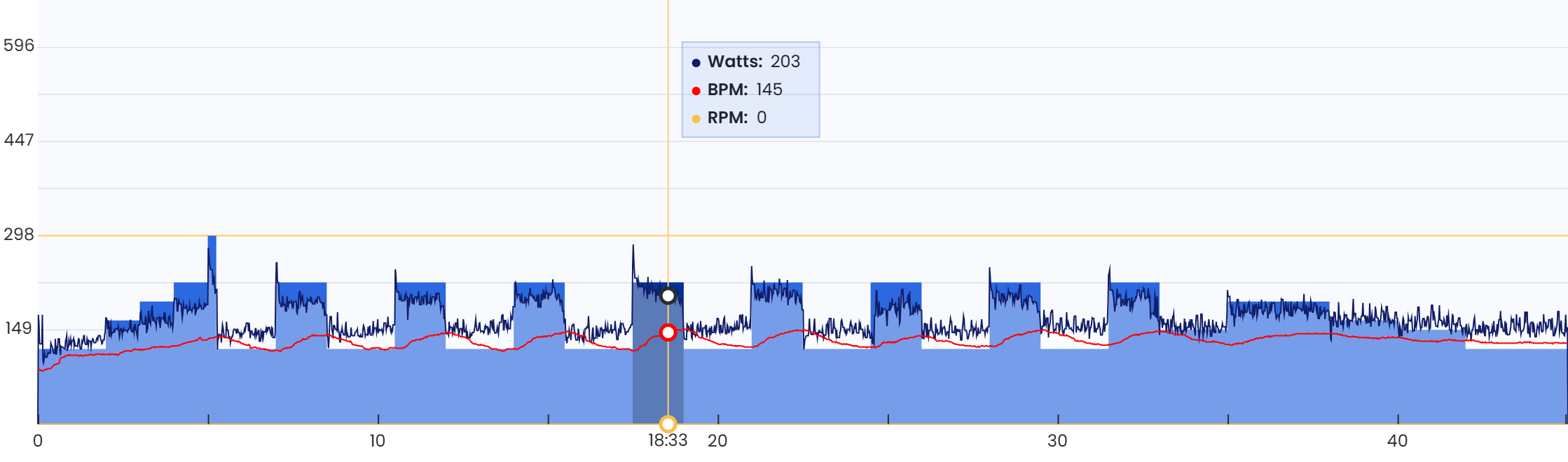
Ok so it looks like it setting power but the wrong power? It’s very strange. Also you are not seeing RPM. So this appears to be you and one other user that are mentioning both of these issues. I have a new theory on the power control. We have not looked at fixing this as these other issues affected more users. Now I can focus on these. I will create a new thread for this with you and the other user.
1 Like
Hi:
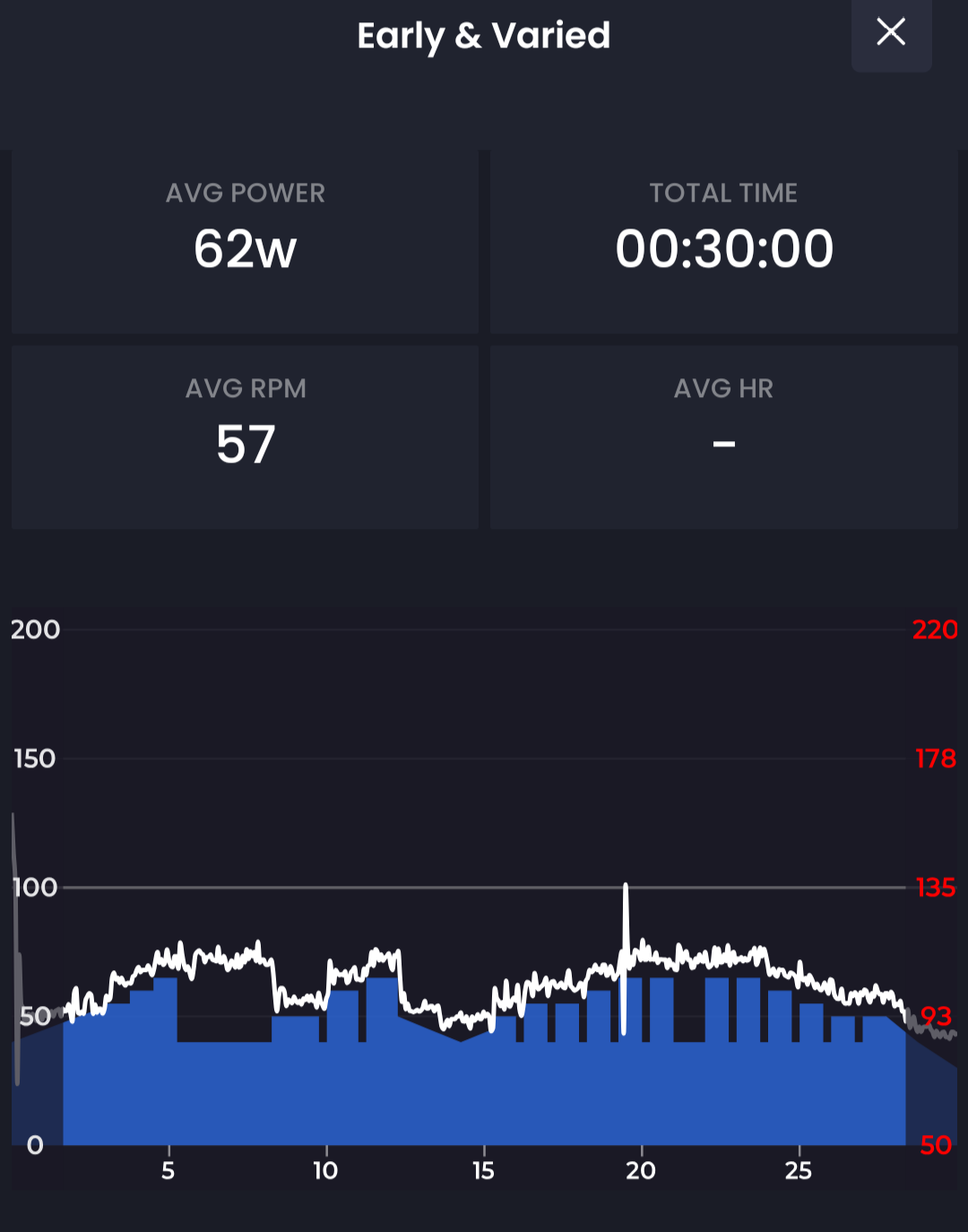
Not quite there yet, but much improved.
I fiddled around with the app, starting/restarting, uninstalling/reinstalling, clearing the cache, et cetera.
So I did a 30 minute workout and the app performed much as it should, the ERG did not drop out, cadence and power displayed properly…
Just one funny thing; Notice that the ERG did not adjust the resistance downward in many places, best example being where it skipped right over that big trough at the beginning… Almost as though it wasn’t obeying “down” commands.
Thanks,
Paul
That is much better. I found another case that is hard to explain but it might improve or fix this in Tuesday’s update.
Hi:
Installed 7.6.6. Thlngs are still not working correctly.
The last time the app worked perfectly for me was on September 17. I believe there was an update shortly after that and that’s when things went awry.
Paul
Just to confirm. You have two issues.
- ERG control does not work correctly all the time
- You don’t see cadence data
I just reviewed the data you sent again. Also we reviewed our code. A couple users are having problems with set power target and I think I know how to fix it. We did not actually try to fix this yet as we were dealing with some issues that were affecting more people and now those are resolved we can look more closely at this.
Regarding your cadence data, I clearly see it in the data you sent so I need to review why it is not showing in the UI if that is still true.
1 Like
Hi:
I too, am having problems with TD Ramp Test but different. The cadence and Watt readings are freezing up.
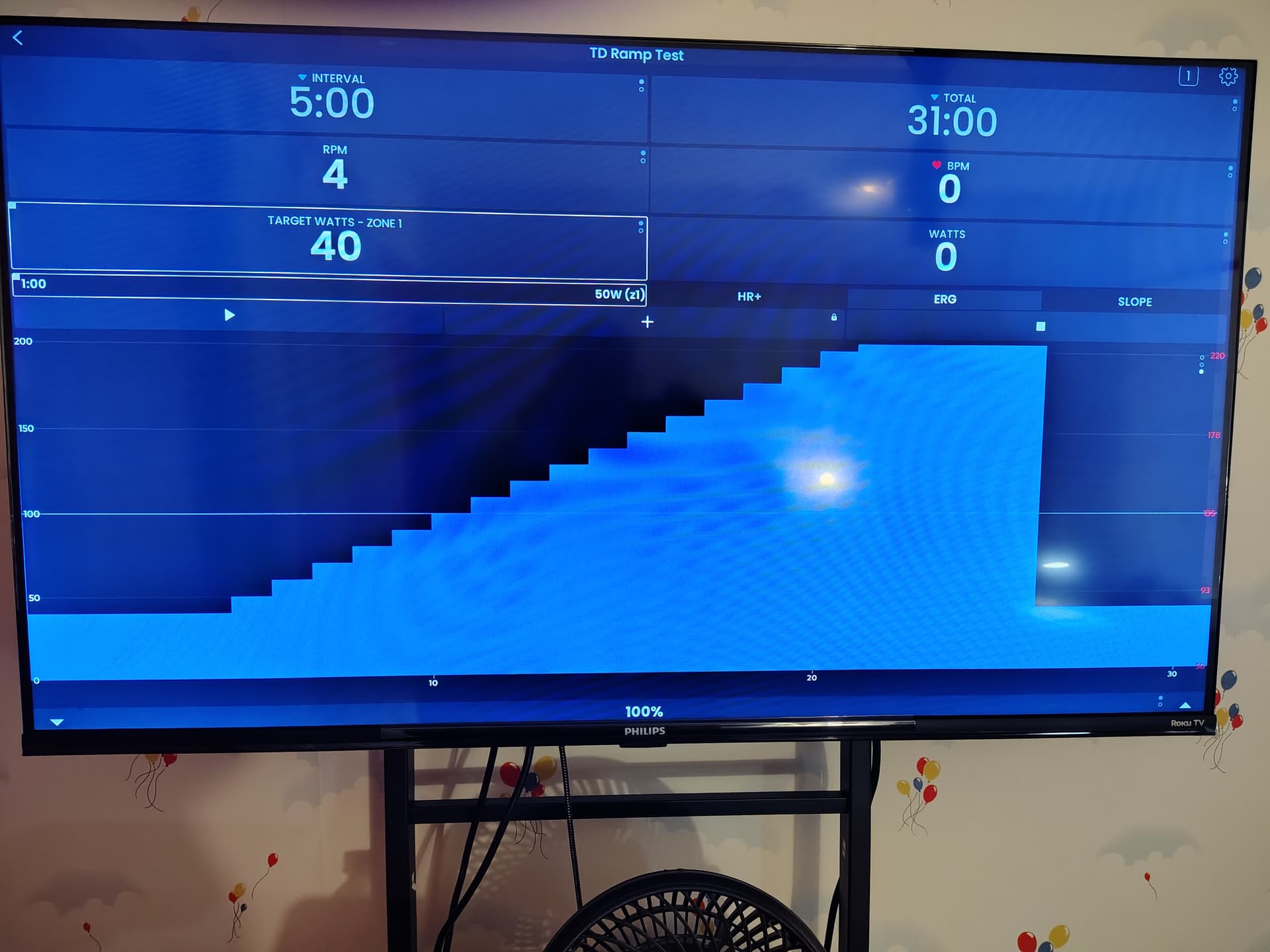
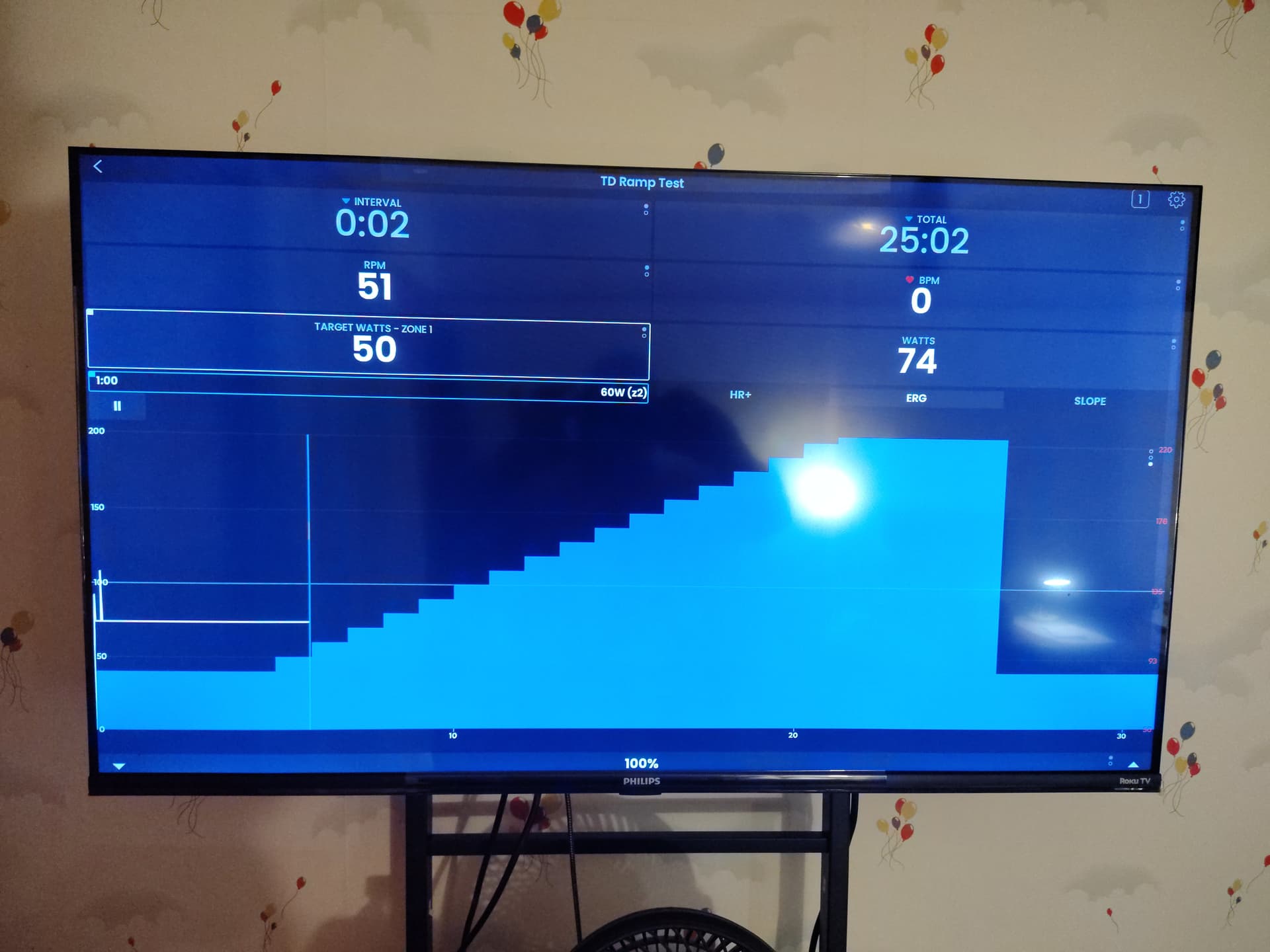
The pictures show the beginning of the test and about 6 minutes in.
Tried a regular workout and things were working normally.
Version 7.5.3
Android 15
Thanks,
Paul
Strange. What trainer do you have?
It is a Renpho AI-Powered Exercise Bike.
Model R-Q002N.
Reading documentation, my assumption would be that this device does not support ERG mode (automatic power matching to target). It says 24 resistance levels. You could try one of 2 things. Click on slope and click up / down at the bottom of the page to see if it get’s harder and easier. If not go to settings and turn off Sim/mode and it will turn to resistance mode. Click resist on the quick start screen and try the up down test again. It seems that you will likely need to manually adjust your resistance for a ramp test unless you have seen ERG mode work on this training and if you need more explanation let me know. Our blog also explains this stuff.
- Slope is what zwift uses for normal riding
- Resistance is similar to slope but manual up down controls
- ERG is fully automated power.
Oh Yes, it supports ERG mode. I use it all the time.
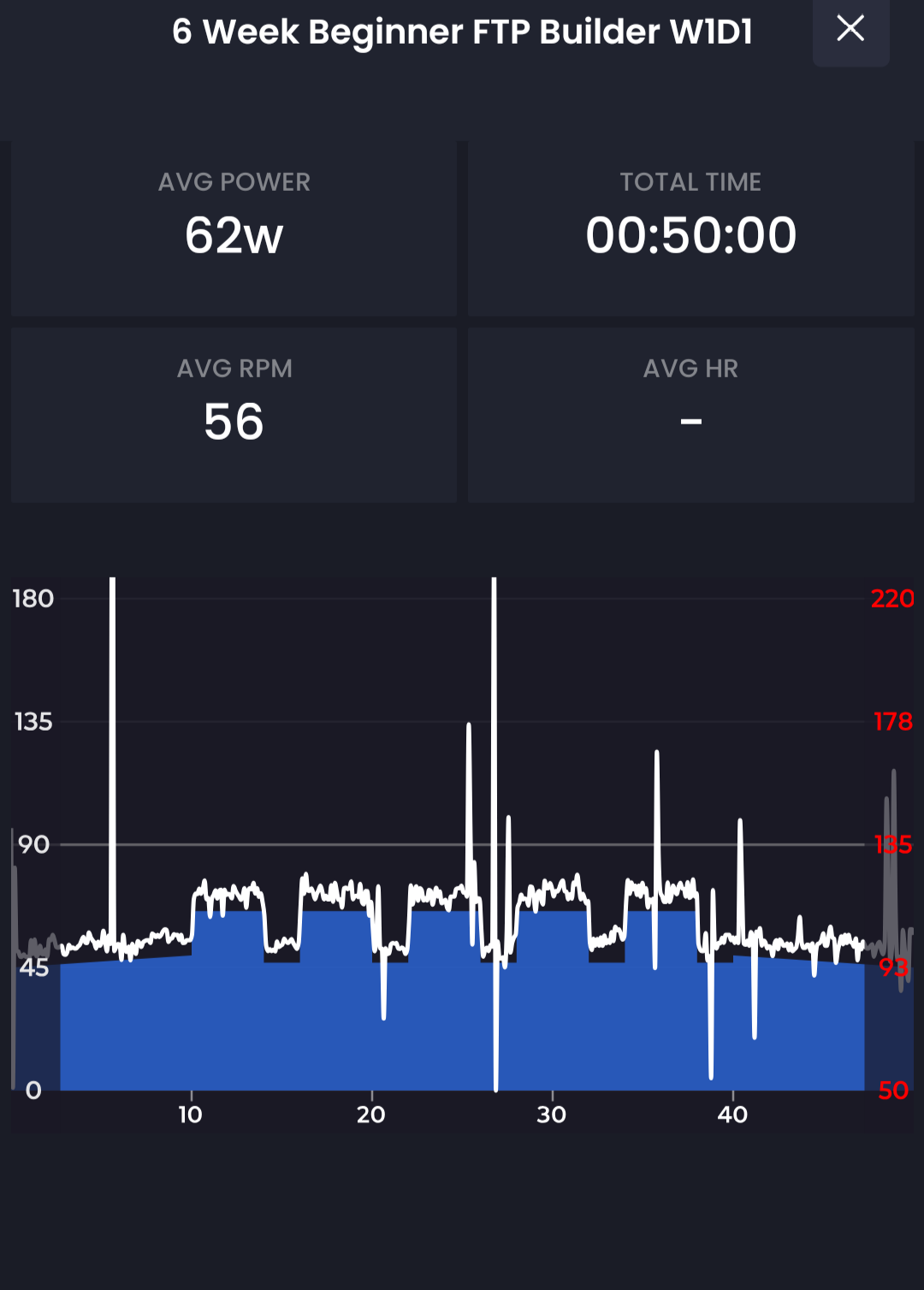
I did a workout after the ramp test and that went normally.
Oh right. Loosing my mind sorry. Interesting. We will have to review our ramp test code it should work exactly the same as any other workout. Obviously it appears it does not for some reason.
We just reviewed everything and their is nothing unique about the ramp test vs a workout regarding setting power. This seems like a 1-off issue that happened to happen during a ramp test? Horrible time for it to happen. Could you start one again, and if you ever get something stuck like this try clicking slope and back to erg to see if it “un-sticks” it. Also click on devices tab [1] to see if everything looks normal. As I said it really should not be a ramp test issue but it would not be the first time I was wrong if it is.
1 Like
OK. I will try those things.
Thanks,
Paul
FYI I did reinstall and FTP test is working. This is on iphone
1 Like
Oh I realized I did not answer your question correctly before. Sorry yes try uninstall/reinstall 
OK. So here is where we are at:
First of all, you’re right, the problem was on all the workouts, not just the Ramp Test.
I went through many steps, multiple resets, turned off a smartwatch that was showing up in the phones Bluetooth settings, I uninstalled and reinstalled the app. Here is what is happening now.
-
When the app is first started Bluetooth connects and the local controller shows ERG mode.
-
I choose a workout and the local controller shows a resistance level of 01.
-
I start the pedalling. The power is showing but not the cadence.
-
At the first increase, ERG suddenly clicks in.
-
At the first decrease, the tension does not decrease as it should and we appear to be out of ERG mode.
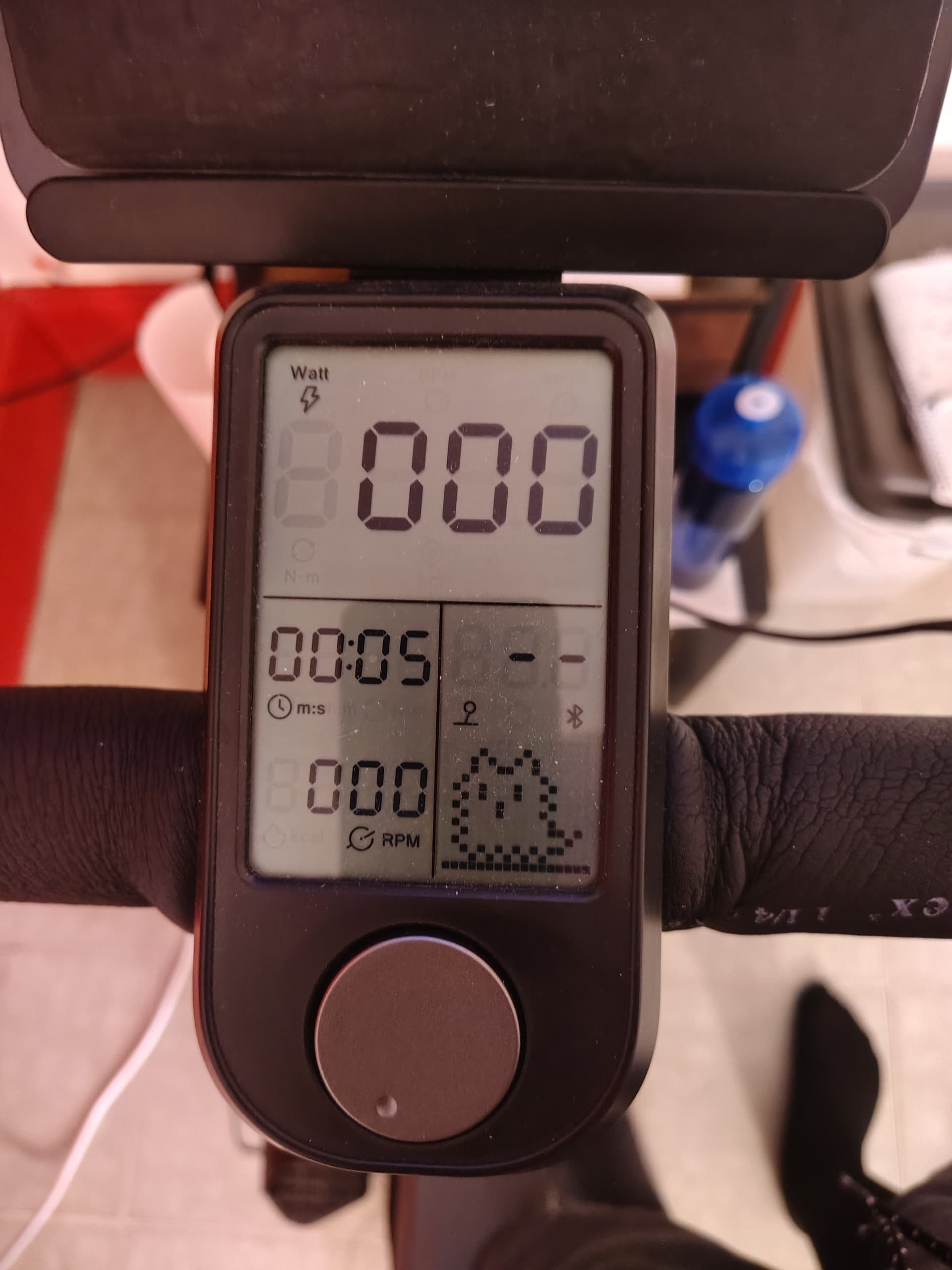
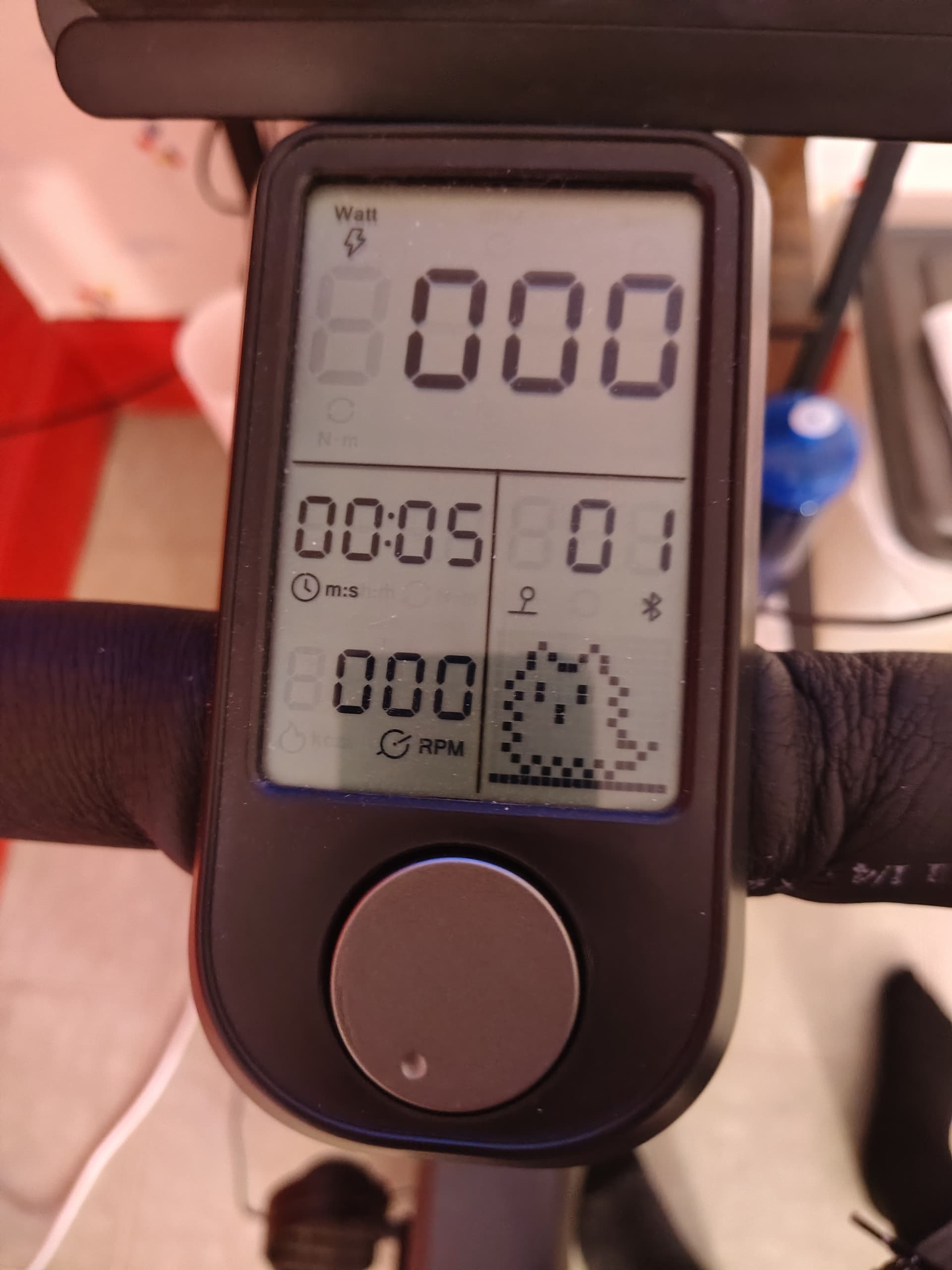
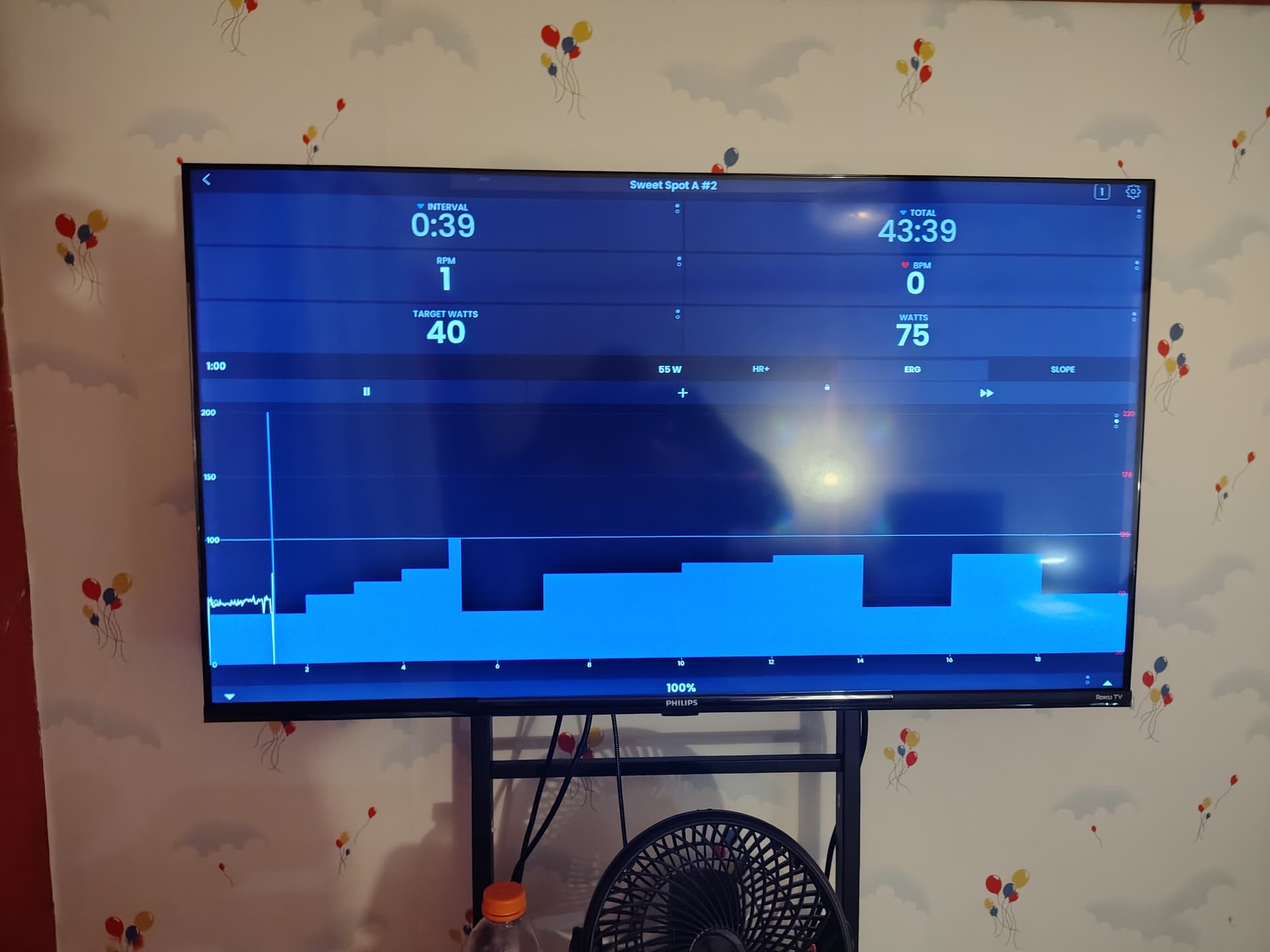
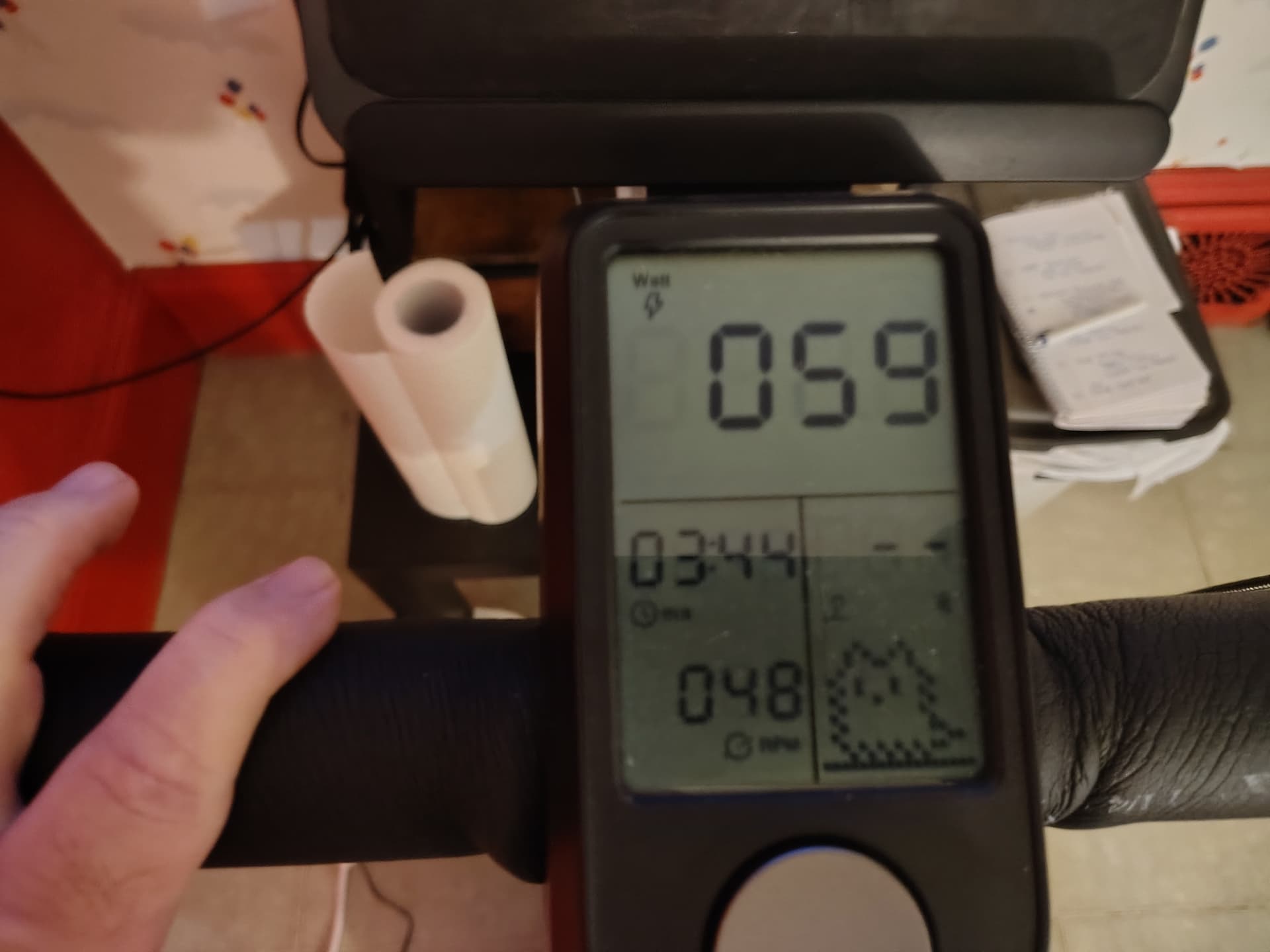
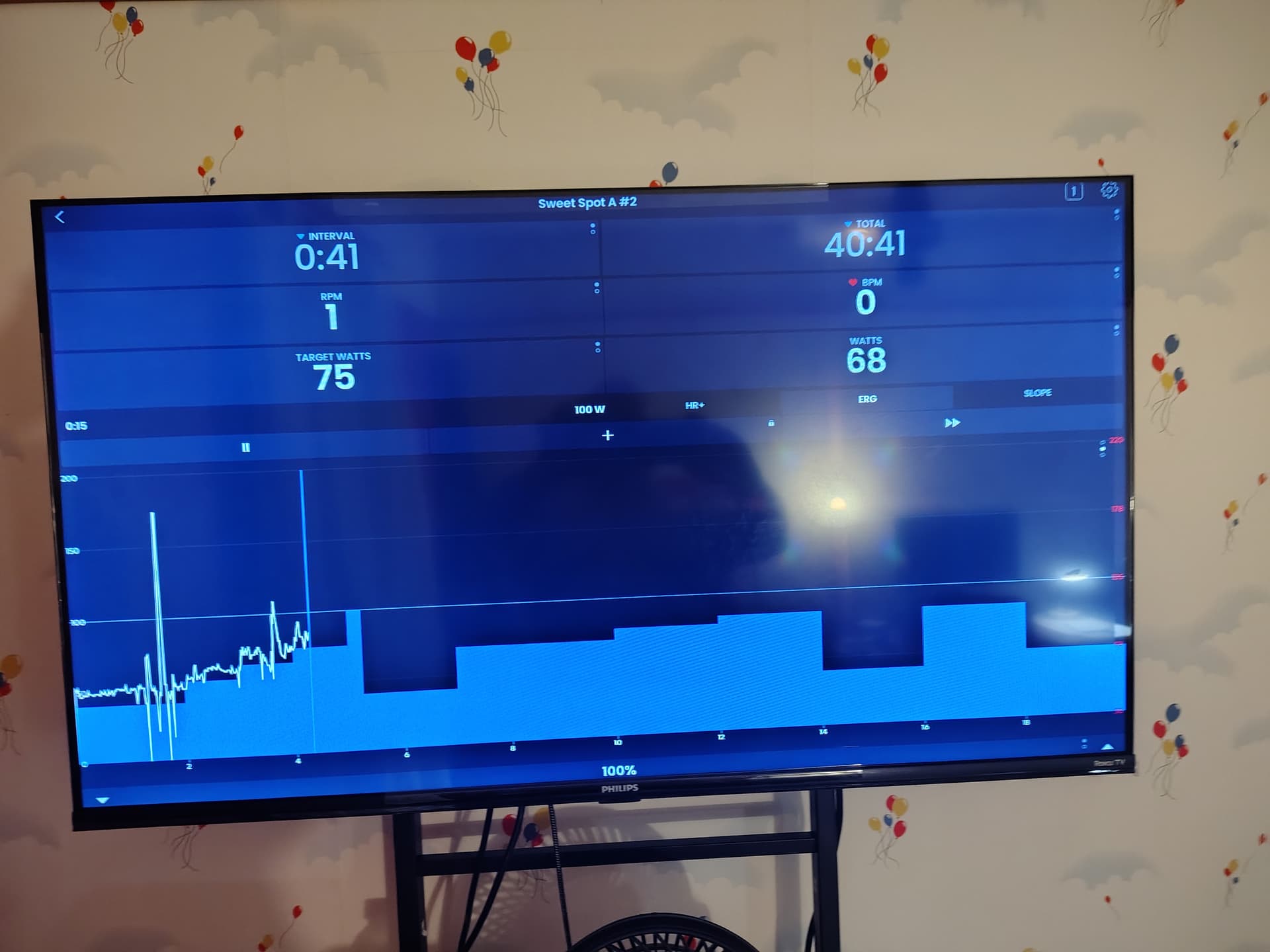
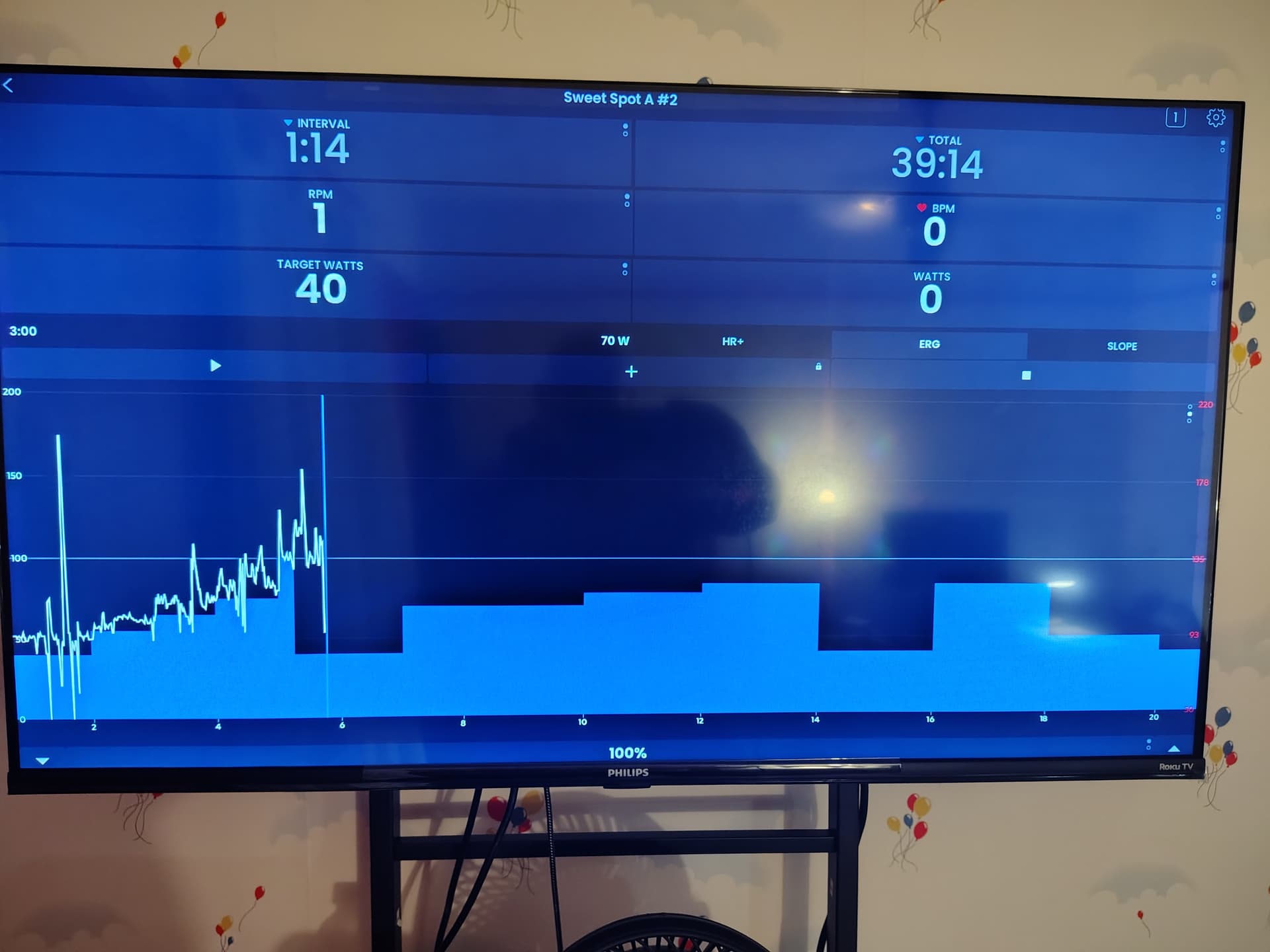
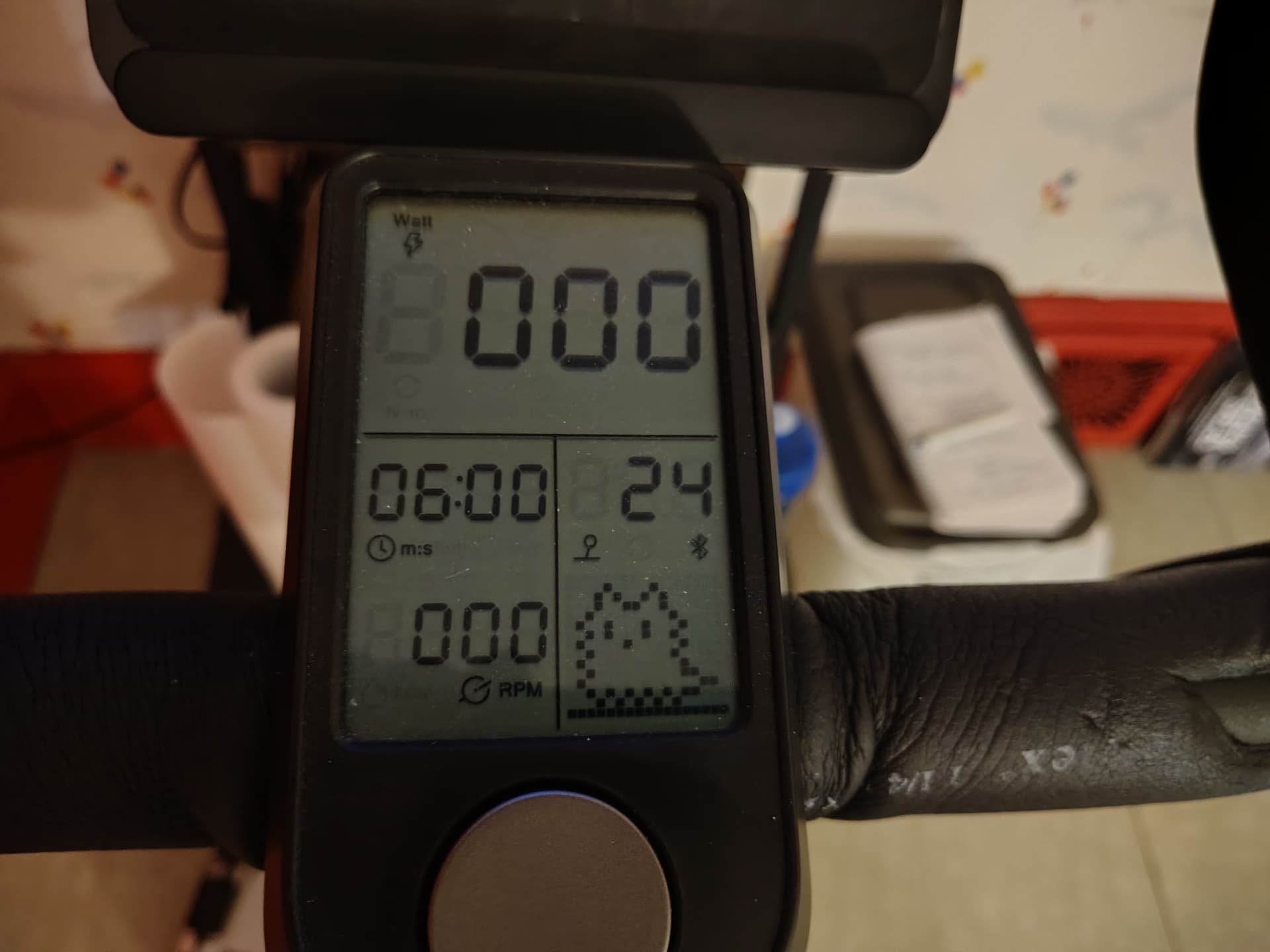
Pretty Bizarre, eh?
I tried a workout with MyWhoosh and everything worked as it should.
Thanks,
Paul
Did you try re-installing our app? There is some strange bluetooth caching happening is my belief.
Yes, I uninstalled and reinstalled.
Can use chrome on mac or windows and connect here and pedal for 30 seconds and send me the file to support@trainerday.com