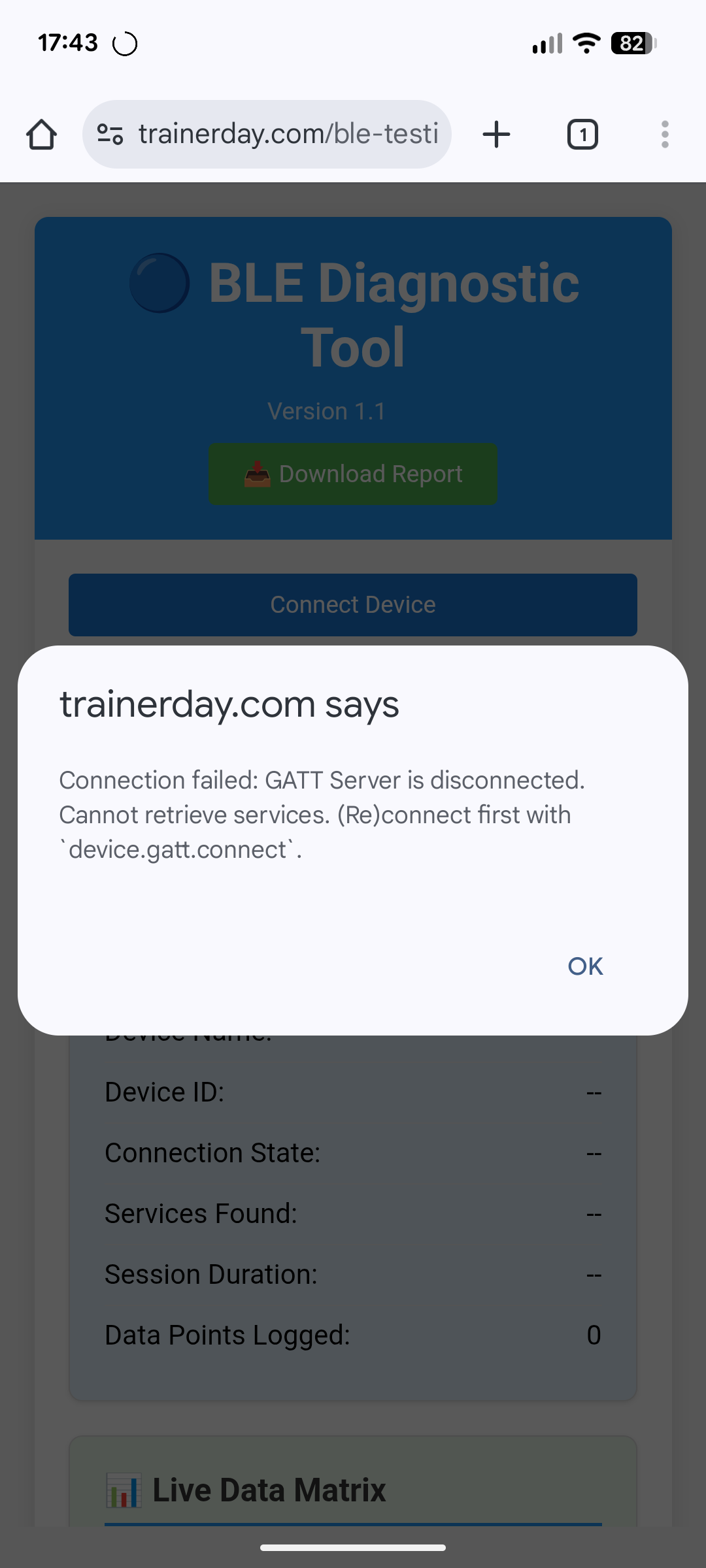
I’m on a Pixel 6a and until this week my Tacx Vortex and Garmin Forerunner 245 (HR broadcast) connected fine to TrainerDay. Now the app finds them but won’t complete the connection.
I’ve tried: restarting phone/trainer, reinstalling the app, forgetting/re-adding Bluetooth devices, airplane mode, and making sure no other apps are paired. Still no luck.
Sorry to hear. We made changes that caused this but it seems most users that had an issue have figured out how to resolve it.
We have a pixel 6 and pixel 7 we are testing with and other tacx trainers and garmin watches and it all connects fine. If you said you had Samsung I would have a better idea what I thought the problem is but with pixel I am now confused.
You can go to settings/apps/trainerday and review the permissions we used to use location services and now we are using direct bluetooth connections.
Yeah me too on Pixel 7 A16 with Garmin 955. But other users have issues connecting to Garmin watches. Only a few samsung users have issues connecting to a trainer now. Your case is harder unless it is permissions but usually permissions won’t let you even see the devices. You could try just keep clicking on + and - in our app. It’s 2-phase one is pair with device the second is setup notifications so we can get power, hr, cadence… and it is the second part that is failing. The current version has re-try for heart rate. One thing you could try that might “break the lock” on your watch is make sure broadcast is on and disconnect it from your android settings.
You also could try logout of our app. That might clear something that uninstall does not. Hard to believe but android has some strange caching that I don’t understand.
I have another idea which is restart your trainer and power off your watch and back on.
I’ve redownload the app this morning. I can now connect the Garmin, which is good. The app is finding the smart trainer but still won’t connect.
Interestingly, the app first identifies the trainer as the whole smart trainer but then won’t connect. Going out and back in to the connection screen it then identifies it just add the power meter on the trainer. It flips between the two.
But as it stands I can’t connect. I suppose if it continues I’ll have to cancel my subscription.
Oh sorry I forgot to mention this should be done on windows or mac in chrome. It should have told you that. It looks like bluetooth is working on your device though. That message still might help. Let me do some research.
I got your email but I will just respond here. That is very interesting. It really should be working in our app but we will need to do some deeper research. It seems for sure we should be able to get this fixed quickly. I will keep you updated.